Create a Seamless Virtual Family Photo from Separate Locations with AI

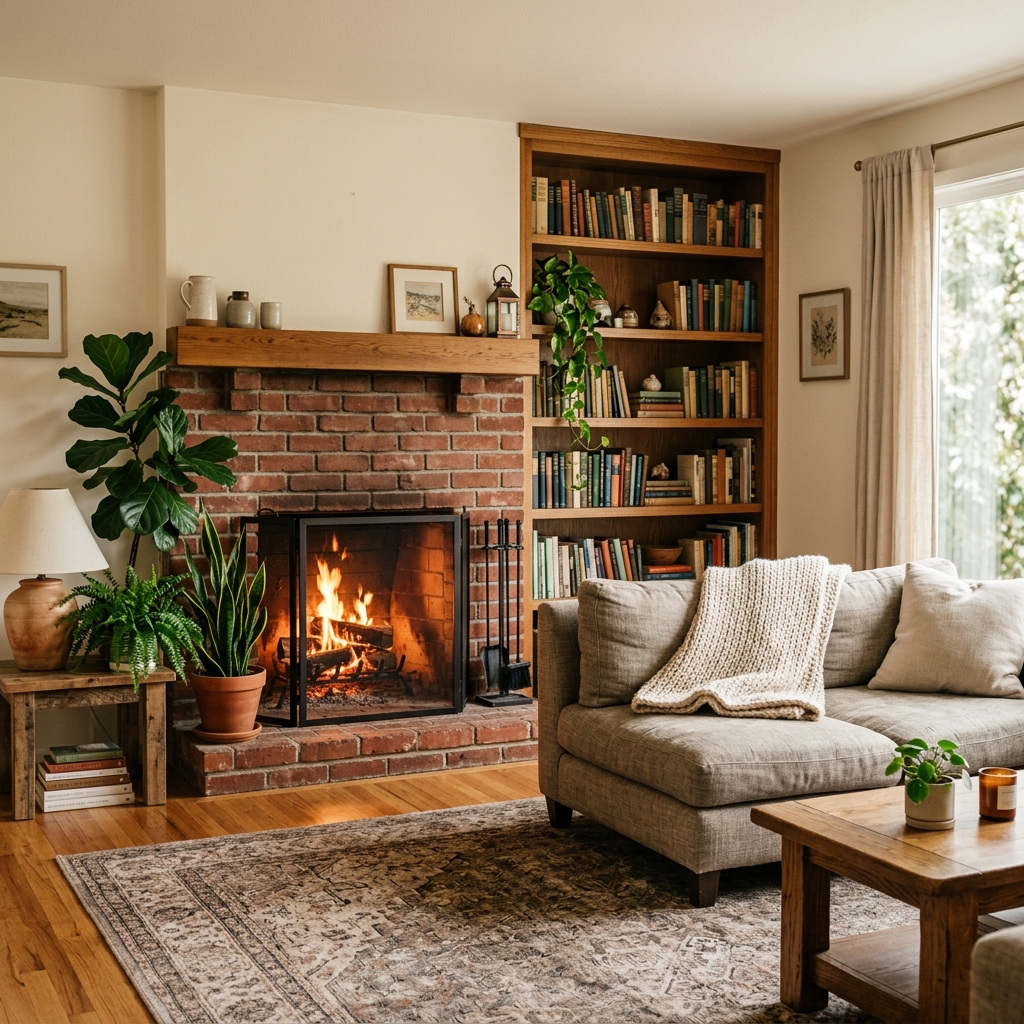
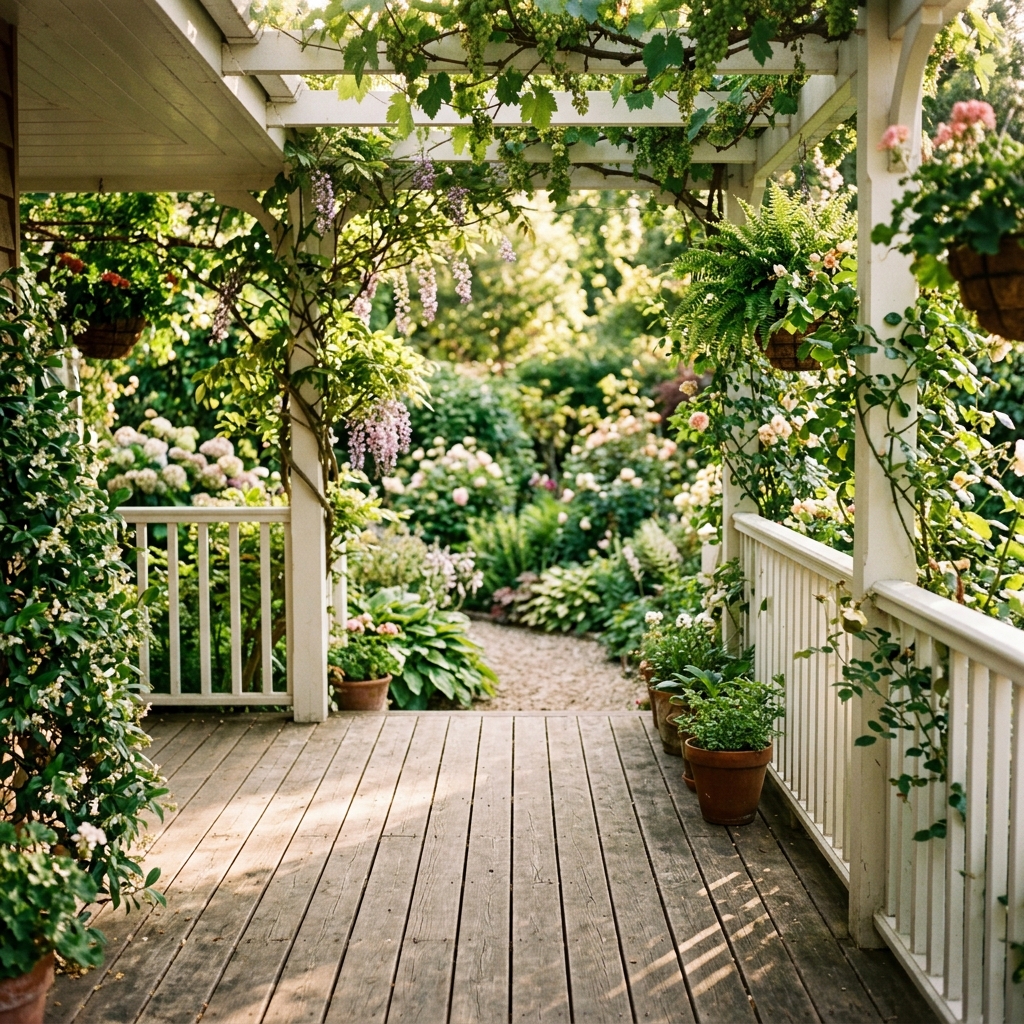
Separated by cities, borders, or oceans? Bring everyone back into the same frame. Upload individual photos of your long-distance family members and let our AI place them naturally into a cozy living room, warm porch, or sunny garden with matching lighting, shadows, and resolution.

Start Blending Free

Result Preview

Preview Your Family Photo

Natural family composition.. Upload photos, then generate one cohesive family photo.

Sources0
Frame3:4
Example family photo generated by Kinpict
Example ResultUpload your photos on the left to create a portrait

See the Seamless Blending Quality for Yourself

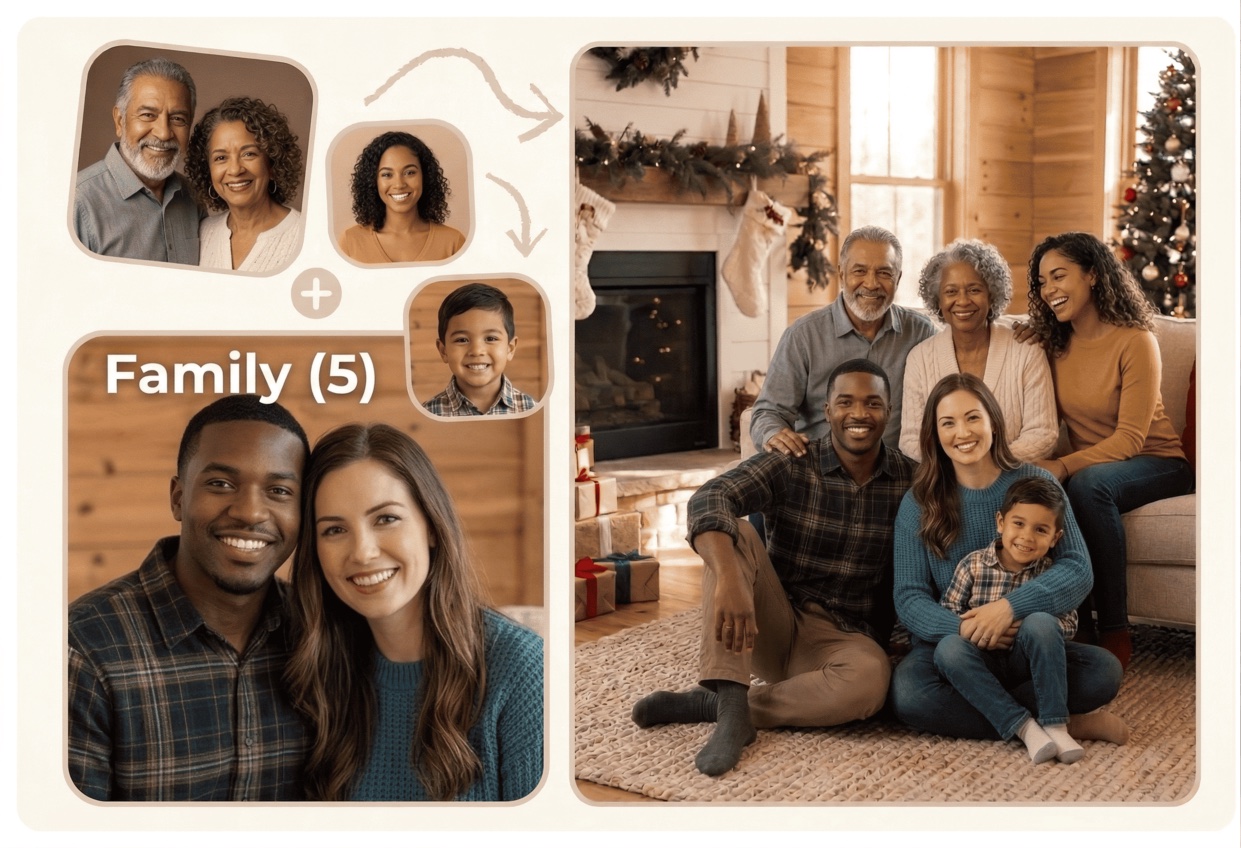
Drag the slider to see how our AI blends separate individual portraits taken in different locations into a single, cohesive family portrait.

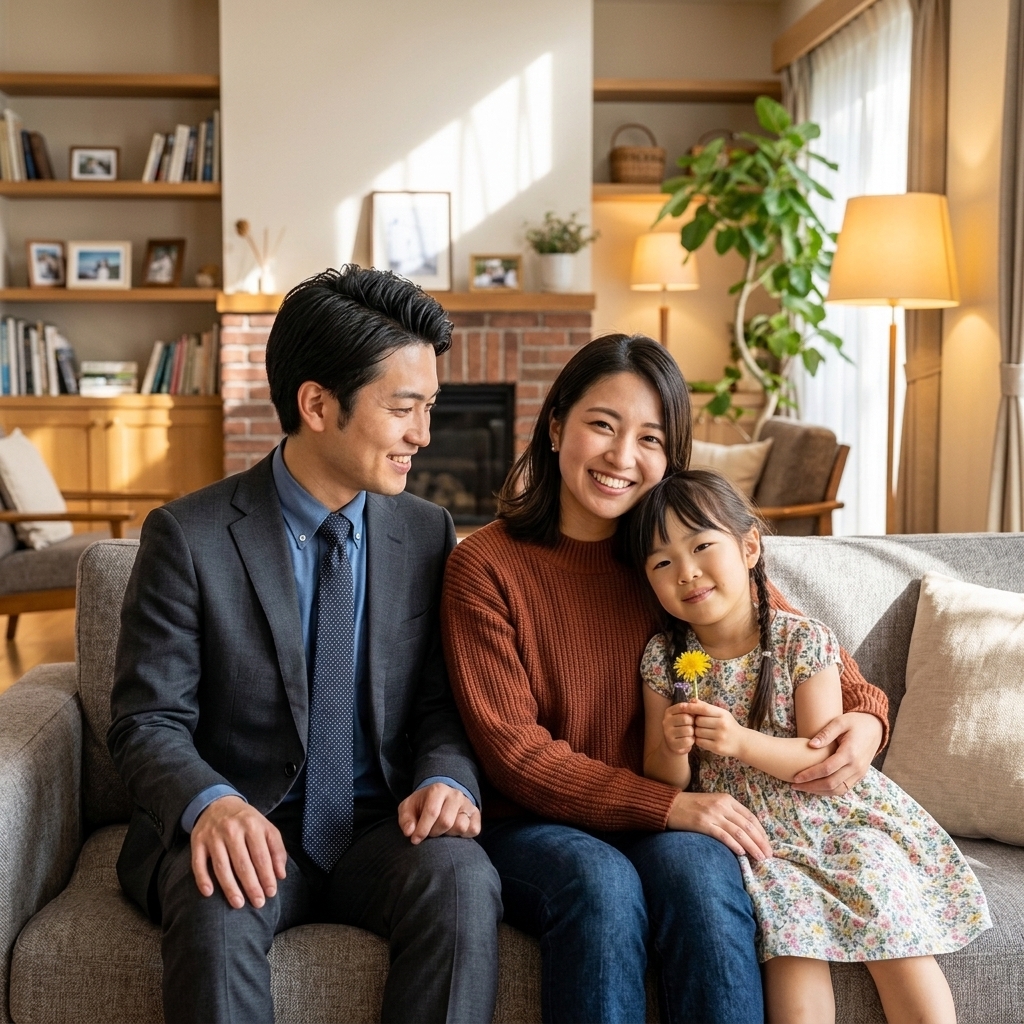
Distant family members in separate photos
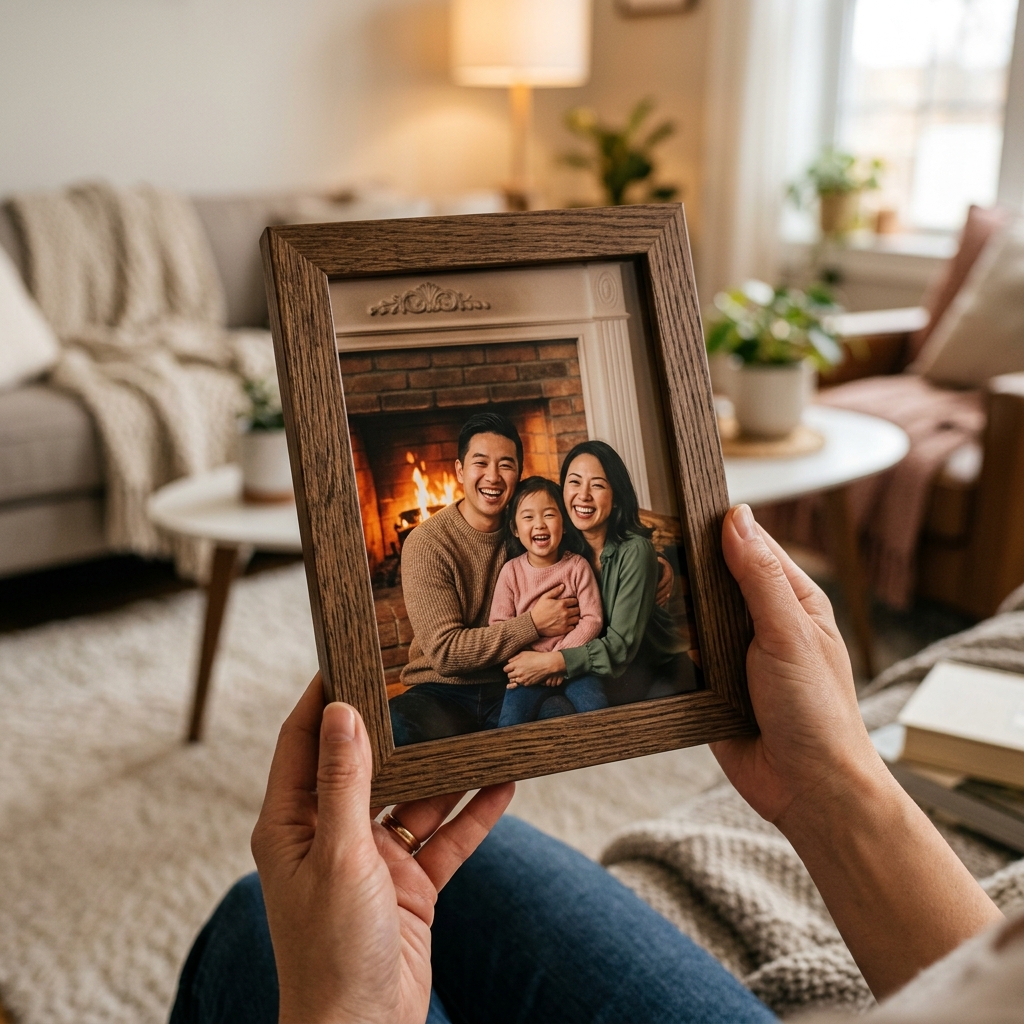
Distant family members merged into virtual cozy living room photo by AI
Separate PhotosMerged Portrait

Reunion Without Limits

Bring Distant Family Members Together in One High-Resolution Virtual Portrait

No matter the distance, bring everyone into the same frame. Our AI matches resolution, color temperatures, and angles from separate smartphone selfies to build realistic virtual family photos.

Combine separate family photos into one shared portrait

01 / Combine Photos

Combine Separate Long-Distance Photos

No matter the distance, bring everyone into the same frame. Upload individual photos of your family members and let our AI place them naturally into a warm family scene.

Combine separate photos
Add a missing person or pet to a family photo

02 / Complete the Group

Complete the Virtual Group Photo

Need to add a missing family member or pet to an existing background? Select from our premium templates and let the AI balance colors and exposure.

Open family tool
Repair and edit old family photos

03 / Style and Blending

Adjust Lighting & Shadows Automatically

We automatically balance exposure and color temperatures of separate photos so they blend naturally into a single, cohesive memory.

Start Blending
AI FUSION TECHNOLOGY

AI Virtual Family Photo: Create Realistic Family Photos from Different Locations

This AI Virtual Family Photo generator helps families create one shared image when relatives live in different cities or countries. Instead of stitching layers by hand in Photoshop, you can combine separate photos into one cohesive scene through an AI-guided process focusing on natural lighting alignment and realistic depth perspective.

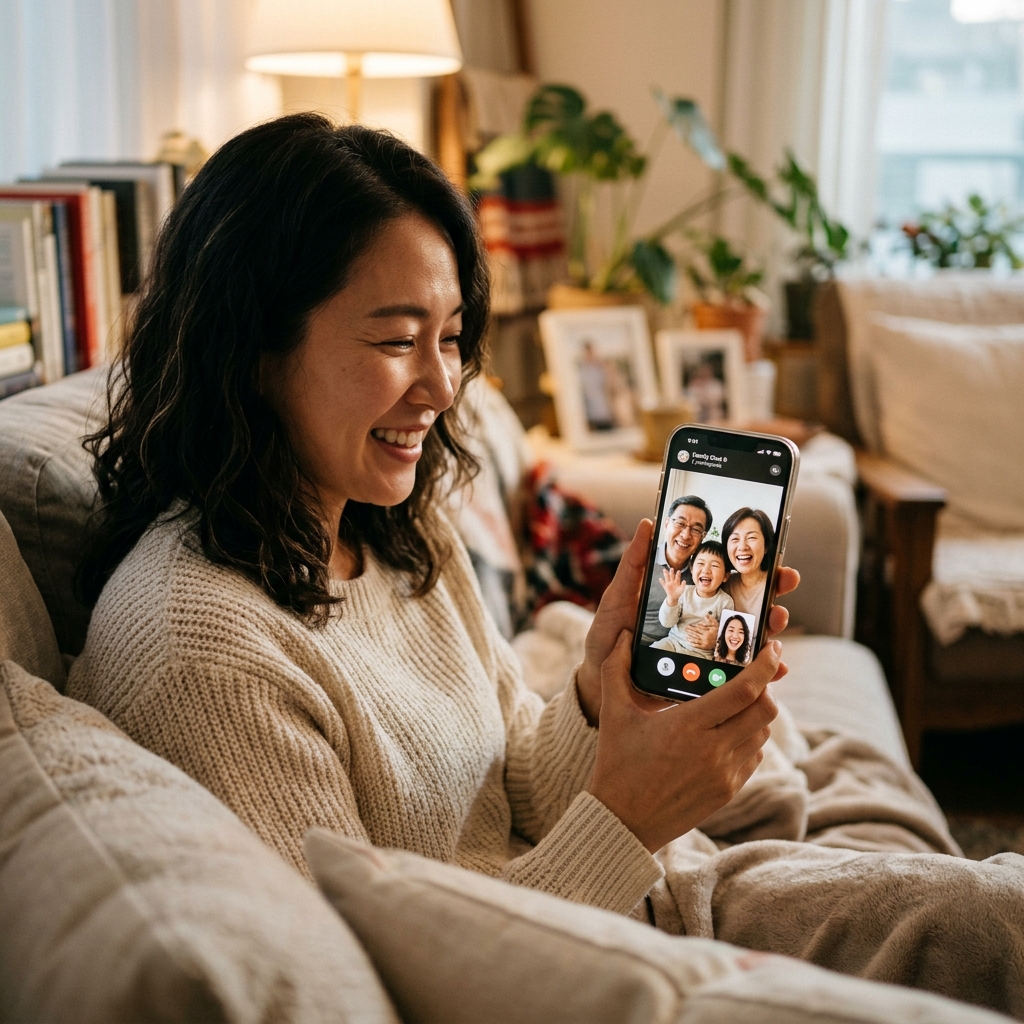
It is designed for long-distance families who want to share a visual memory but cannot easily travel. Whether your brother is deployed overseas, your sister is studying abroad, or parents live in another state, you can choose a warm living room or holiday veranda background and place everyone in the frame as if they were共处一室.
Separate Pictures
Dad
Mom
Kid
AI Fusion
Cohesive Portrait
Unified Family Photo

Why Choose Kinpict AI Generator?

AI Lighting & Color Harmonization

We correct contrasting light sources, making indoor selfies and outdoor snapshots match seamlessly in the final group portrait.

Resolution Auto-Balancing

Our algorithms match grain and pixel depth so high-resolution camera shots don't clash with front-facing phone photos.

Realistic Volumetric Shadows

We render realistic ground shadows beneath and behind each person based on the light sources in the background template.

Zero Manual Cutouts Required

Our built-in face and figure isolation tool does all the background stripping. No complex Photoshop skills or mask edits needed.

High-DPI Print Ready Outputs

Download custom generated virtual reunions in high-resolution suitable for framing, greeting cards, or canvas prints.

Posing & Selection Guidelines

Align Camera Height

Keep all individual photos taken at eye-level rather than high or low angles. A straight-ahead angle makes the composite placement look perfectly balanced.

Aim for Soft, Indirect Lighting

Soft indoor lighting or bright shaded outdoor light works best. Avoid direct heavy flash or intense sun rays that project dark facial shadows.

Posing for Natural Proximity

Have family members stand or sit with natural, slightly relaxed postures. Leaving a little room around the shoulders makes it easier for the AI to composite them naturally.

How to Create a Virtual Family Photo Online

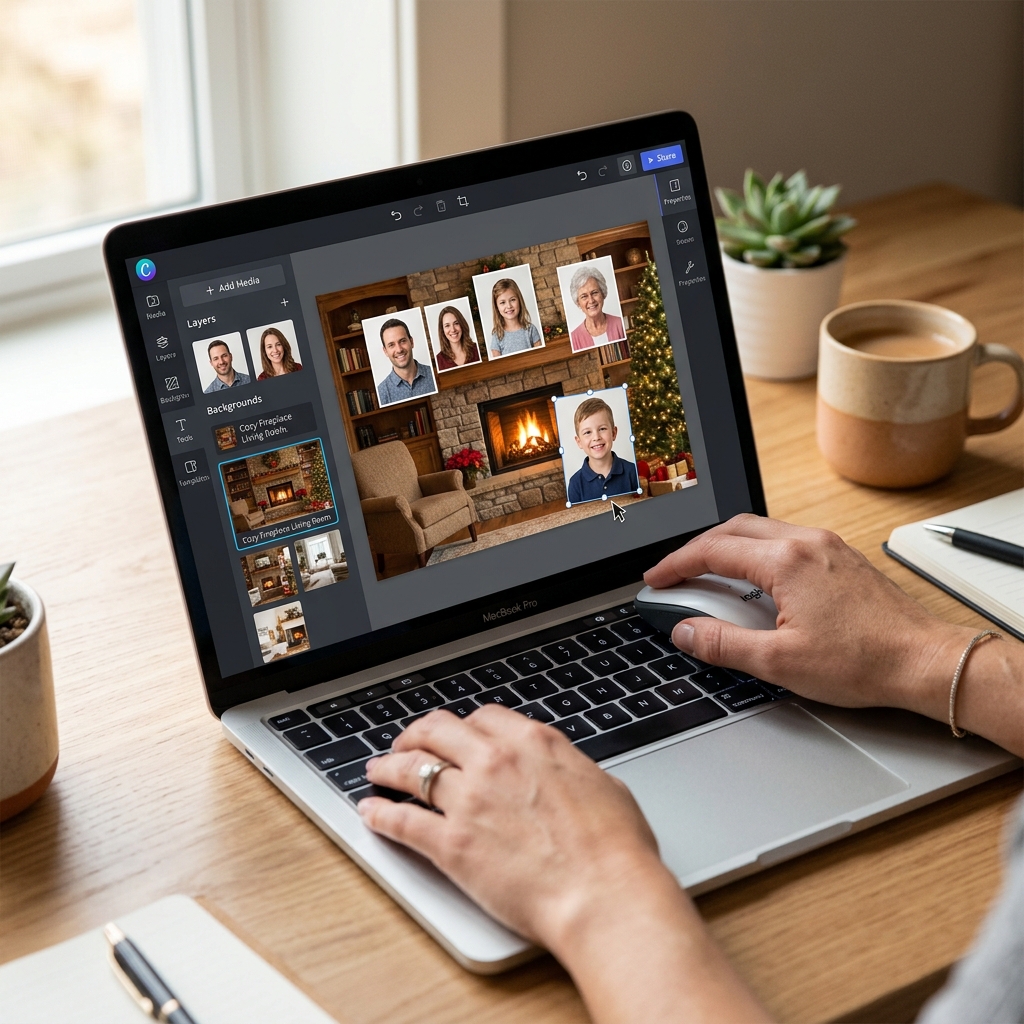
Gather your family's separate photos, choose a template, and let our AI do the heavy lifting. No editing experience required.

Step 1

Upload Your Separate Photos

Select and upload individual photos or selfies of family members who live in different locations.

Step 2

Choose Your Virtual Backdrop

Pick a backdrop style like a warm fireplace living room or write a custom description of where you want to meet.

Step 3

AI Fuses & Generates Instantly

Our AI automatically removes background clutter, balances scales, harmonizes lighting, and delivers your preview in 60 seconds.

Privacy & Trust First

Secure, Respectful Virtual Family Photos

We treat your precious memories and private data with extreme care. Here is how we guarantee safety throughout the creation process.

🔒 SECURE

Temporary Secure Sessions

Your uploaded family pictures and generated composites are temporarily stored during your session and permanently deleted shortly after.

🔒 SECURE

Zero AI Model Training

We value your personal identity. We never use your private family photos, faces, or custom portraits to train or fine-tune public AI models.

🔒 SECURE

Watermark-Free Previews

Check the resembling quality, skin tones blending, and overall layout for free before deciding to download your premium print-ready file.

CREATIVE SCENARIOS

How You Can Use Our AI Virtual Family Photo Generator

These scenarios support the same core purpose: bringing relatives together by combining separate pictures into one cohesive virtual family portrait.

01

Cross-Border Family Reunions

Bring together family members living in different countries or cities into one unified, warm home setting portrait.

02

Absence Milestone Completion

If a sibling or family member couldn't make it to a wedding, birthday, or graduation, add them in to make the photo complete.

03

Military Deployment Keepsakes

Merge overseas deployed military service members into front-yard or living-room family photos to create lasting holiday memories.

04

Multi-Generational Tributes

Combine scans of grandparents from older photos with digital photos of recent grandchildren in a clean studio setting.

QUESTIONS & ANSWERS

Frequently Asked Questions

Find quick answers to common questions about using our AI virtual family photo generator to combine separate pictures from different locations.

What is a virtual family photo?

A virtual family photo is a single group portrait created by combining separate, individual photos of family members who are in different locations. Our AI automatically extracts each person, matches their lighting and scale, and places them into a single, cohesive background of your choice (like a cozy living room or garden veranda).

Can we create a virtual family photo if we live in different countries?

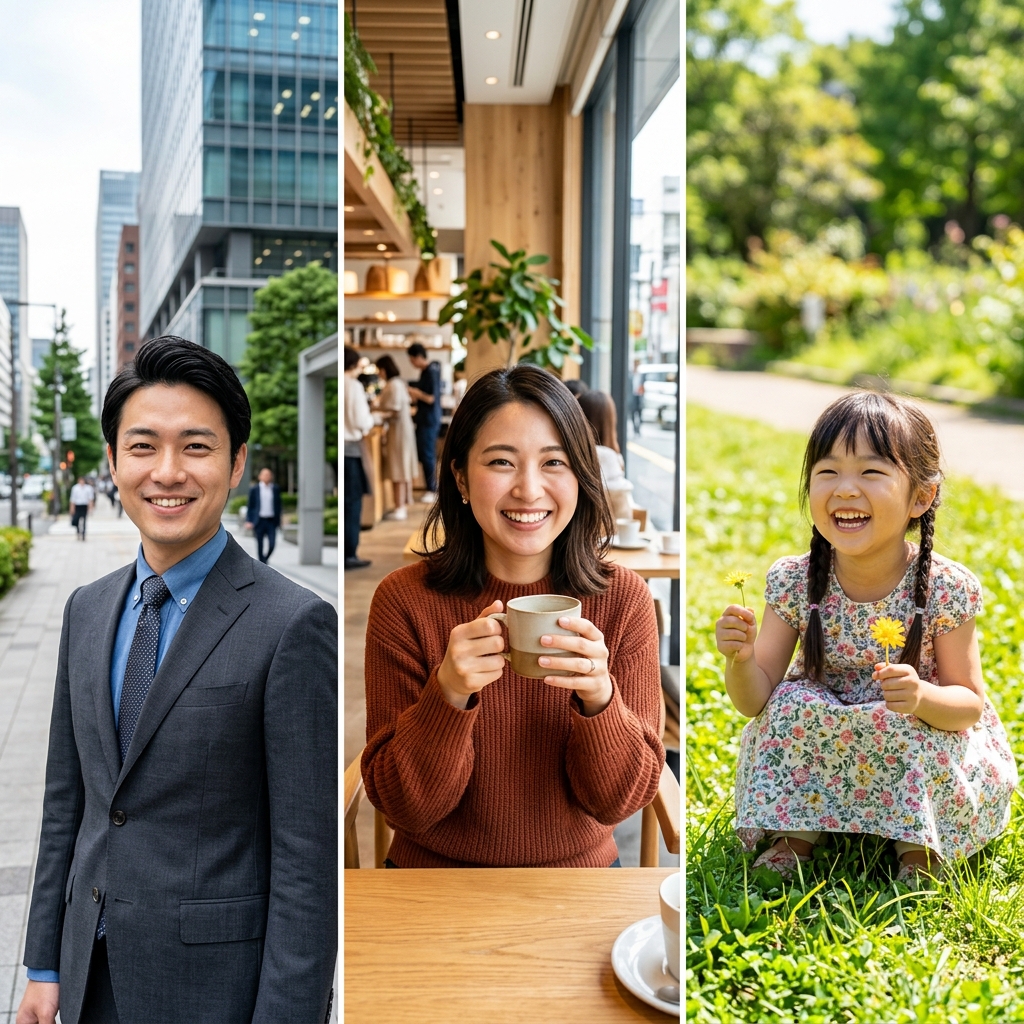
Yes, absolutely. This is the main purpose of our tool. You can collect individual smartphone photos or selfies from family members in the US, Europe, Asia, or anywhere else, upload them, and the AI will assemble everyone into one seamless portrait.

Do we need to crop or remove the backgrounds before uploading?

No. Our generator has a built-in, advanced background removal tool. You can upload photos with messy room backgrounds, outdoor settings, or office environments, and the AI will cleanly isolate each person’s figure automatically.

Will our faces look real or generated by AI?

Your faces will remain 100% authentic and recognizable. Our model uses deep face structure preservation rather than AI hallucination. It does not replace your features or create 'fake' faces; it only isolates your real face and body, corrects the color values, and blends you into the new background.

How many people can be added to a virtual group photo?

Our AI currently supports blending groups of 2 up to 10 people in a single virtual portrait. You can upload multiple individual files containing one or more family members.

What virtual backgrounds are available for our family photo?

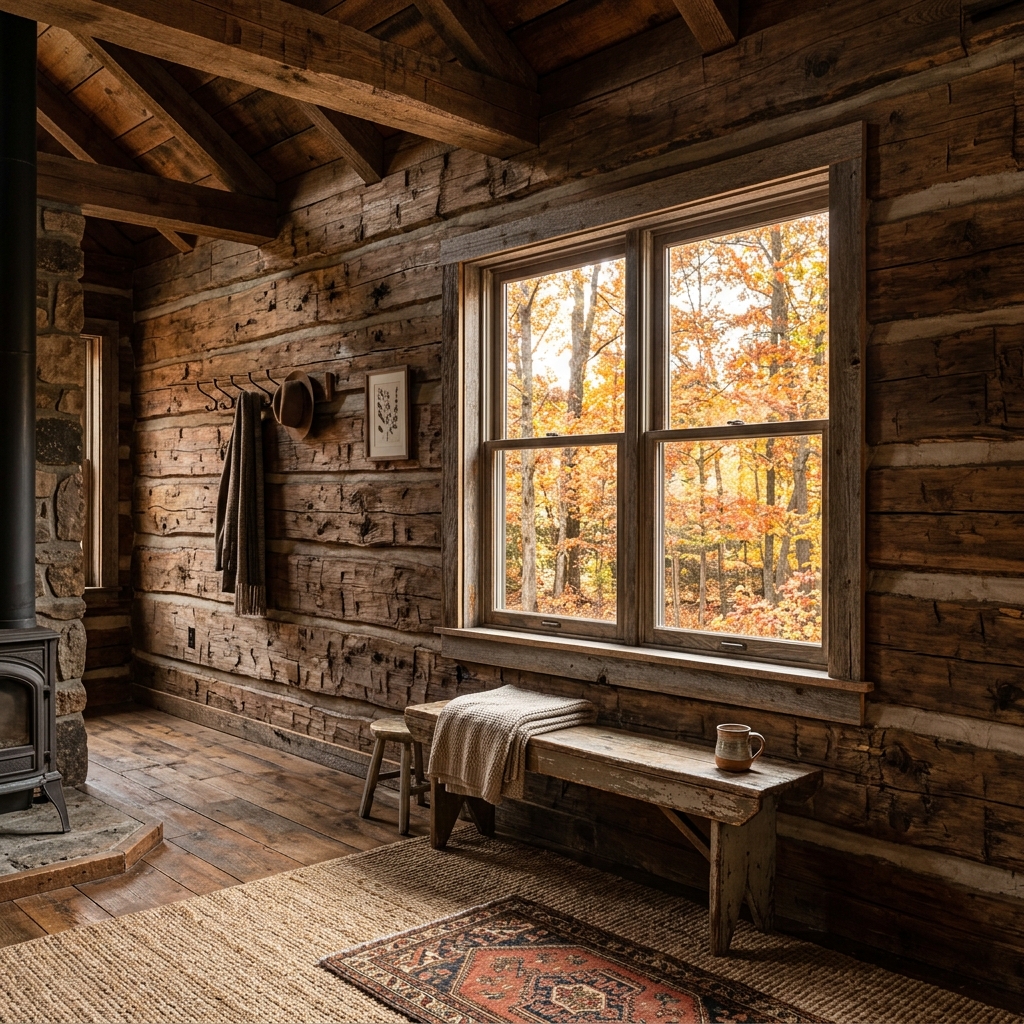
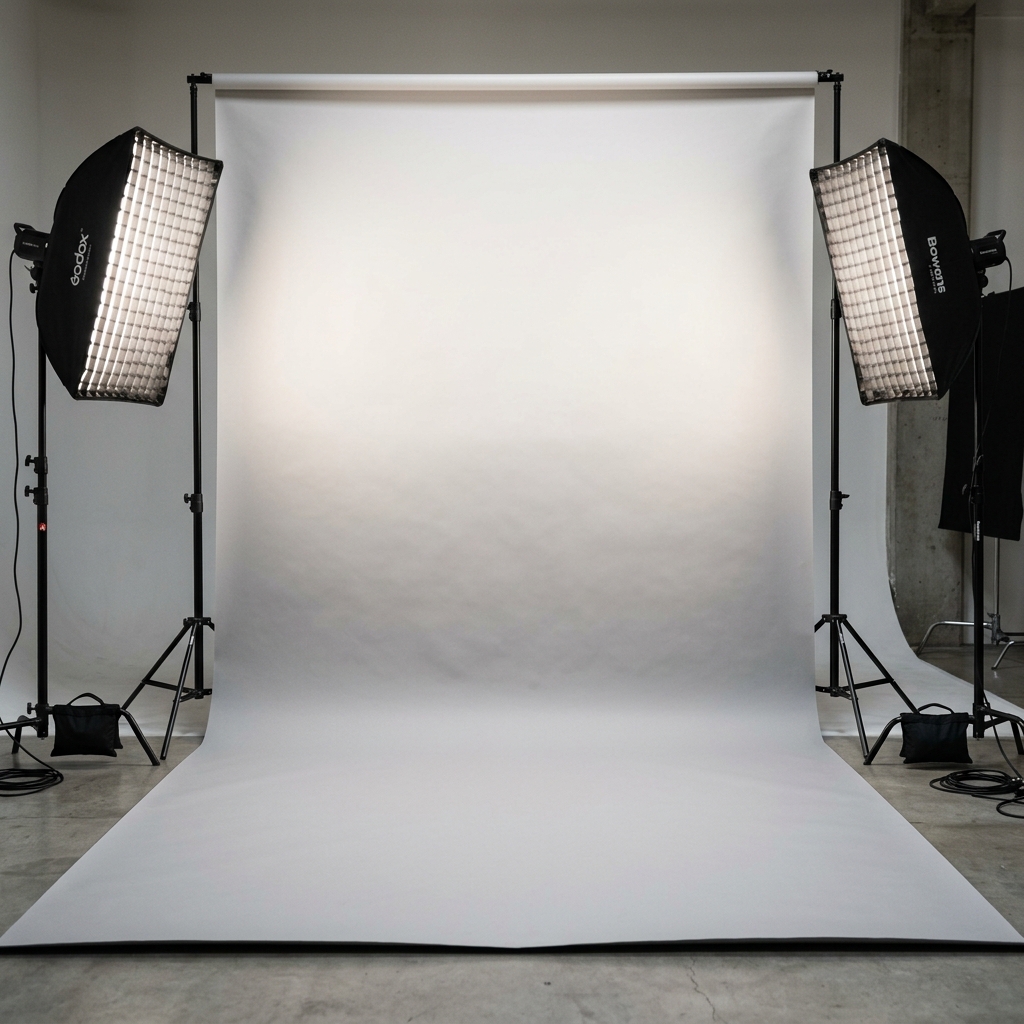
We offer several premium built-in environments, including a cozy warm living room with a fireplace, a sunny outdoor garden porch, a rustic wooden log cabin, and a clean professional studio gradient background. You can also specify custom environments in the text prompt box.

What if the photos have completely different lighting and color tones?

Our generator features an ambient light matching model. If one person took their photo in a dim room and another outdoors, the AI adjusts the exposure, color temperature, and contrast of each figure to match the target scene’s lighting.

How do we avoid the 'cut-and-paste' fake look?

The fake look is usually caused by harsh cutout lines and missing shadows. Kinpict solves this by rendering smooth alpha-channel edges (especially for hair) and projecting realistic volumetric shadows beneath and behind each person based on the light sources in the background template.

Can we include pets in our virtual family photo?

Yes. The AI is trained to recognize dogs and cats as well. You can upload a photo of your distant family pet and place them lying down in the front row or sitting next to family members.

How long does it take to generate the virtual portrait?

The extraction, lighting matching, background blending, and high-resolution rendering process takes between 60 to 90 seconds.

Do we need to take new photos specifically for this composite?

Not necessarily. You can use existing photos from your camera roll as long as they are clear. However, if you are taking new photos, following our basic posing and height guidelines will make the final composition look even more realistic.

Is my family’s photo privacy protected?

Yes, completely. All images are processed securely over encrypted HTTPS connections. Your uploaded pictures and generated portraits are stored temporarily only during your active web session and are permanently deleted from our servers. We never sell your photos or use them for AI training.

What file formats and sizes are supported?

We support all popular image formats: JPEG, JPG, PNG, WEBP, and HEIC files from iPhones. We recommend uploading files up to 10MB for optimal performance.

Can we download the result in a resolution high enough for printing?

Yes. The premium download option generates a high-resolution, high-DPI file suitable for printing on canvas, greeting cards, calendar prints, or framing in sizes up to 11x14 inches or larger.

Is there a free version of the virtual family photo generator?

Yes. You can generate and preview unlimited low-resolution virtual composites for free. High-definition downloads for printing and keepsakes require premium credits.

Can we specify where each family member stands or sits?

Yes. In the prompt instructions field, you can write specific guidelines, such as 'place dad sitting in the center chair, mom standing behind him, and the children standing on the left and right.' The AI will attempt to align the composition accordingly.

Distance Means Nothing

Bring everyone into the frame. Complete your virtual family photo.

Safely upload separate photos of your long-distance family. Generate a natural, high-resolution preview keepsake for free today.

Complete My Virtual Photo