
01 / Connect Generations
Honor your family legacy
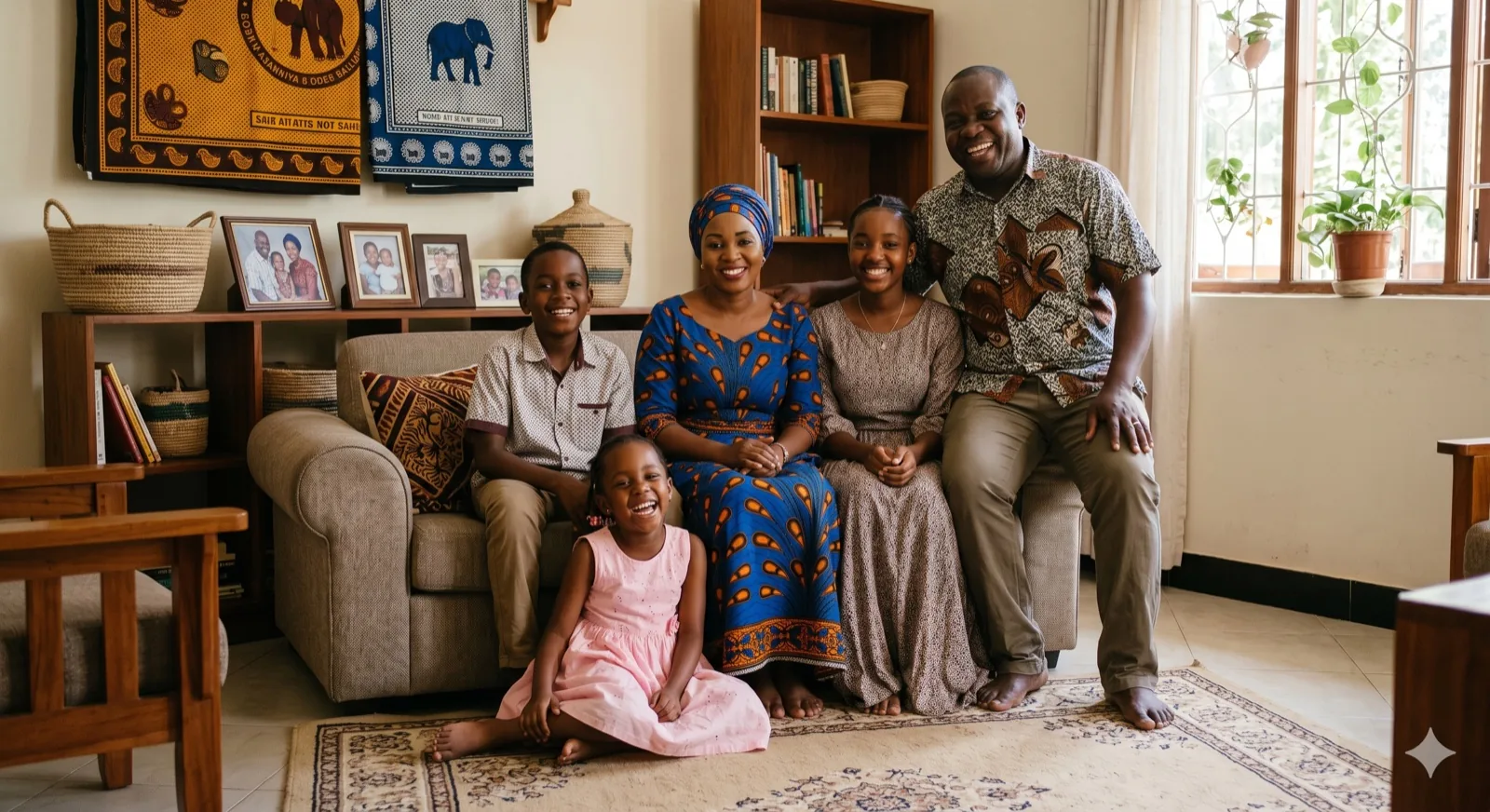
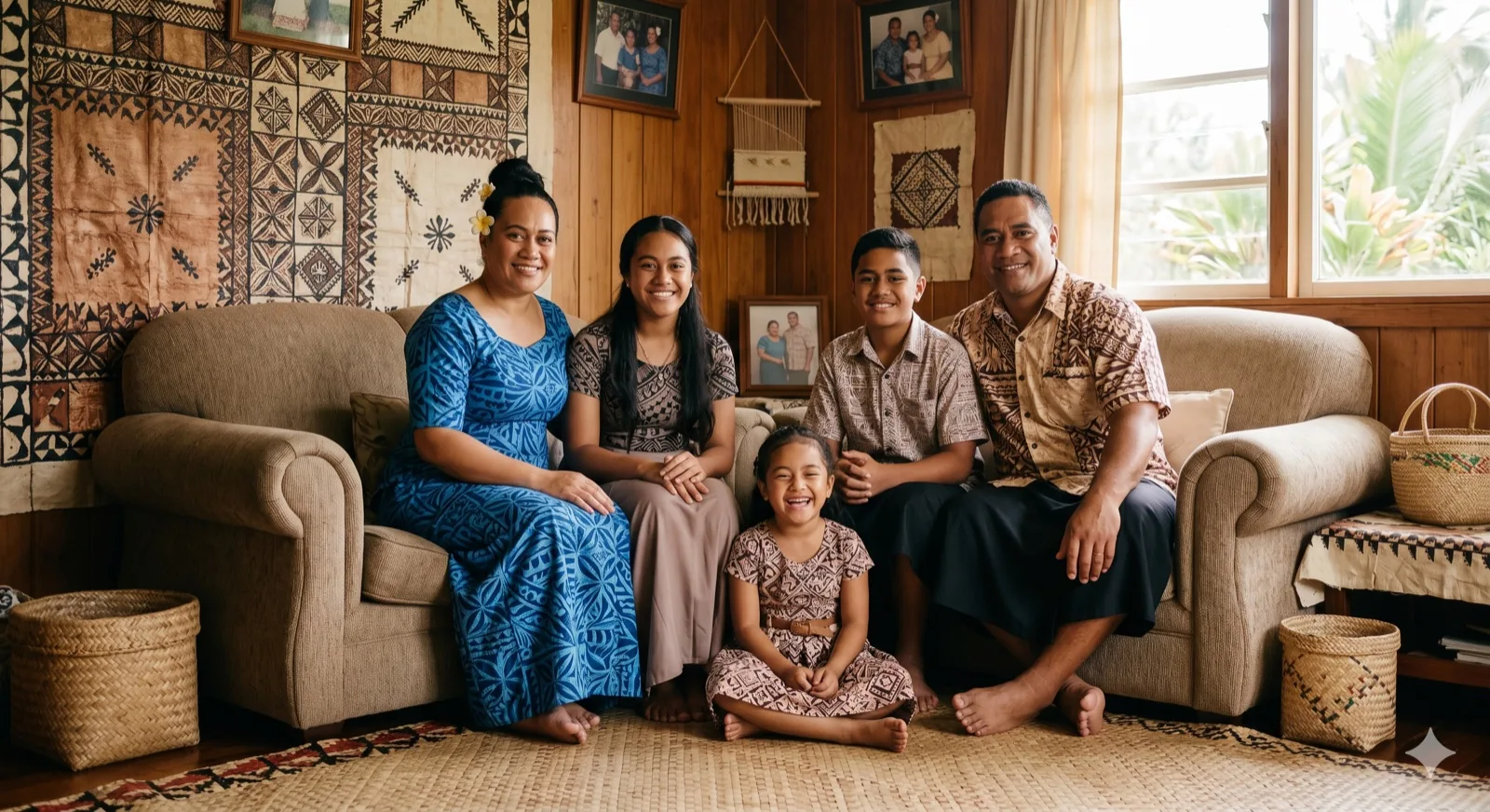
Creating a generational portrait shows the relationship of your entire lineage. Kinpict blends portraits from different eras and cameras into a single, cohesive family scene.
Create Legacy PortraitCreate a multi-generational family portrait spanning grandparents, parents, and children. Combine historic and modern pictures into a high-quality legacy portrait.
Start Legacy Family PortraitConnect your family tree in one portrait:
Swipe or scroll to browse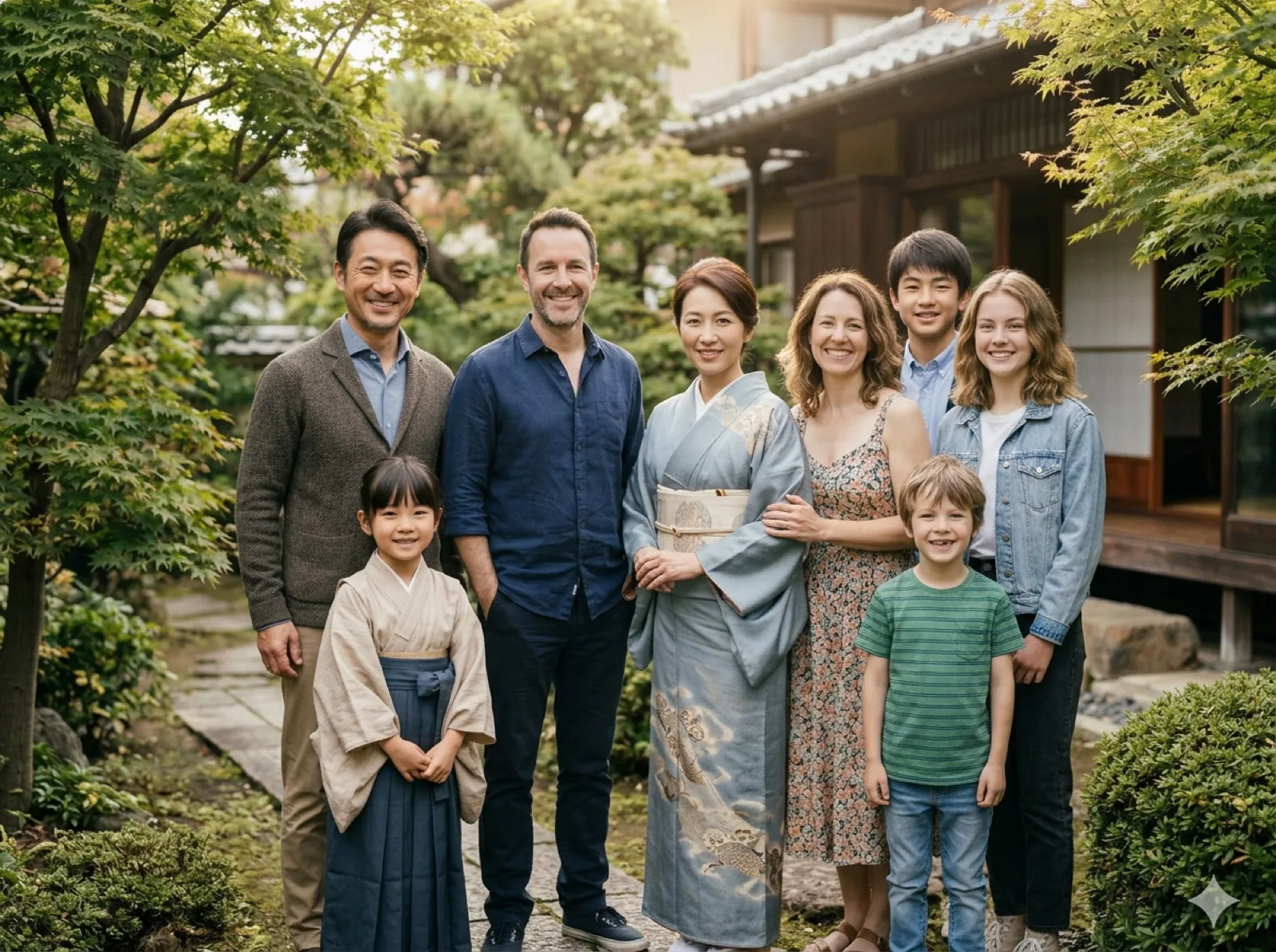 Separate Photos Combine family photos taken at different times into one natural portrait.
 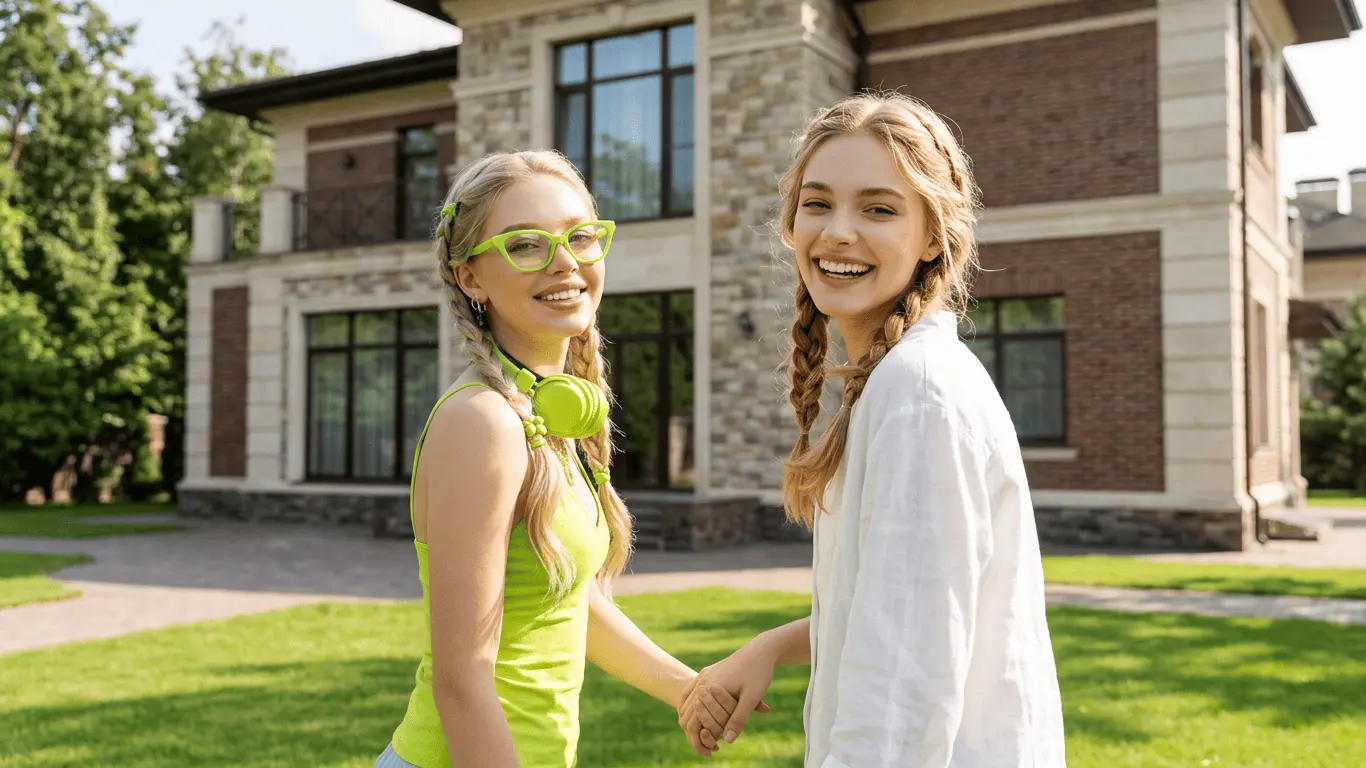 Family Portrait Generator Create formal studio family portraits online from individual photos. Add Missing Person Complete a family portrait when one family member was not there.
 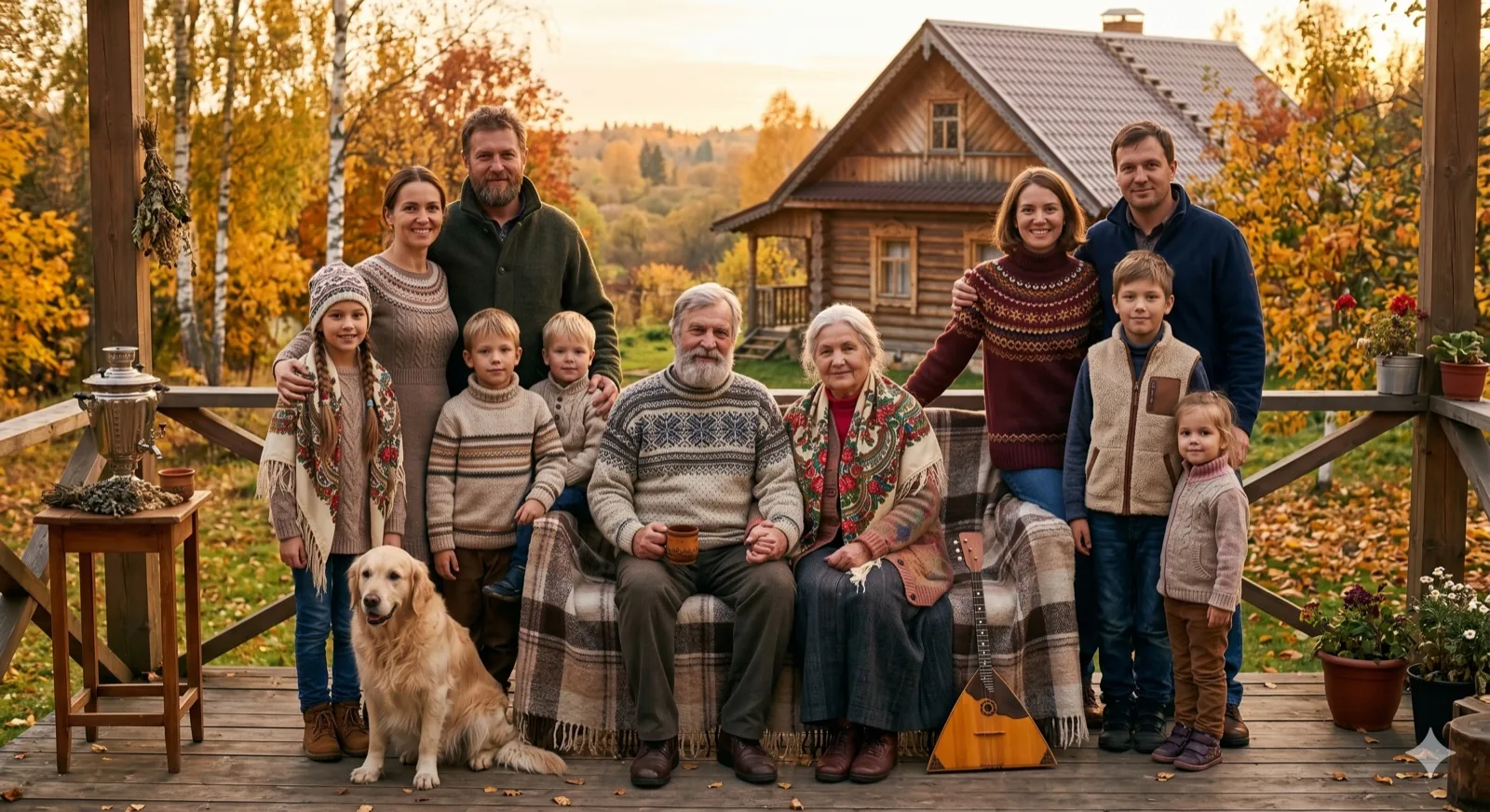 Family with Pets Make dogs or cats feel naturally part of the family portrait.
 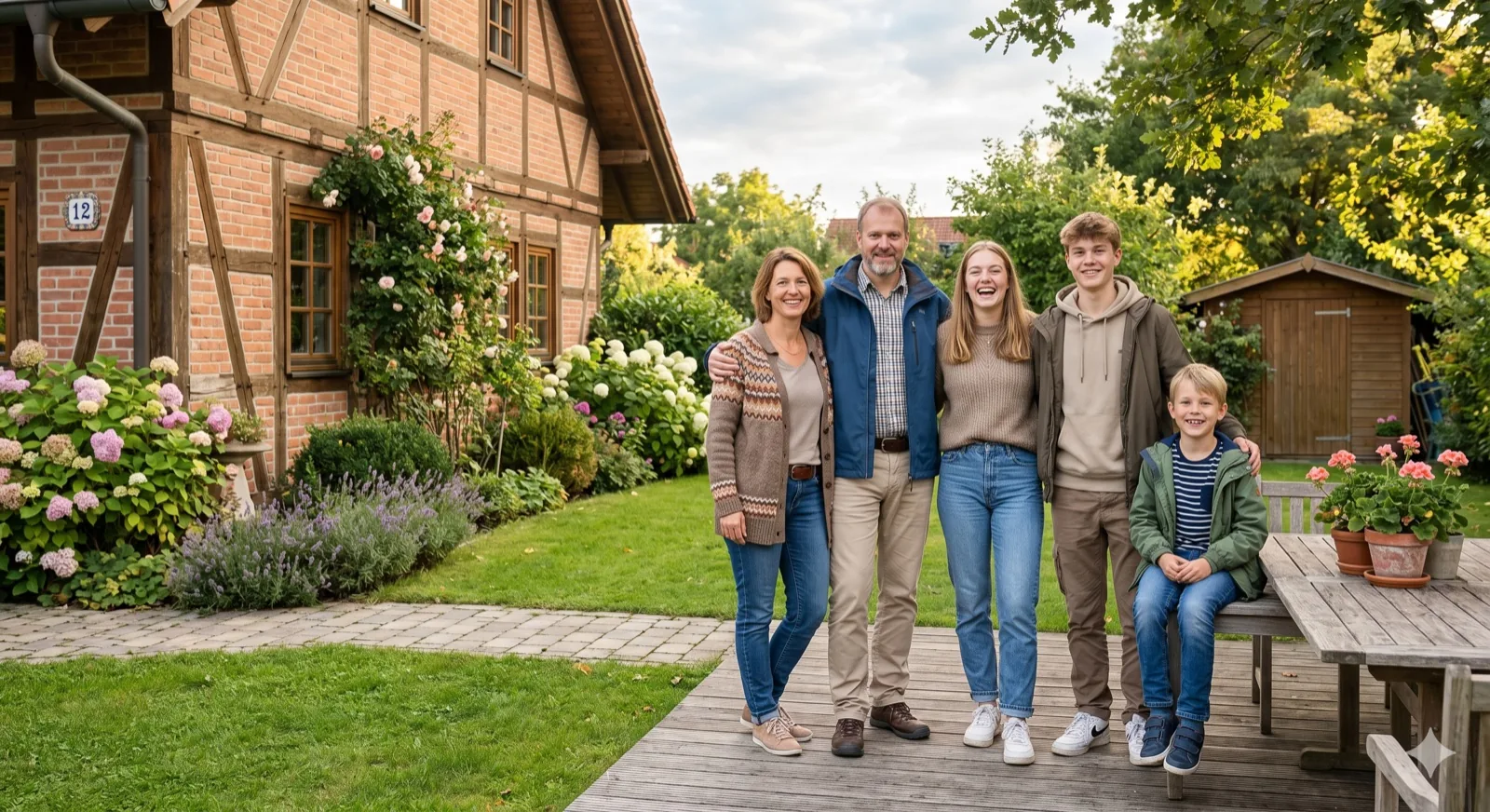 Christmas Family Create a cozy, holiday-themed family portrait for Christmas.
 Result Preview
Natural family composition.. Upload photos, then generate one cohesive family photo.
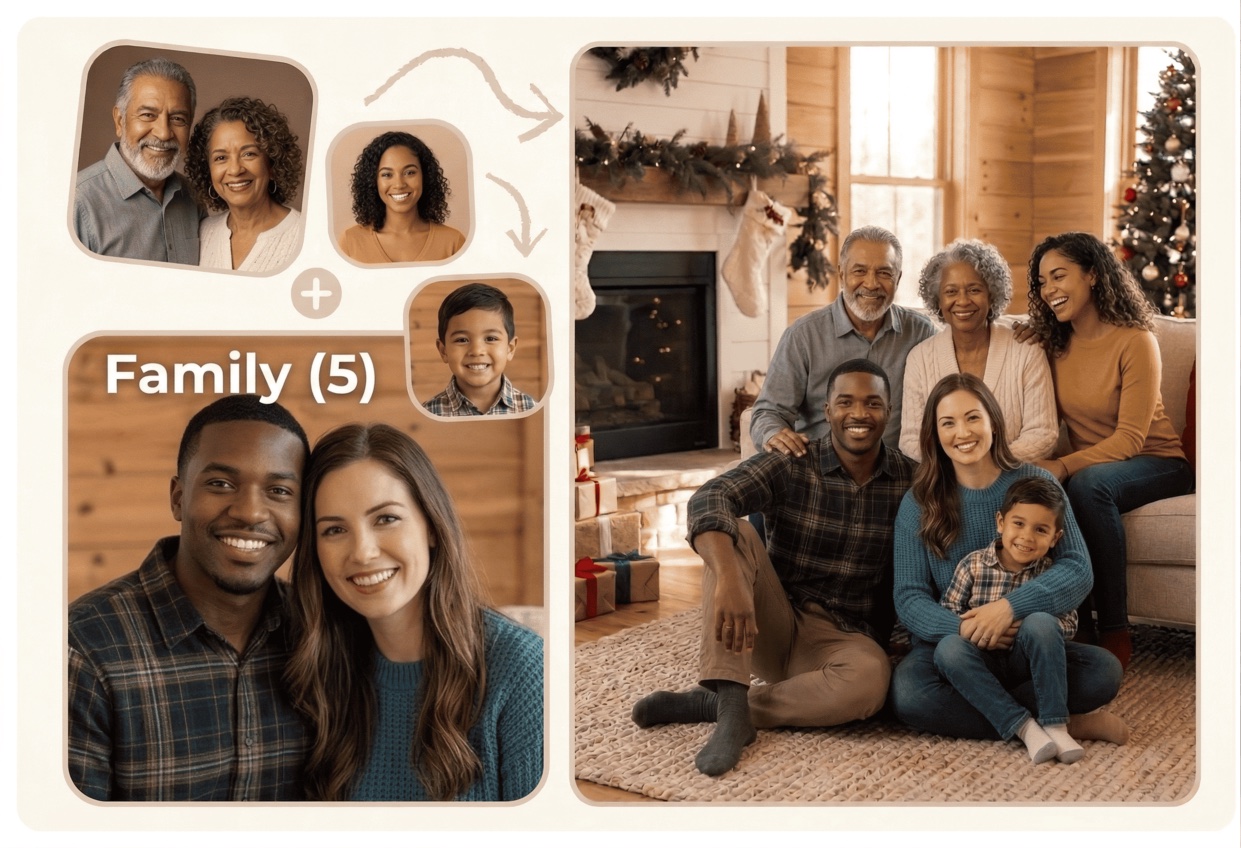
Legacy Portrait Scenarios
Connect generations across time and geography. Turn disparate historical and modern snapshots into a beautiful family heirloom portrait.
01 / Connect Generations
Creating a generational portrait shows the relationship of your entire lineage. Kinpict blends portraits from different eras and cameras into a single, cohesive family scene.
Create Legacy Portrait 02 / Bridging eras
If you have old physical photo scans of ancestors or grandparents, our AI balances colors, clears background details, and coordinates head postures to align them with modern photos.
Blend Old & New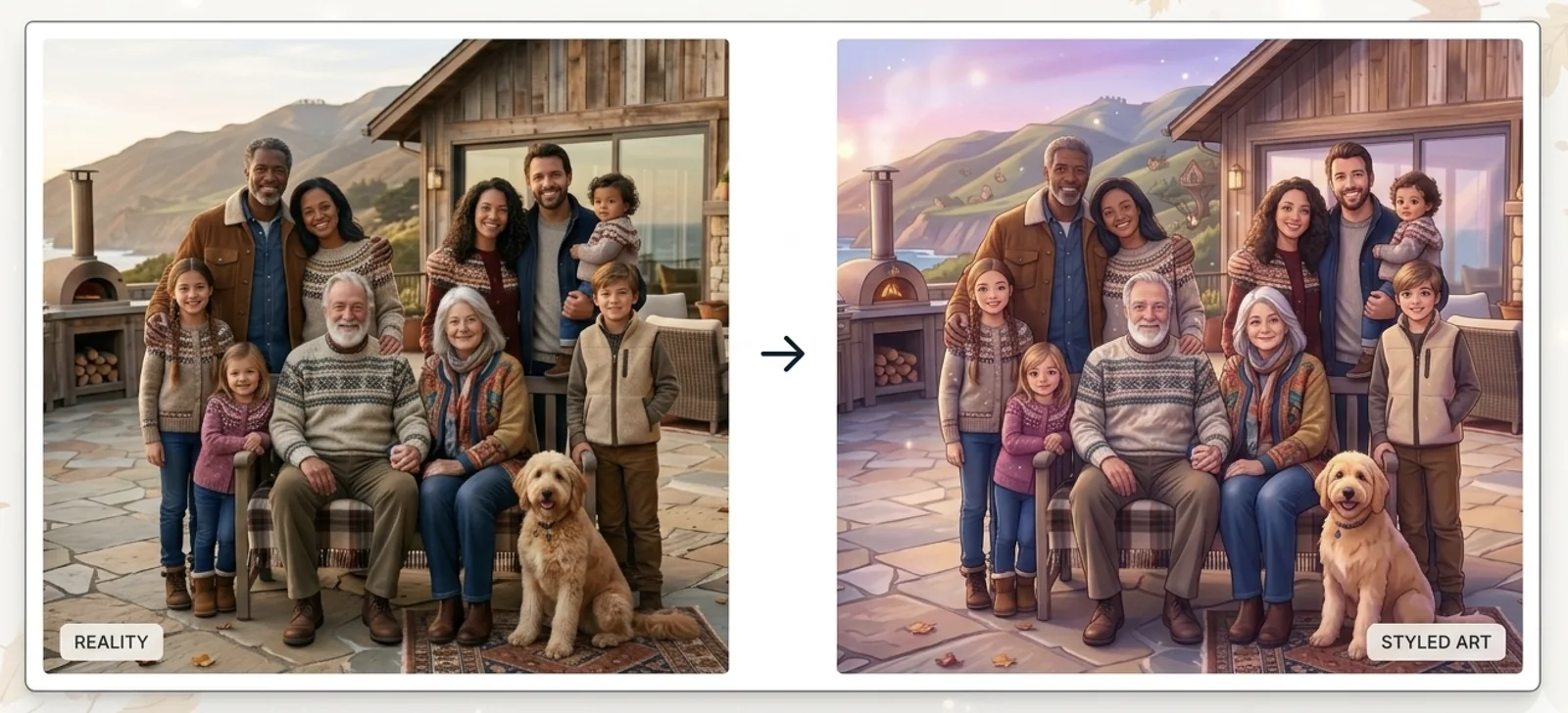
03 / Artistic finish
Give your multigenerational family portrait a hand-painted look. Choose dreamy storybook or classic sketch styles to blend different photo styles seamlessly.
Explore Artistic StylesOur AI Multi-generational Family Portrait Maker is built specifically to bridge generational gaps. It merges old scanned pictures, black and white family snapshots, and modern smartphone photos into a single, high-quality portrait frame.
The tool automatically balances color differences, corrects lighting directions, and manages proportions between grandparents, parents, children, and ancestors. Choose from classic studio clean backgrounds or warm hand-painted oil styles to create a timeless legacy portrait ready to print and display.
Combine photos of children, parents, grandparents, and ancestors into one cohesive family picture.
AI balances resolution, lighting, and tones between old black-and-white photos and modern digital snapshots.
Choose classic studio clean backgrounds or soft, warm painted styles that feel like a hand-painted heirloom.
The tool automatically balances positioning, spacing, and sizing so all generations stand together naturally.
Get a high-resolution output optimized for canvas framing, legacy books, and family archives.
When scanning older physical photos of grandparents, try to place them flat under good light, avoiding reflections or glares. A clean scan allows AI to map details with better quality.
Older paper photos have softer textures. Selecting a "Warm Portrait" or illustrated style balances out sharpness differences, making old scans and modern phone photos fit together seamlessly.
For the best generation result, choose pictures of ancestors where facial lines and eyes are clearly visible. This prevents blurry artifacts and keeps likeness high in the synthesized family legacy portrait.
We make it easy to connect your family tree in one high-resolution, professional portrait.
Step 1
Upload separate photos of each family member, including old physical prints and phone snapshots.
Step 2
Choose a warm portrait or studio clean setting and select your desired frame ratio.
Step 3
Let AI composite, adjust light balance, and clean up outlines to download a high-res family legacy portrait.
As time goes by, gathering multiple generations together becomes harder. Great-grandparents face travel limitations, grandkids grow up in different states, and the window to capture a complete family legacy shrinks. Often, families only realize they missed the chance to get a complete generation portrait after it is too late.
Our AI Multi-generational Family Portrait Maker is designed to honor these family legacies. By combining old physical scans with modern snapshots, the tool helps you design a single, beautiful portrait of your lineage. AI corrects resolution gaps, adjusts light directions, and coordinates clothing styles to ensure they look like they stood together in the same studio.
It is a deeply emotional, timeless keepsake. Create a generation photo, print it on high-quality canvas, and pass it down as a family heirloom to keep your legacy alive.
These typical scenarios show how easily generational pictures can be combined into one family legacy portrait.
Assemble a portrait containing grandparents, parents, and grandchildren who live in separate locations.
Respectfully combine photos of deceased ancestors with young family members to honor your lineage.
Incorporate older scans into a fresh, coordinated group composition for family trees.
Prepare a print-ready generational portrait for milestone anniversaries, birthdays, or family archives.
Find answers to common questions about generating legacy family portraits spanning multiple generations.
Yes. Our AI tool handles quality and lighting variations. If you upload historic black and white photos along with modern color pictures, the AI balances the color tones and composition to unify them naturally.
The tool uses detailed texture matching and lighting alignment. It smooths out scan grain and cleans up edges, ensuring the older images match the sharpness and lighting direction of the modern photos.
Absolutely. Many families use our legacy builder to include deceased relatives or ancestors in a family portrait. The process is designed to be warm, respectful, and focused on preserving family connection.
We support three or more generations (grandparents, parents, children, and grandchildren). Ensure each uploaded image clearly shows the person's face for proper alignment and scaling.
Yes. The generated output is a high-resolution file. You can download the completed image and send it to any professional printing service to print on canvas, wood plaques, or photo paper.
We prioritize data privacy. Your uploads are processed securely to synthesize your legacy family portrait and are not stored permanently or used to train AI models.
Merge historic scans and modern snapshots into a single, professional generational family portrait with AI.
Create Generational PortraitChoose a method to continue.
Enter your email to receive a 6-digit verification code.