Result Preview

Preview Your Family Photo

Natural family composition.. Upload photos, then generate one cohesive family photo.

Sources0
Frame3:4
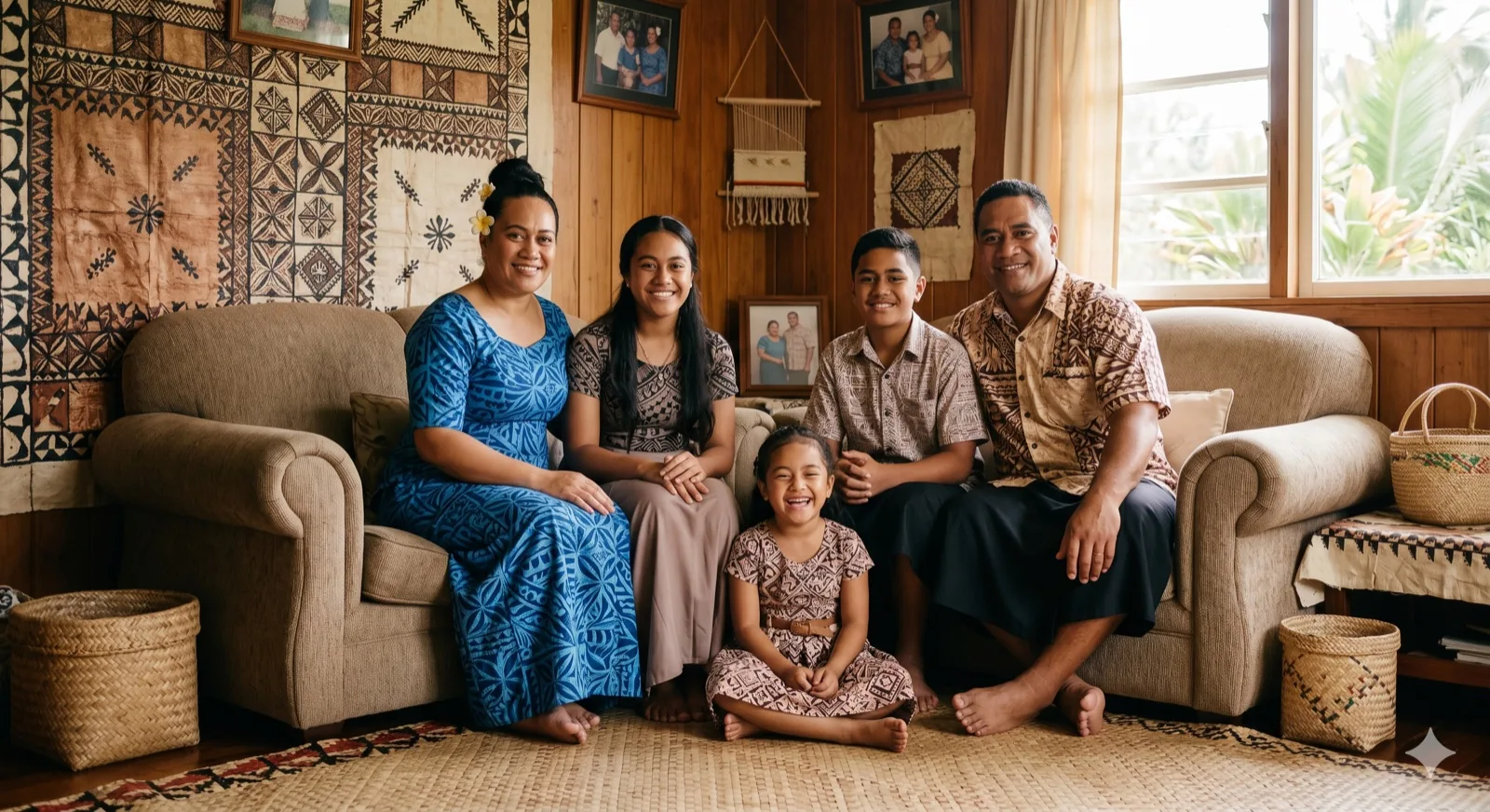
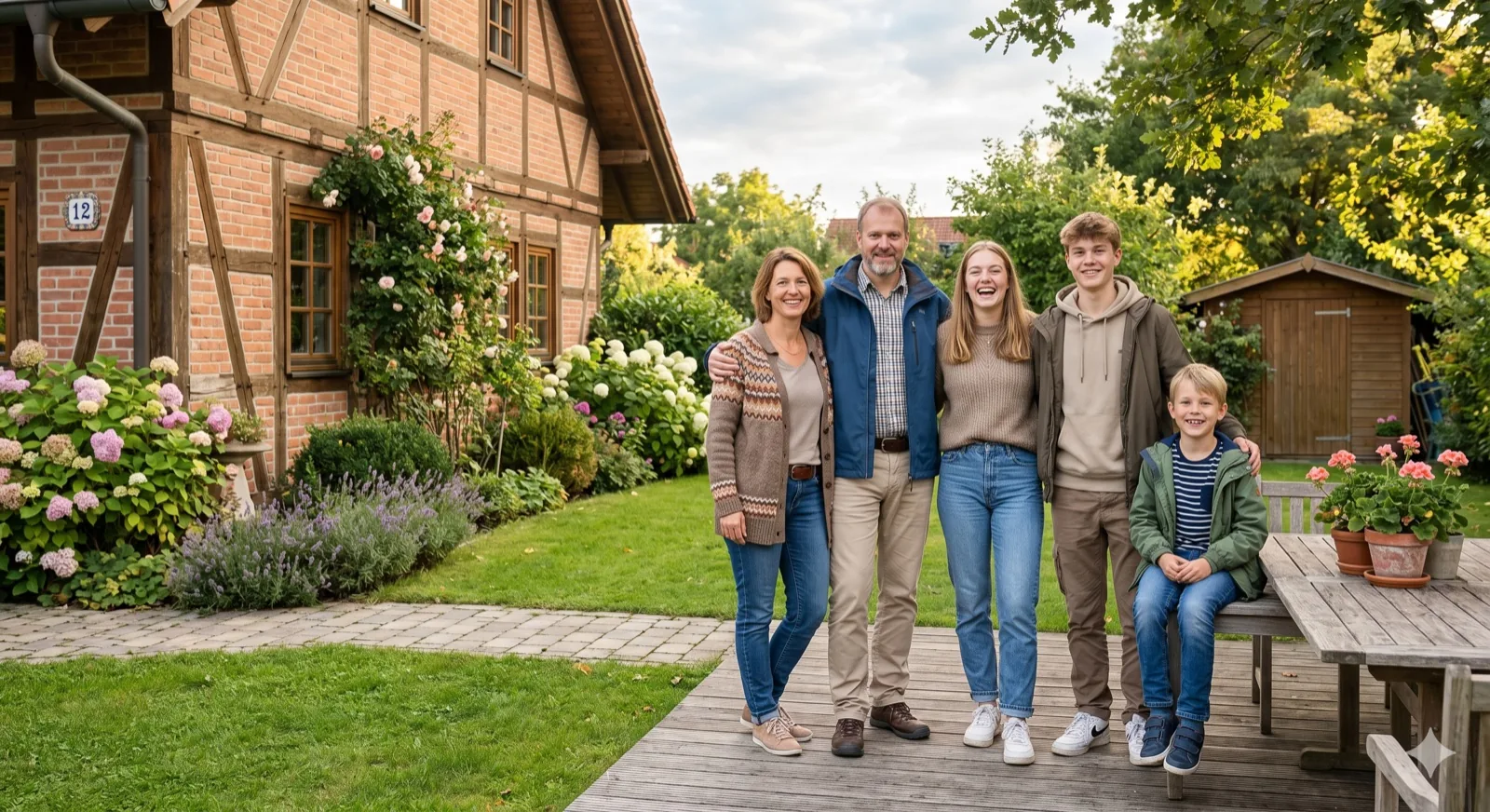
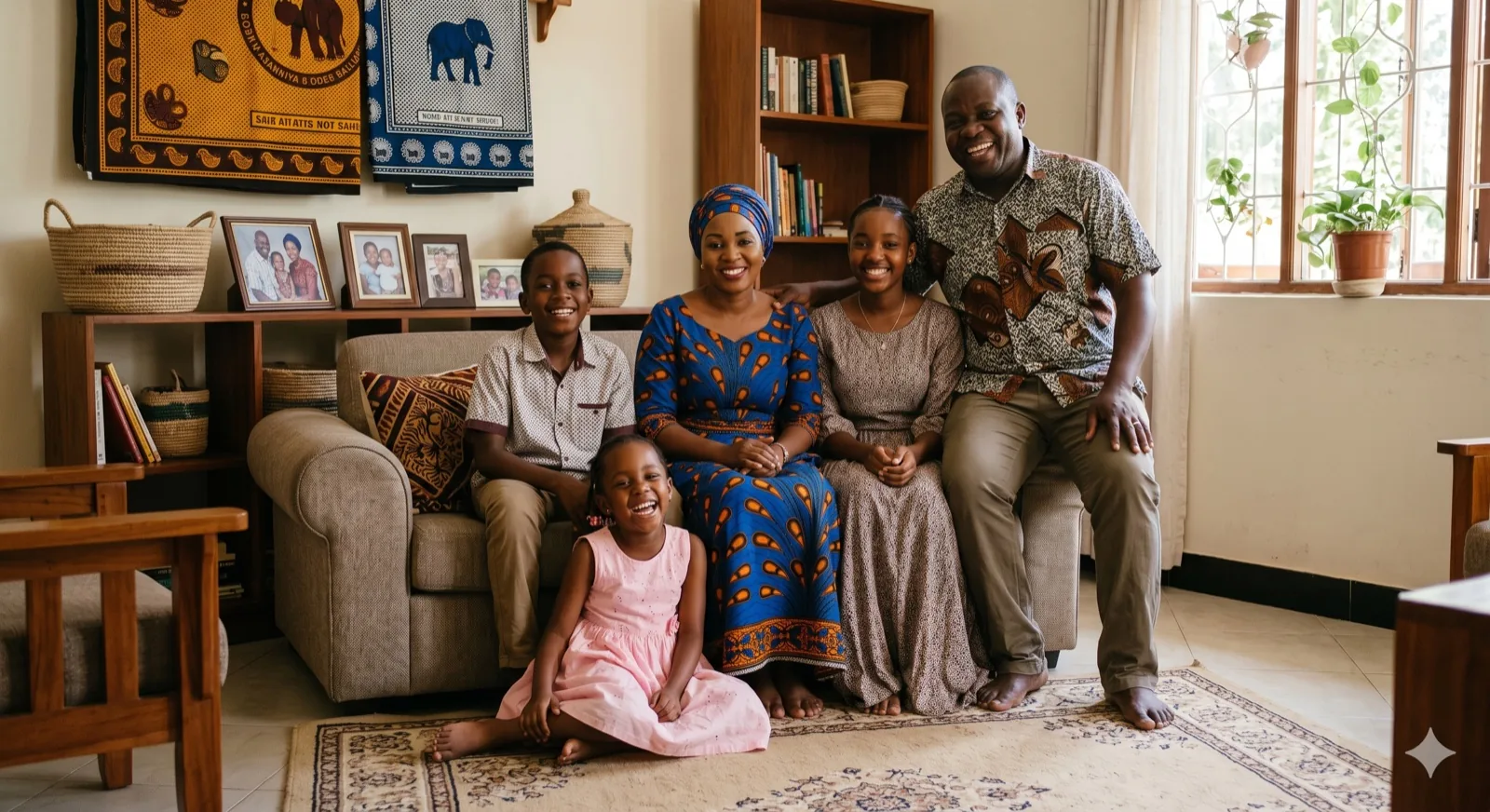
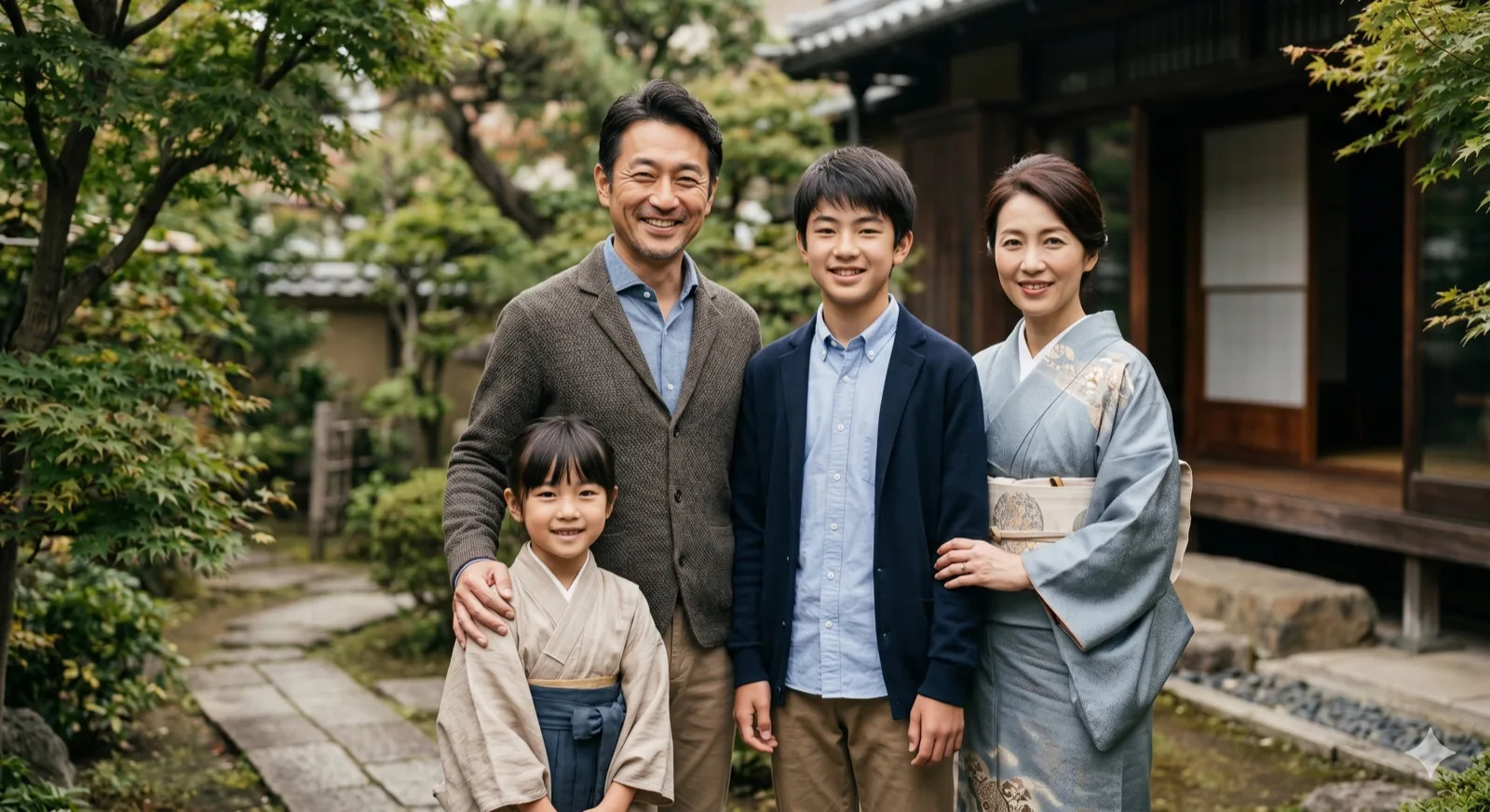
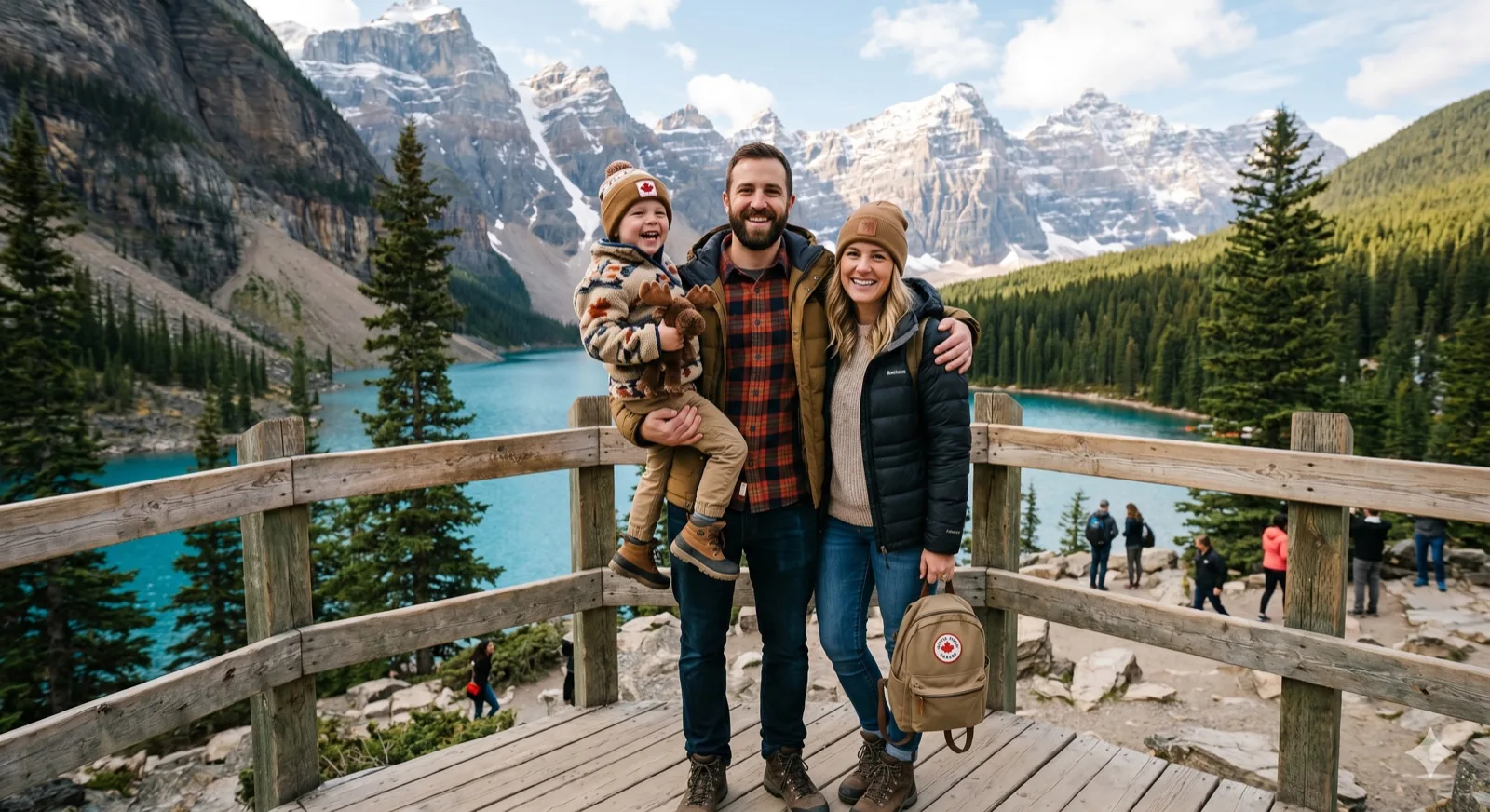
Example family photo generated by Kinpict
Example ResultUpload your photos on the left to create a portrait

Professional Portrait Scenarios

AI Family Portrait Generator solves

Create high-end, coordinated family portraits from the photos you already have. Get a consistent studio-style look without coordinating schedules or paying for a session.

Generate formal studio family portraits from separate pictures

01 / High-End Studio

Generate formal studio family portraits

Get the look of a professional photography studio session without the high cost or coordination. Kinpict adjusts background details and posture layout to give your family portrait a classic, formal finish.

Create Studio Portrait
Turn snapshots into oil painting family portrait

02 / Artistic Styles

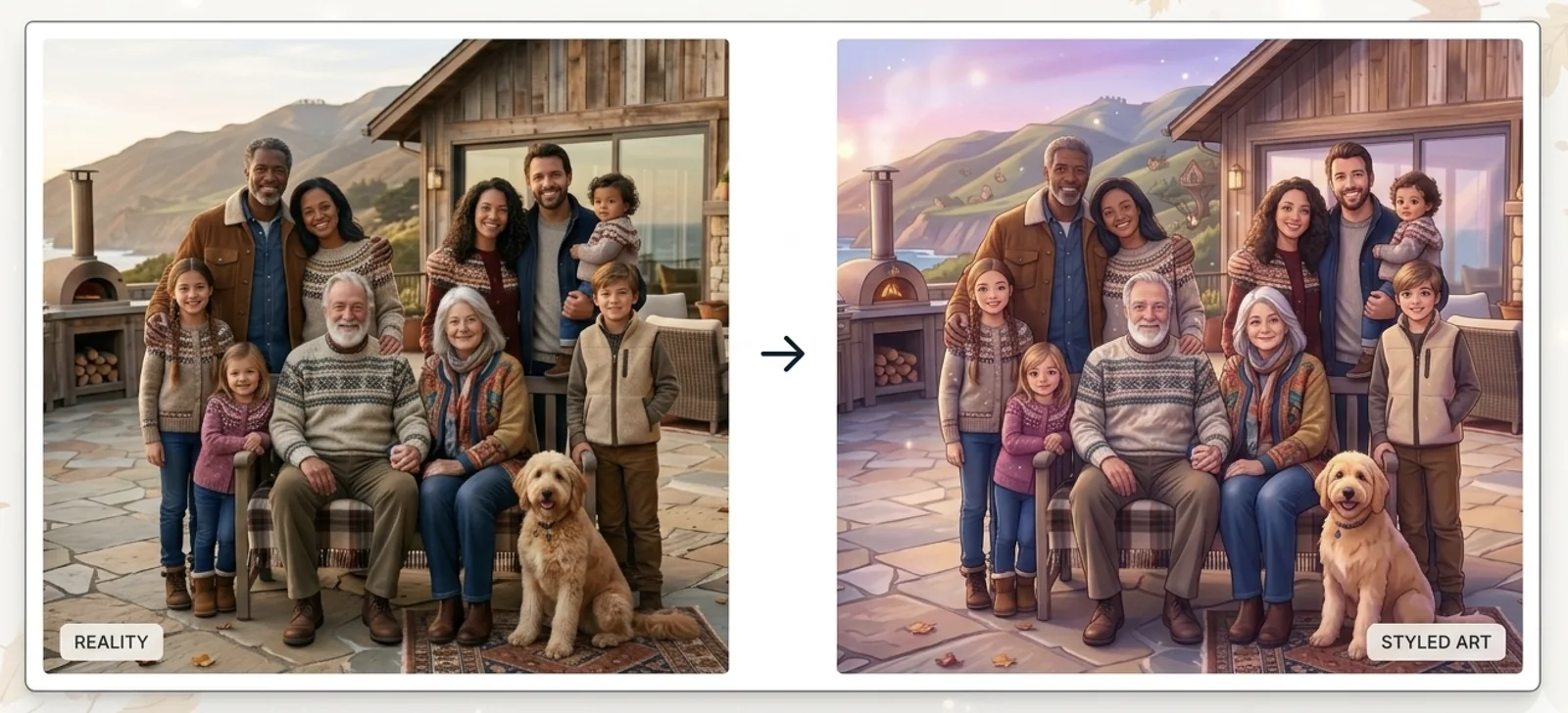
Convert family snapshots to oil paintings

Turn your day-to-day snapshots into a beautiful, artistic family portrait. Choose oil painting, watercolor, or sketch styles to create a timeless family heirloom that looks stunning when printed on canvas.

Create Painted Portrait
Combine multiple generations in a legacy portrait

03 / Legacy Multi-Gen

Combine different generations in one frame

Combine photos of children, parents, grandparents, and ancestors into one cohesive generational portrait. Bring everyone together even across different locations and eras.

Create Generational Portrait
AI FUSION TECHNOLOGY

AI Family Portrait Generator: Create Studio-Quality Portraits from Separate Photos

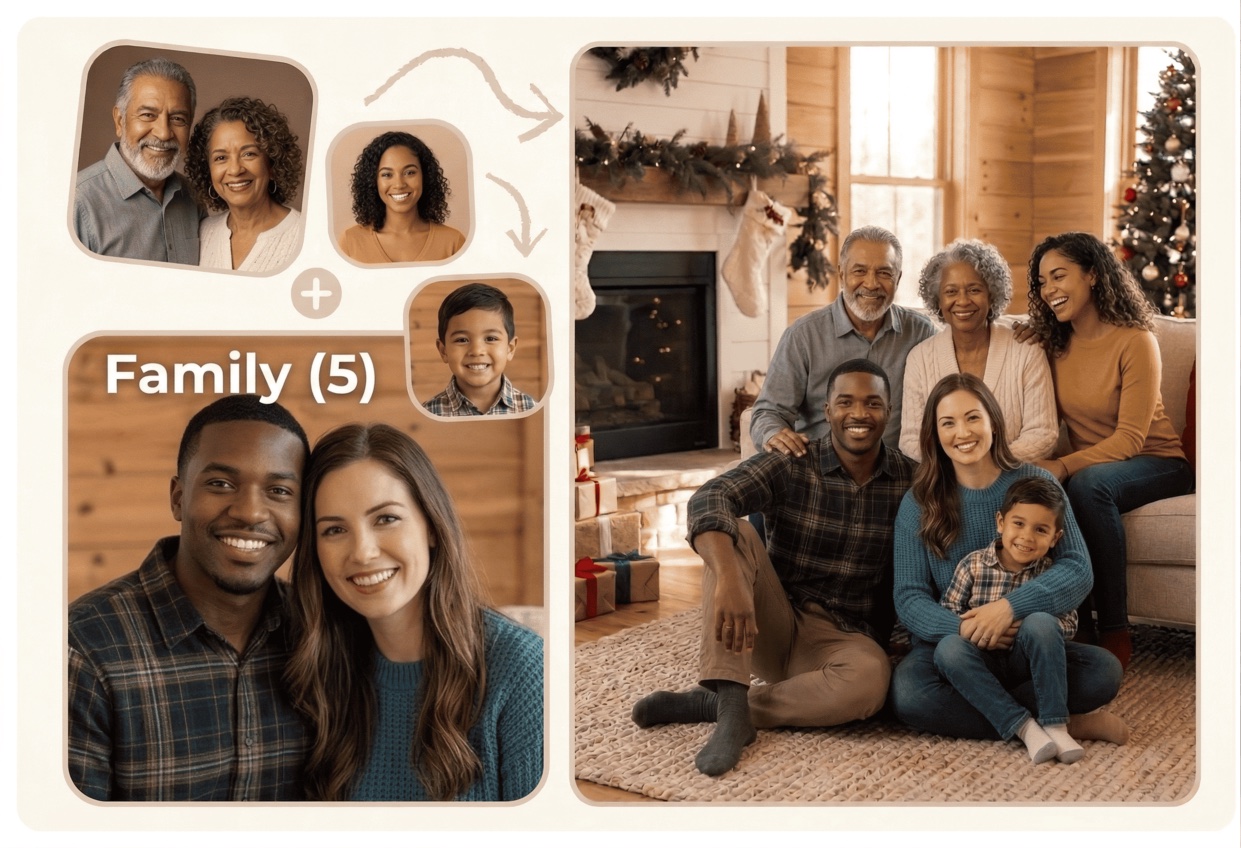
Our AI Family Portrait Generator helps you turn individual snapshots into a formal, beautiful family portrait. The AI aligns poses, lighting direction, and shadows to place grandparents, parents, children, and couples into one cohesive, realistic portrait frame.

This tool handles the technical steps of photo compositing—such as face alignment, color balancing, and scale adjustment—automatically. Whether you want a modern studio clean background or a warm hand-painted oil style, you can design a custom family portrait ready for holiday cards, canvas printing, or digital sharing.
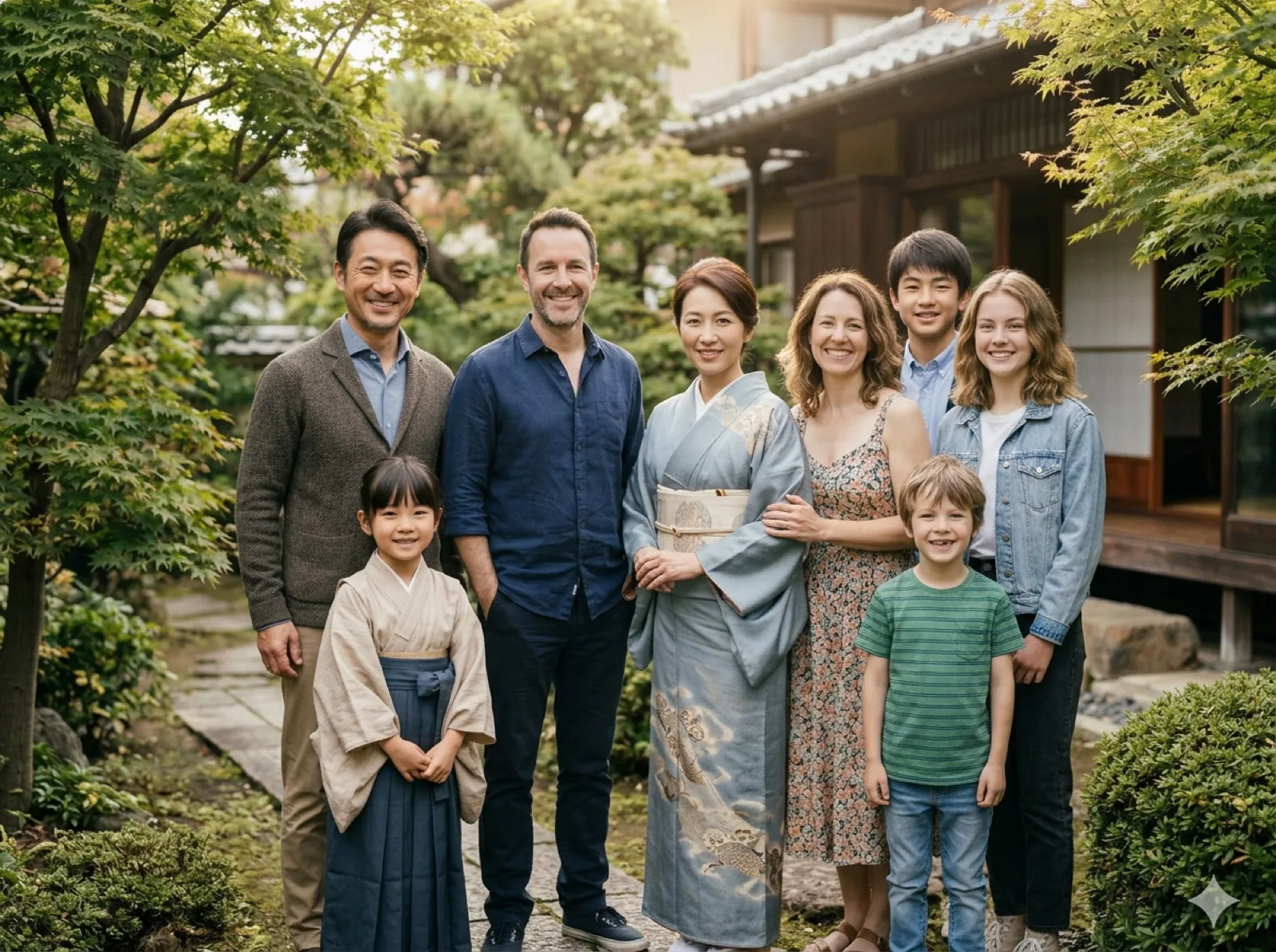
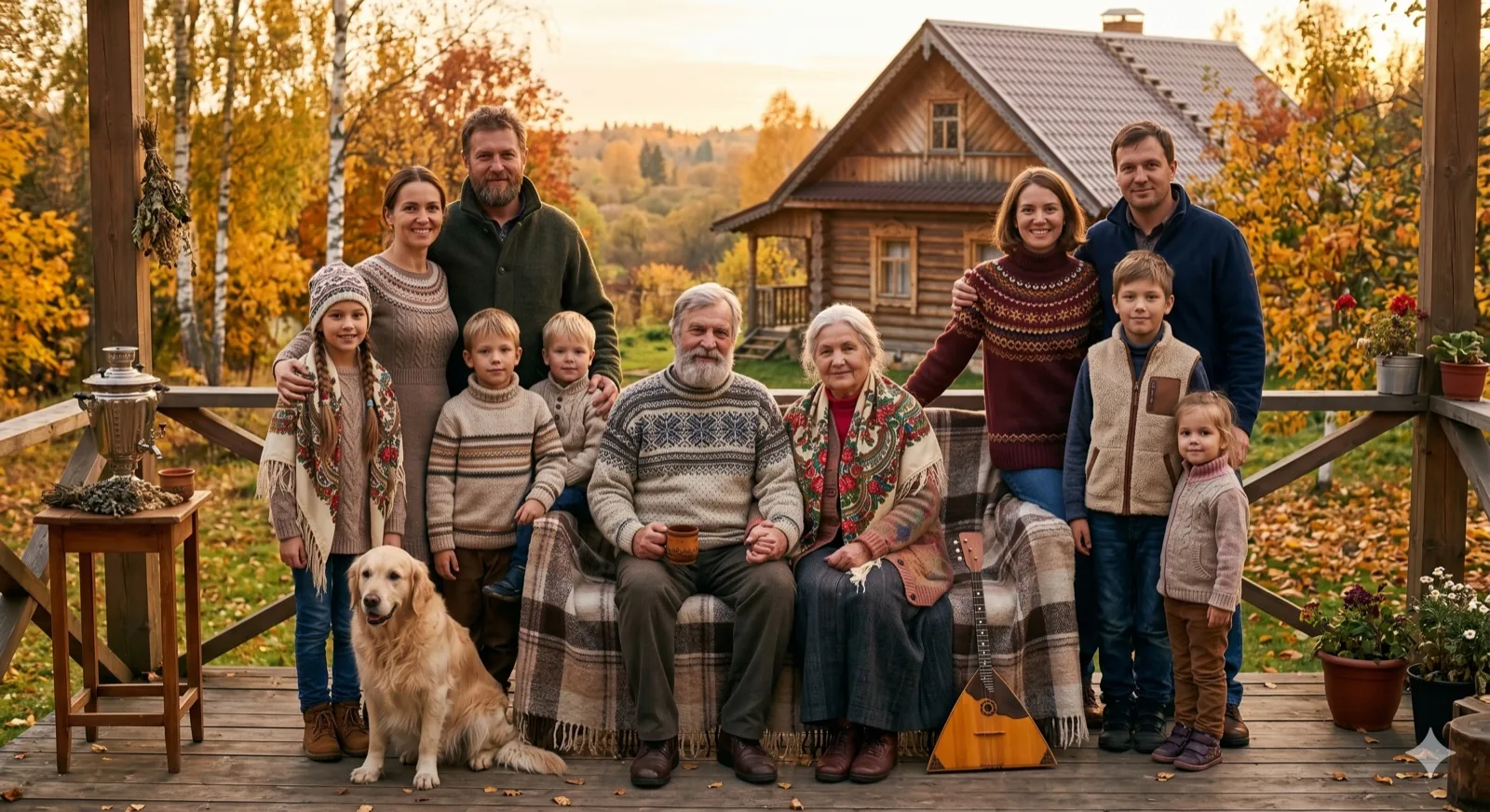
Separate Pictures
Dad
Mom
Kid
AI Portrait Fusion
Cohesive Portrait
Studio Portrait

Why Choose Our AI Family Portrait Maker?

Works from separate pictures

Start with individual photos of family members and let our AI portrait generator combine them into a single, cohesive family scene.

Studio-quality lighting

AI automatically harmonizes lighting, shadow direction, and contrast so all family members look like they were photographed in the same studio.

Artistic style selection

Choose from clean studio look, warm portrait lighting, or painted illustration styles to match your family's personal aesthetic.

Perfect relative scaling

The tool balances spacing, posture direction, and relative size so adults, elders, and children fit naturally into the final composition.

Print and frame ready

Get a high-resolution output you can download for digital sharing, printing on canvas, or inserting into family photo frames.

Pro Guidelines & Best Practices

Choose Consistent Angles

Try to upload individual source photos captured at a similar angle (e.g. all looking straight at the camera or all slightly angled). This makes the synthesized shoulder alignments and facial angles feel cohesive in the studio layout.

Focus on Lighting

While the AI portrait maker corrects basic brightness differences, matching the soft lighting of a house interior or similar sun direction improves details on faces. Avoid combining highly backlit silhouettes with front-flashed photos.

High-Res for Printing

To print your family portrait on large canvas frames, use source photos that are clear and high resolution. This ensures details remain sharp, clean, and professional when compiled into the final image.

How the AI Family Portrait Generator Works

Our workflow makes it simple to turn separate pictures into a stunning family portrait without complex software or editing experience.

Step 1

Upload separate photos

Select individual photos of your family members. Front-facing photos with clear lighting and facial details give the best starting point.

Step 2

Choose style & composition

Select your preferred portrait style (Studio Clean, Warm Portrait, or Realistic) and aspect ratio depending on how you plan to print it.

Step 3

Download the final family portrait

Review the generated output, check that everyone is placed naturally, and download a high-res image ready for sharing or framing.

Save Time and Effort on Studio Family Portraits

Organizing a professional photoshoot is difficult. Coordinated calendars, travel costs, matching outfits, and finding a local photographer add up to a lot of planning. When family members live across states or countries, getting everyone into a physical studio is nearly impossible.

Our AI Family Portrait Generator removes these barriers. By uploading existing snapshots, the tool does the work of arranging a formal family group portrait. It aligns lighting and relative sizing so the completed image matches the balance and elegance of a professional studio session.

The result is a clean family heirloom. Rather than keeping memories scattered in text threads and chat rooms, you can create one unified portrait that celebrates the relationship of the entire family in a single frame.

CREATIVE SCENARIOS

How You Can Use Our AI Family Portrait Maker

These tailored scenarios show how easily separate individual photos can be combined into one coordinated family portrait.

01

AI family portraits from individual photos

Combine photos of family members who live apart into one beautiful family portrait when scheduling a photoshoot is impossible.

02

Artistic painted family portraits

Turn ordinary family snapshots into a classic, timeless oil painting or sketch portrait that feels like a hand-painted heirloom.

03

Professional studio headshots

Generate a formal, clean-background studio portrait of your family for holiday cards, newsletters, or announcements.

04

Canvas wall art prints

Generate high-resolution family photos optimized for large-scale printing on canvas, posters, or personalized family gifts.

QUESTIONS & ANSWERS

Frequently Asked Questions

Find answers to common questions about generating professional family portraits online with AI.

Can I create a family portrait from separate photos?

Yes. Our AI Family Portrait Generator is designed exactly for that. You can upload individual photos, choose your style, and let the AI combine them into a single, cohesive portrait with natural lighting.

What style options are available for family portraits?

You can choose from Realistic Family Photo (natural), Warm Portrait (softer, warmer lighting), and Studio Clean (studio background). We also support artistic anime and storybook styles.

Do the photos need to be taken at the same time or place?

No. Most families use photos taken at different times, locations, and devices. The AI merges them by adjusting lighting, color, and shadows to ensure they look like they were taken together.

What is the best way to get a high-quality family portrait?

Use clear, high-resolution source photos with visible facial features. Front-facing photos taken at eye level and in natural lighting usually blend most realistically into the final composition.

Can I print the final generated family portrait on canvas?

Yes. The generator produces clean, high-resolution outputs. You can download the final file and send it to any print shop for printing on canvas, poster paper, cards, or photo books.

Is my family's privacy protected during generation?

Absolutely. We prioritize your privacy. Uploaded photos are processed securely to generate your family portrait and are not stored permanently or used for AI training.

START CREATING TODAY

Create a family portrait that lasts, from the separate snapshots you already have.

Combine separate photos into one cohesive, studio-quality portrait with the AI Family Portrait Generator.

Generate My Family Portrait