Memorial Keepsakes
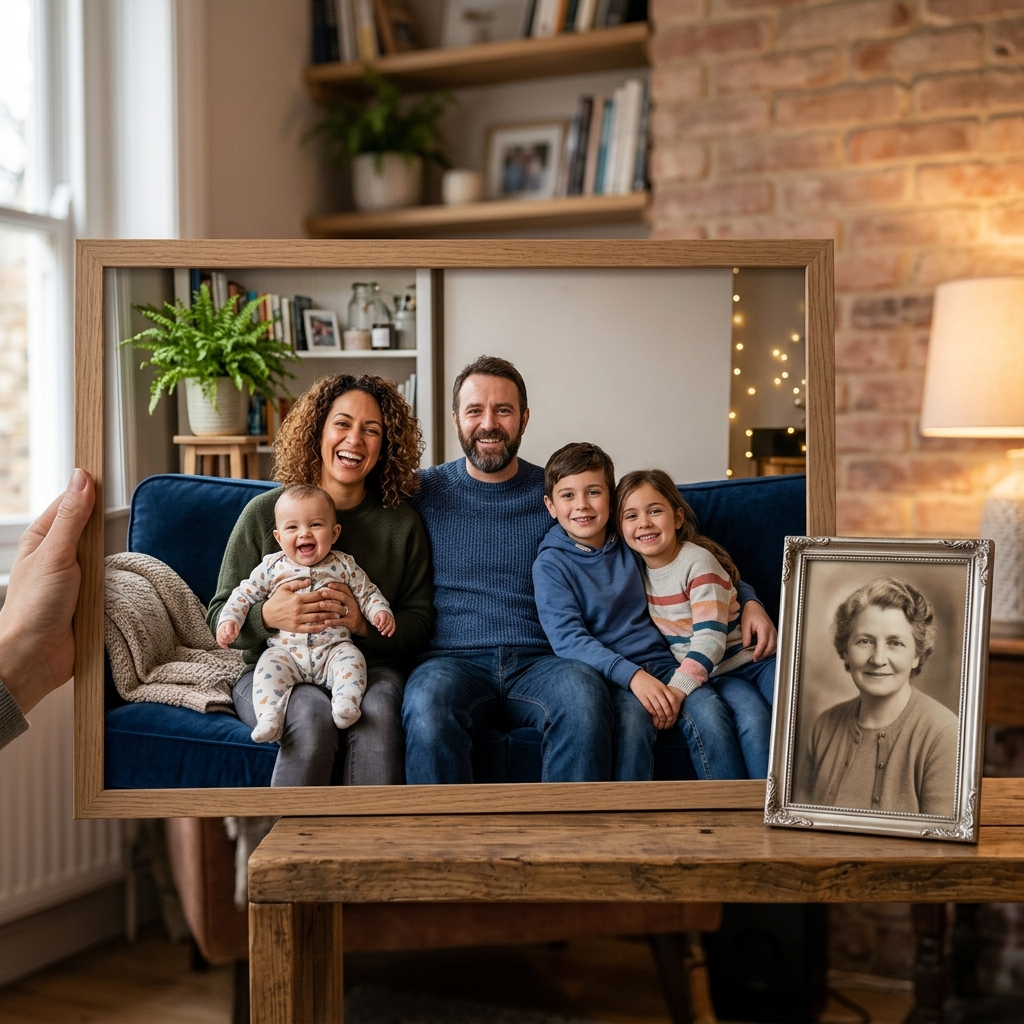
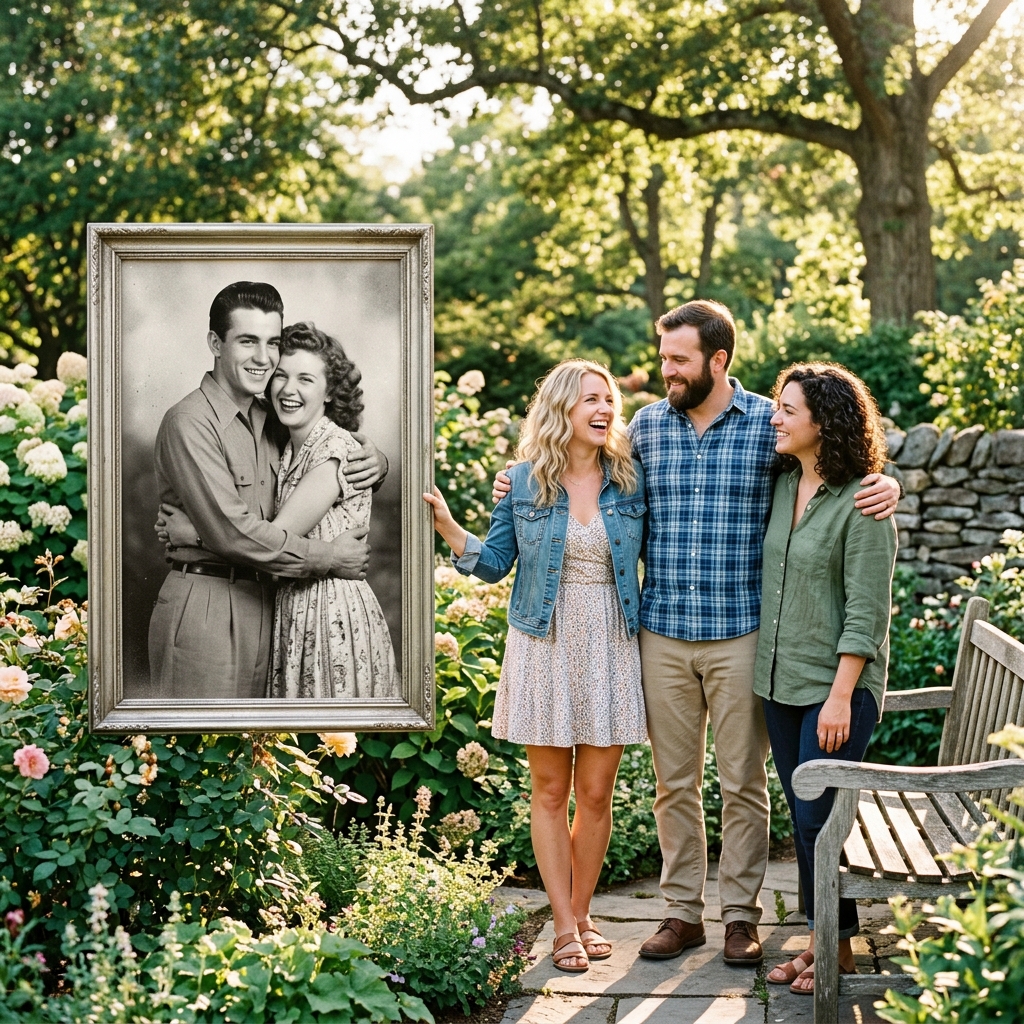
Add deceased grandparents, parents, or other late relatives into modern family portraits to honor their memory.
AI Family Portrait Completion
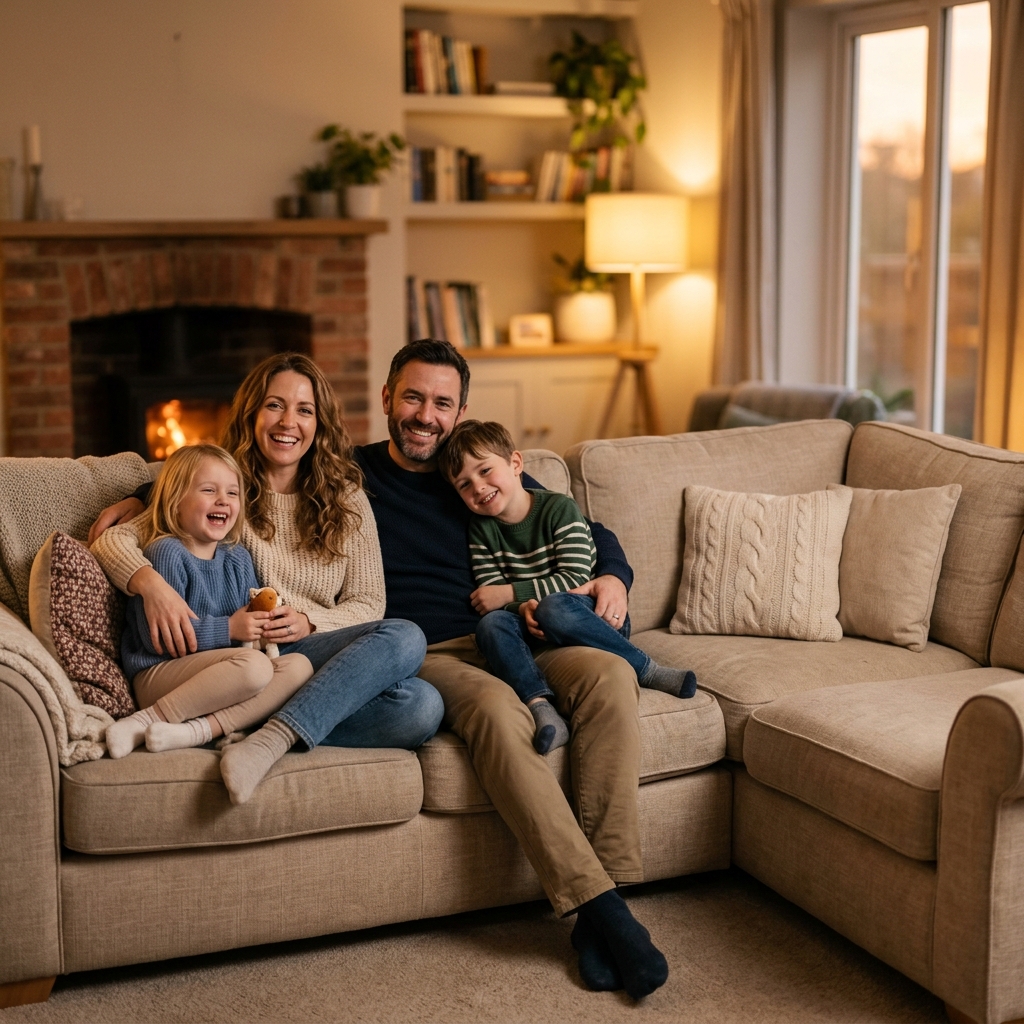
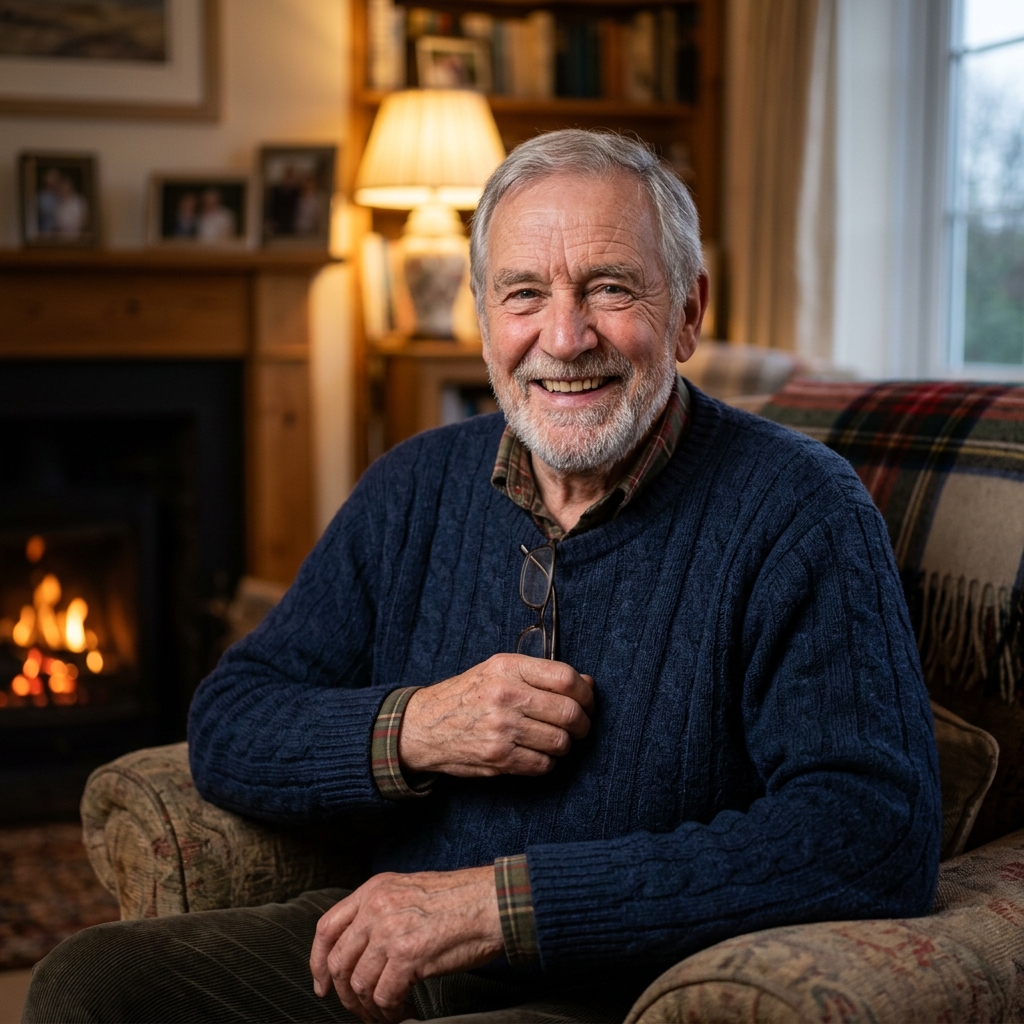
Bring everyone together in one frame. Upload your group photo and a separate portrait of the absent relative. Our AI automatically handles the lighting, shadow matching, and natural scaling to deliver a seamless, print-ready family keepsake.
Separate Inputs
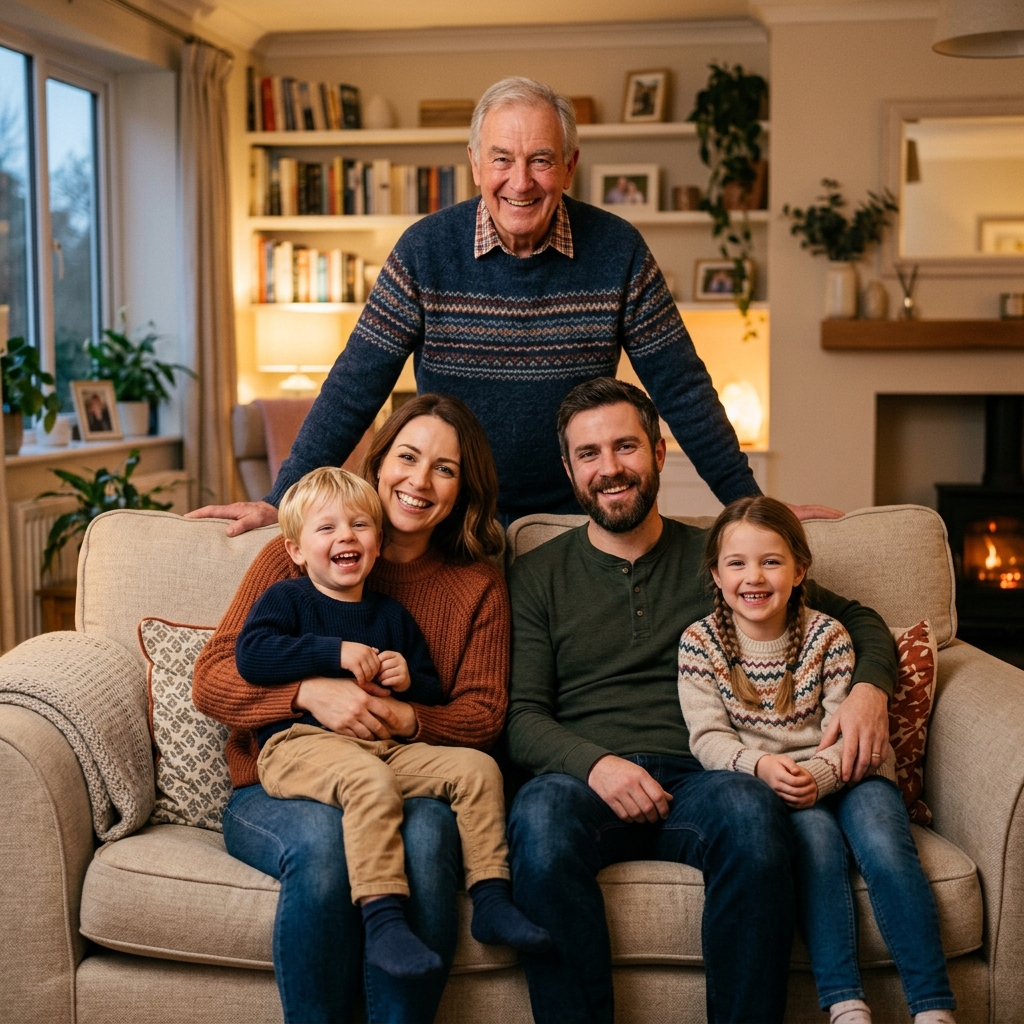
Result Preview
Natural family composition.. Upload photos, then generate one cohesive family photo.
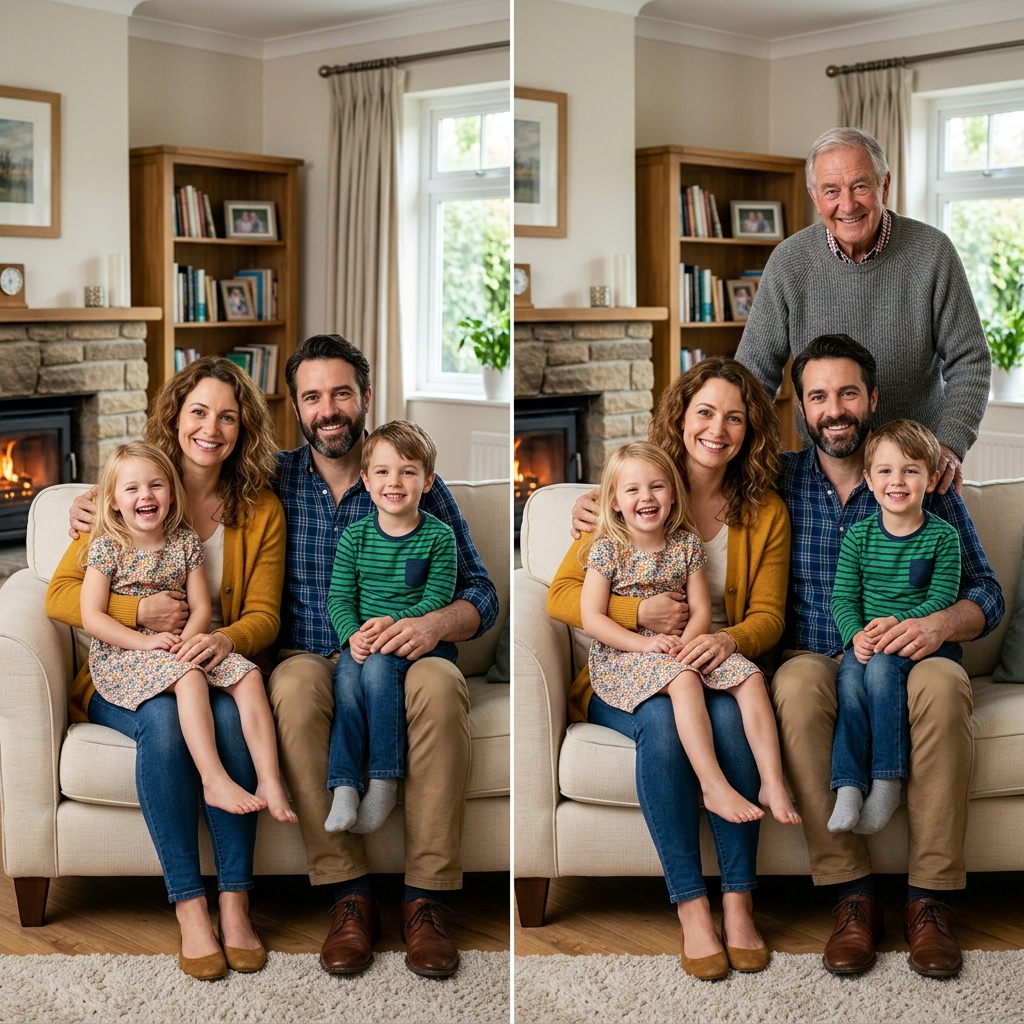
Our AI family portrait completion technology is designed for a single task: merge separate photos into one cohesive group photo without any manual cutting or layering. Traditional editing software requires clipping masks, edge refinements, and manual perspective adjustments. With our tool, the process is fully automated.
The AI automatically analyzes the height, shoulder widths, and placement of other family members in the base photo. It then scales the isolated person to fit their relative position naturally, preventing the common "miniature" or "giant" errors found in basic photo combiners.
One of the biggest giveaways of a copy-pasted photo is mismatched light sources. Our AI detects the primary angle of light in the family photo and adjusts the shadows on the added person's face, neck, and clothing, casting a realistic ground shadow for seamless integration.
Unlike generic AI generation tools that draw generic human shapes, our deep-learning portrait model preserves facial characteristics and expressions. The result retains the exact likeness of your absent relative, keeping their smile and facial features true to life.
Add deceased grandparents, parents, or other late relatives into modern family portraits to honor their memory.
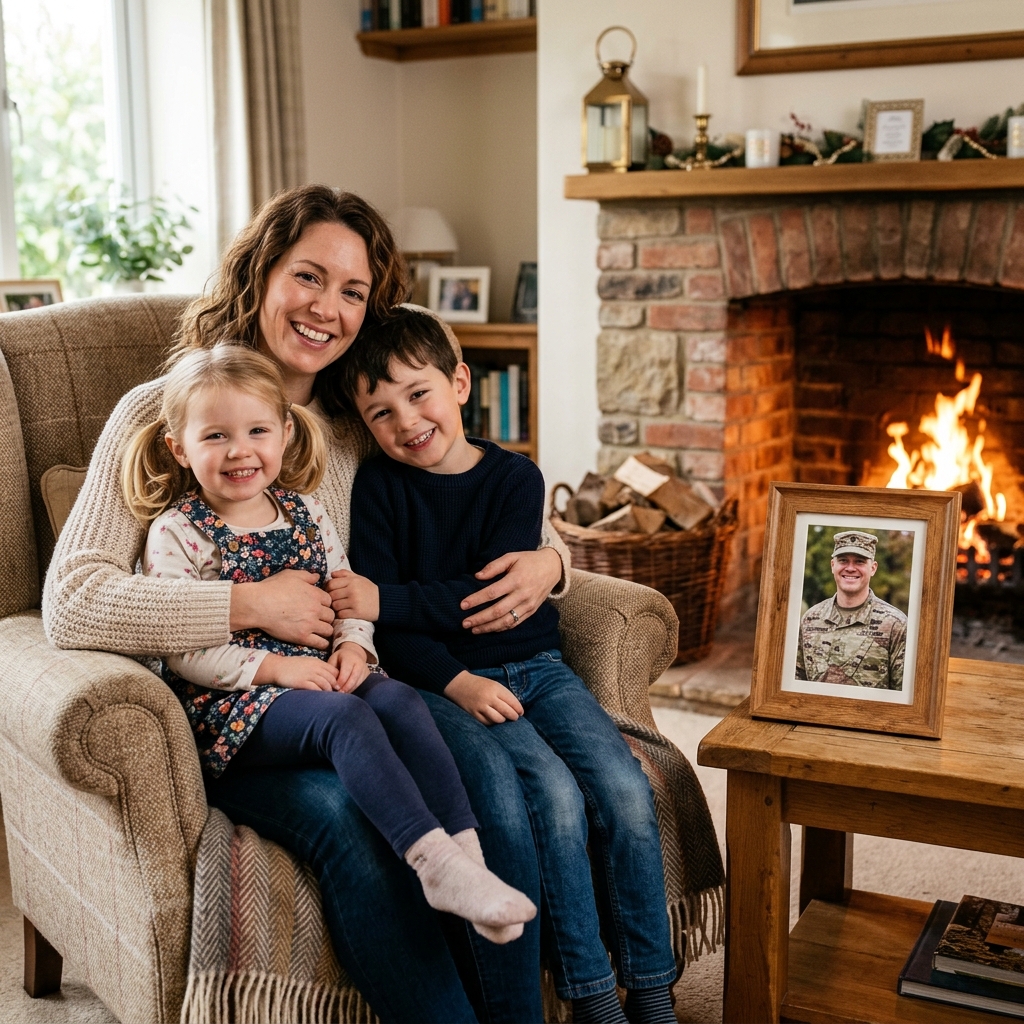
Include active-duty parents or long-distance family members who couldn't attend the photo shoot in person.
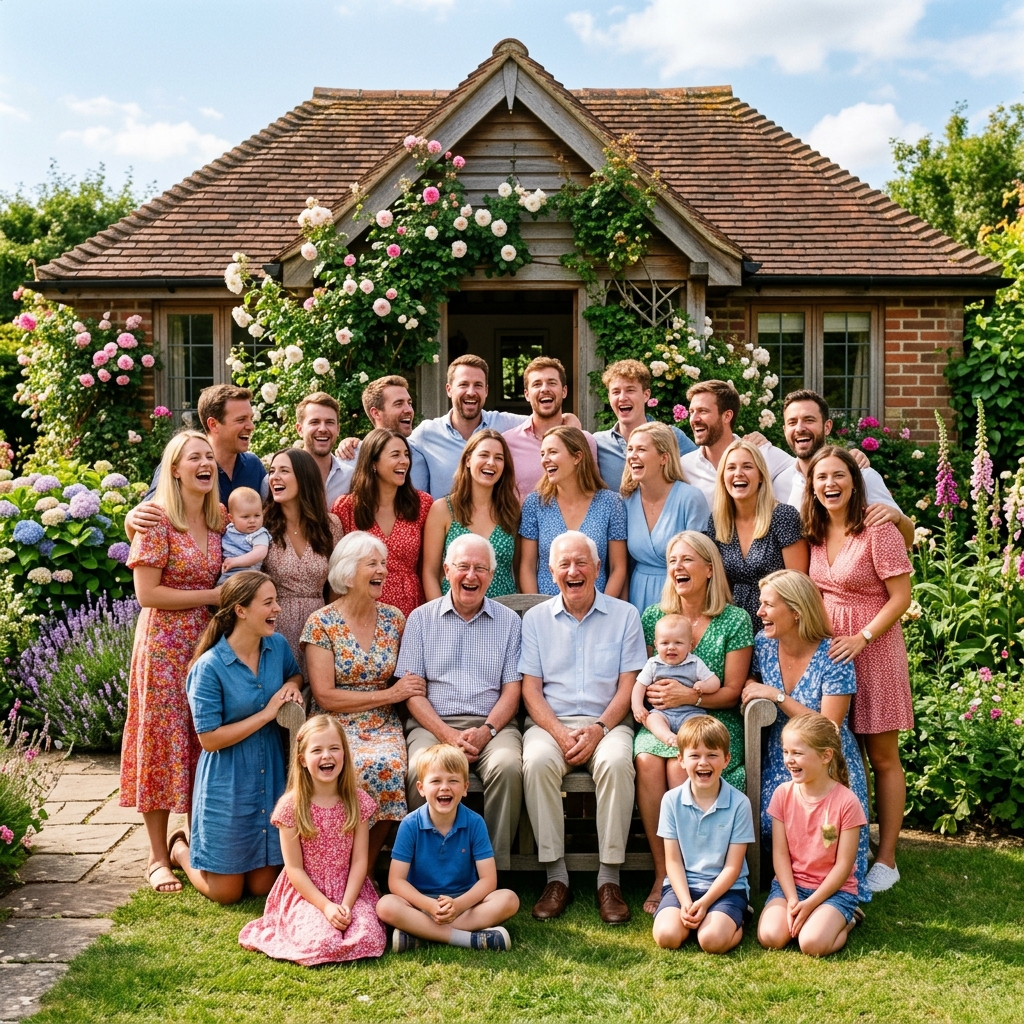
Add late arrivals, travelers, or cousins who missed the family reunion group portrait due to scheduling conflicts.
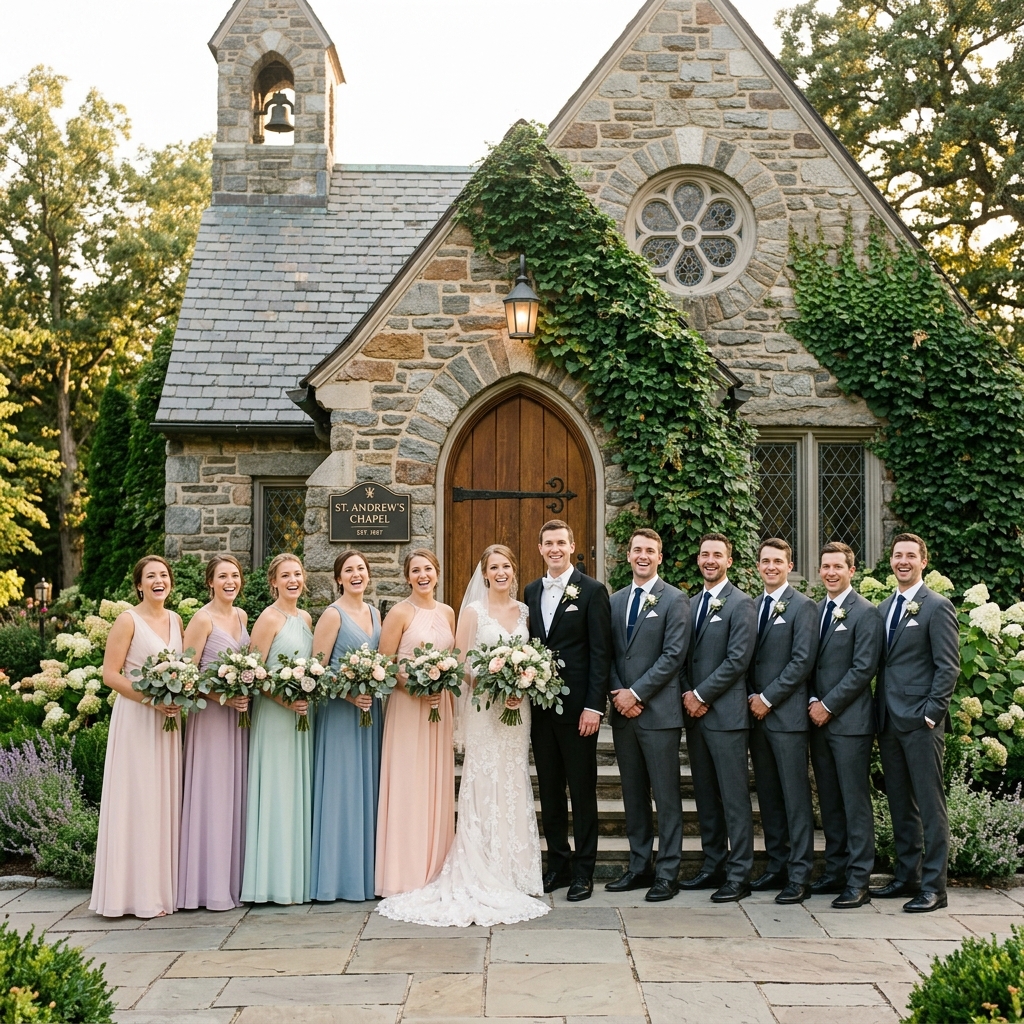
Complete wedding party portraits by inserting bridesmaids, groomsmen, or family members who missed the big day.
Creating memorial portraits is one of the most meaningful uses of our tool. If a grandparent or parent has passed away, it can be deeply comforting to compose one complete generational family portrait that honors their memory.
Our AI is trained to handle the unique challenges of memorial portraits. It can process vintage family portraits and modern digital camera shots, blending their film grains, color temperatures, and textures so everyone looks like they shared the same time and place.
No Photoshop skills or technical training are required. Follow this guided workflow to combine separate pictures into a single keepsake portrait.
Step 1
Upload your existing group shot or family portrait that is missing a member.
Step 2
Upload a clear individual portrait or photo of the person you want to insert.
Step 3
Select a preset prompt and let AI align the scale, perspective, and lighting for a natural result.
Ready to include the person who was absent and complete your family image?
Add a Missing Person NowTraditional photo editor applications force you to do all the heavy lifting manually. You have to trace the outline of a person, clean up the jagged edges around their hair, adjust brightness levels, and draw shadows by hand. For most families, this process is too slow, complex, and frustrating.
Kinpict simplifies family photo completion using deep-learning models trained specifically on family portraits. It removes manual background isolation entirely, matching the camera angle, clothing style, and lighting conditions automatically to ensure zero "sticker effect."
Furthermore, our final outputs are generated in high resolution. This ensures the completed family photo remains crisp and clear, optimized for canvas prints, framing, and home album displays.
To achieve the most convincing and realistic results, the quality of your input photos is key. Follow these guidelines to prepare your source files:
If you have multiple reference photos of the absent member, choose the one with natural expressions, clear facial details, and matching posture.
Our AI analyzes the background, lighting, shadows, and seating arrangements of your base family photo. It then isolates the missing person from their individual portrait, adjusts their size, color temperature, and perspective, and blends them seamlessly into the group photo to create a natural-looking result.
Yes. Many of our users create memorial family portraits by adding late relatives, such as grandparents or parents, into recent family photos. The AI preserves their likeness while matching the color tones and lighting of the new photo.
No, you do not need any editing skills. Simply upload the raw photo of the person you want to add. Our built-in AI will automatically remove the original background, isolate the person, and place them into the family photo.
You can upload multiple individual photos to add more than one absent relative. The AI will place each person in a logical, balanced position within the group composition.
No. Unlike simple filter apps or manual collages, our AI calculates depth, shadows, and light sources. It generates realistic shadows on the ground or surrounding objects and adjusts contrast so the person looks like they were physically standing in the room.
The best reference photos are clear, high-resolution, and taken from a similar eye-level angle as the people in the group photo. Front-facing photos with natural lighting and expressions yield the most realistic results.
Yes. If you upload a black-and-white photo of a deceased grandparent, the AI will colorize and match their skin tones to blend with the modern family photo, though the final realism depends heavily on the clarity of the original faces.
Yes. You can guide the AI using our prompt presets (e.g., 'place the added person standing in the back row behind the parents'). The AI handles layering and depth matching automatically.
You can generate a free preview to verify the blending quality. High-resolution downloads require credits, which can be purchased on our pricing page.
No. We value your privacy. All uploaded images are processed securely and deleted from our servers immediately after the generation is complete. We never use your family photos to train AI models.
Yes. You can upload a separate photo of your dog or cat and the AI will blend them naturally into the family scene, keeping them at a realistic scale relative to the human subjects.
The final portrait is generated in high resolution, which is optimized for printing on canvas, framing as wall art, or creating physical keepsakes up to standard photo sizes (8×10 inches and larger).
Yes. You can use the prompt input field to specify positions, such as 'make the added child sit next to the grandparents' or 'place the father standing on the far right.'
Most photo completions take between 1 to 2 minutes, depending on the complexity of the composition and server queue.
Yes. It is a common use case to fix wedding portraits. You can upload the wedding party photo and the missing person's portrait, and the AI will match the formal clothing styles and colors.
Try to choose a reference photo where the person is facing in a direction similar to the group. If the angles are opposite, the AI will try to adjust them, but matching angles produce the most convincing results.
You can try a free trial generation without an account. To download high-res files, track your records, or buy credits, you will need to sign in via email or Google.
Yes. You can upload a vintage family portrait and a modern photo, select our 'Vintage Blending' mode, and the AI will apply film grain, sepia, or faded lighting to match the old aesthetic.
We support standard web image formats including JPG, PNG, WEBP, HEIC, and HEIF.
Photoshop requires manual cutting, feathering, color correction, and shadow drawing, which takes hours of skilled labor. Kinpict automates all of these steps in a single click using deep-learning models trained specifically on human and family portraits.
Complete your family photo with the people who matter most.
Start with the photos you already have, add the person who was missing, and keep one image that brings everyone together.
Start with My PhotosChoose a method to continue.
Enter your email to receive a 6-digit verification code.