
01 / Virtual Gathering
Bring distant relatives together
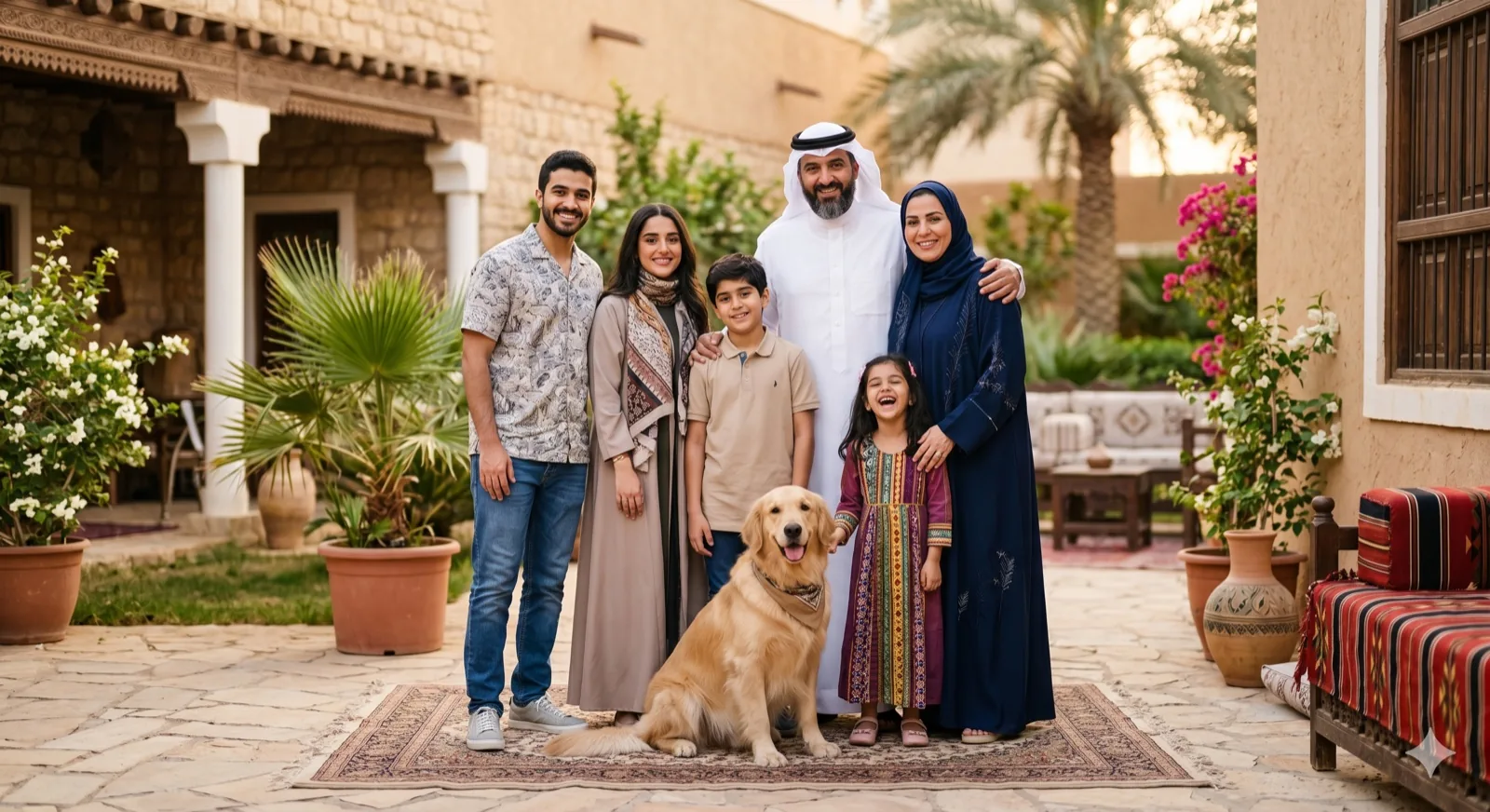
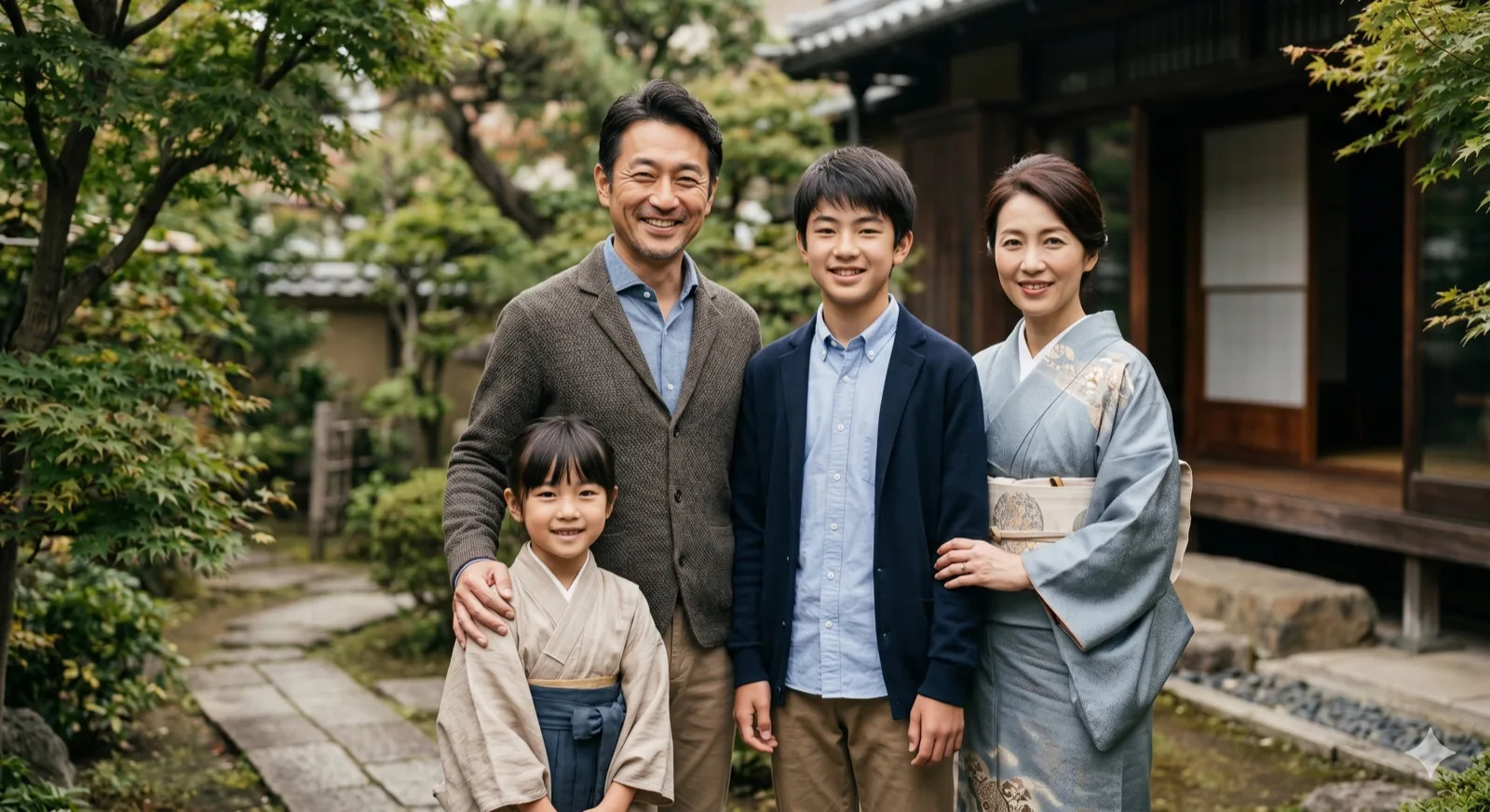
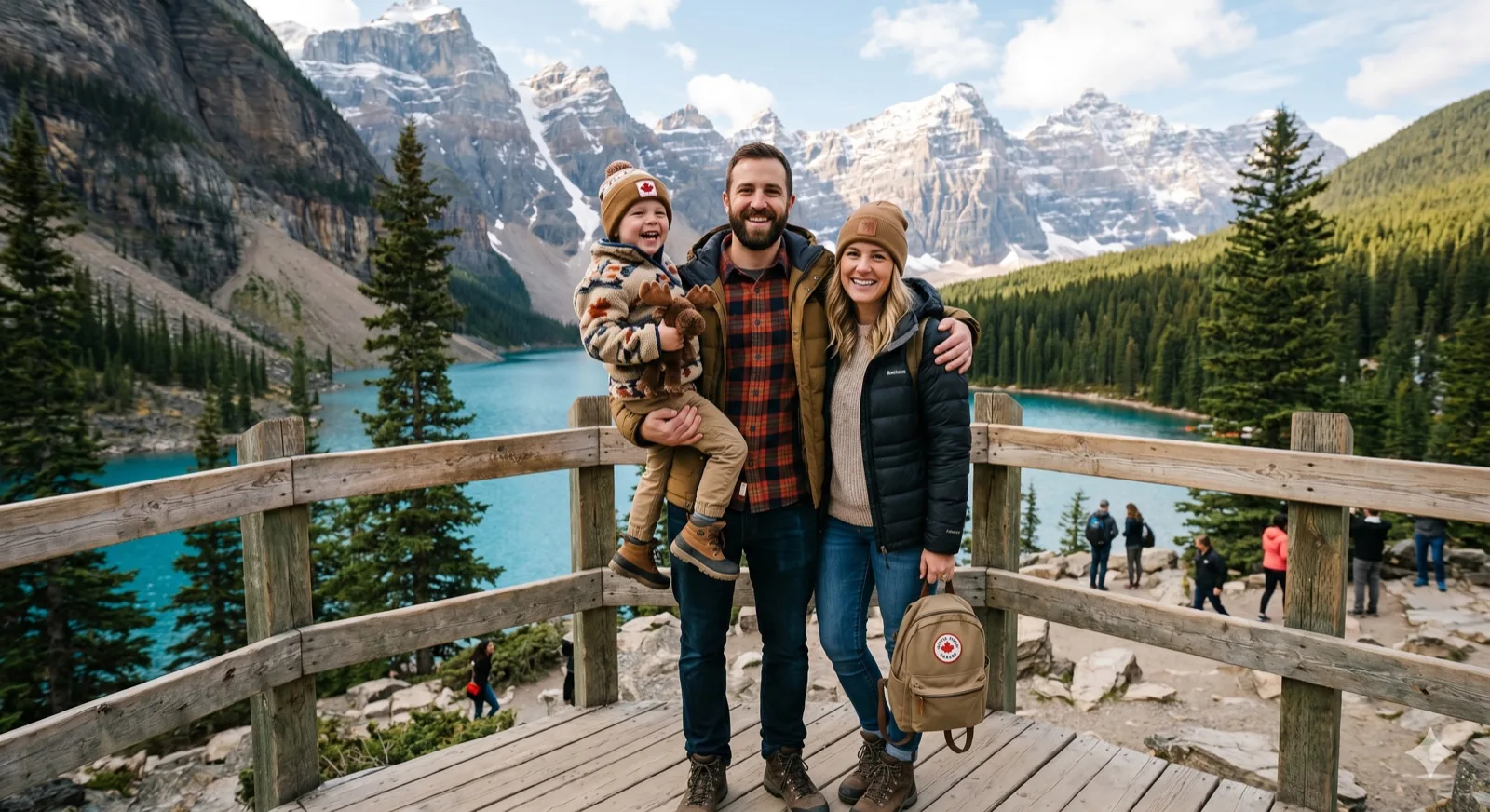
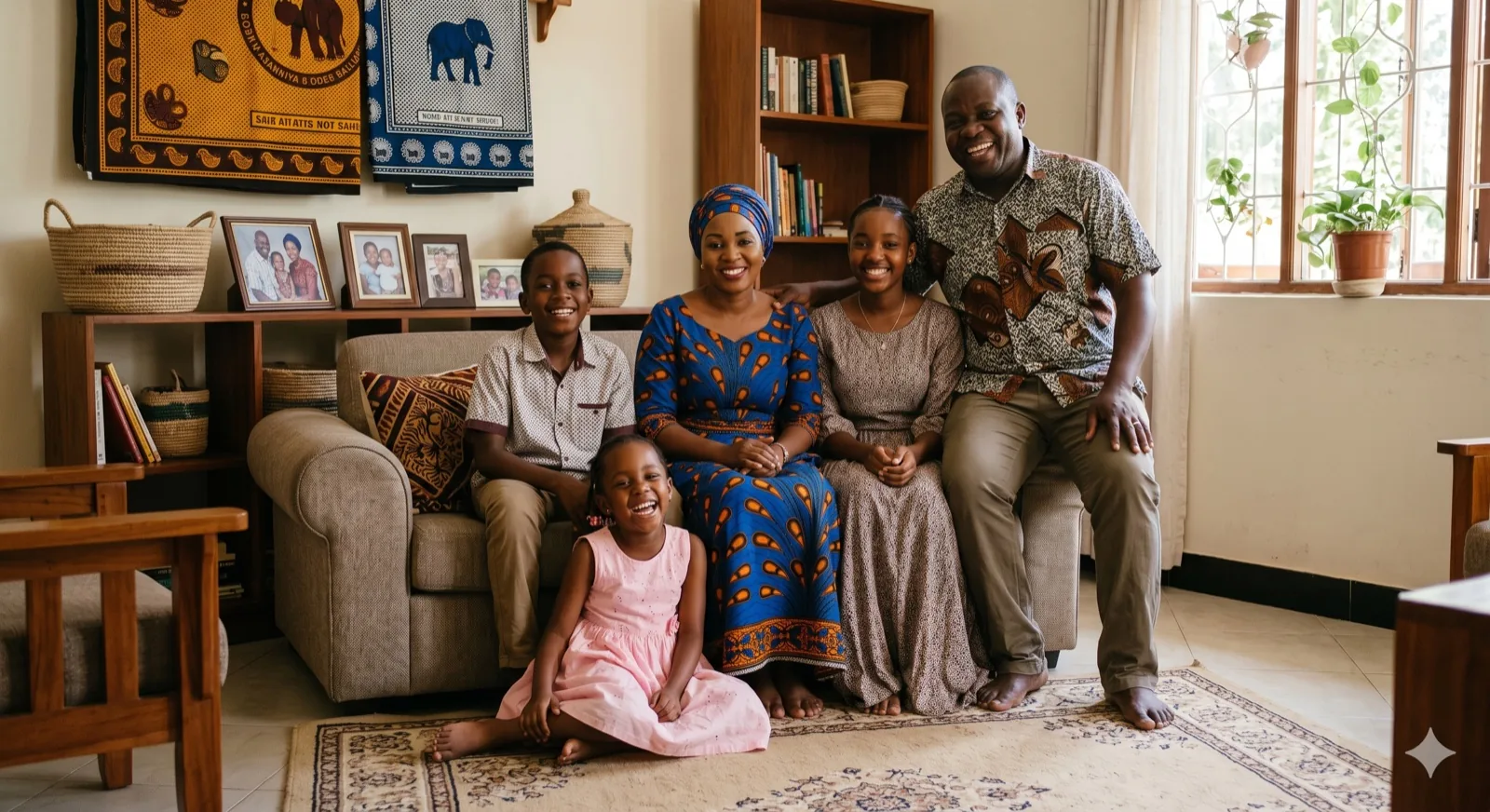
If your family lives in different states or countries, getting everyone together is a challenge. Kinpict merges individual photos into a single, believable reunion photo.
Create Reunion PhotoCreate virtual family reunion group photos from separate pictures. Merge individual snapshots to bring distant relatives together in one cohesive family portrait.
Start Reunion Group PhotoCombine family members into one scene:
Swipe or scroll to browse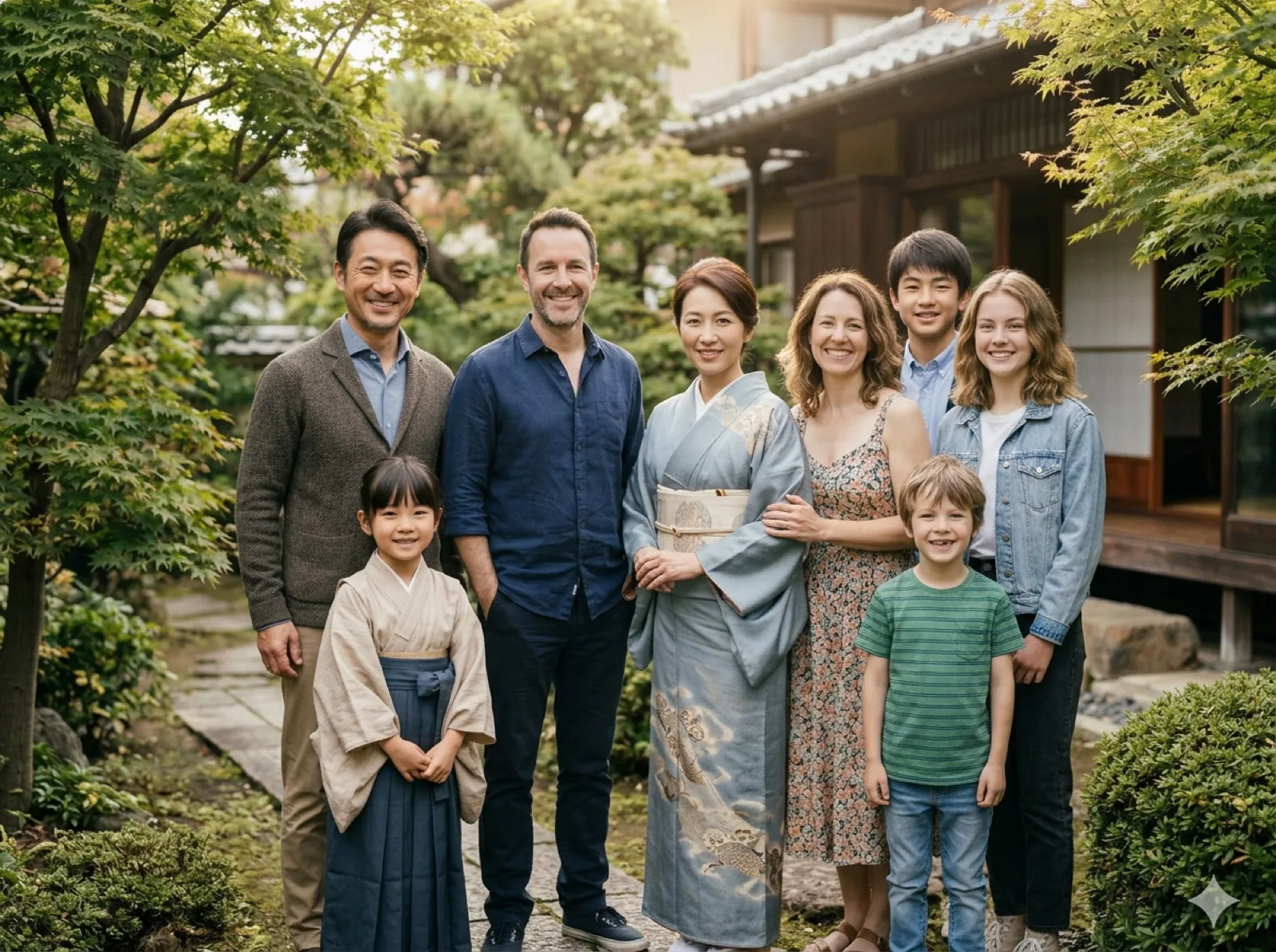 Separate Photos Combine family photos taken at different times into one natural portrait.
 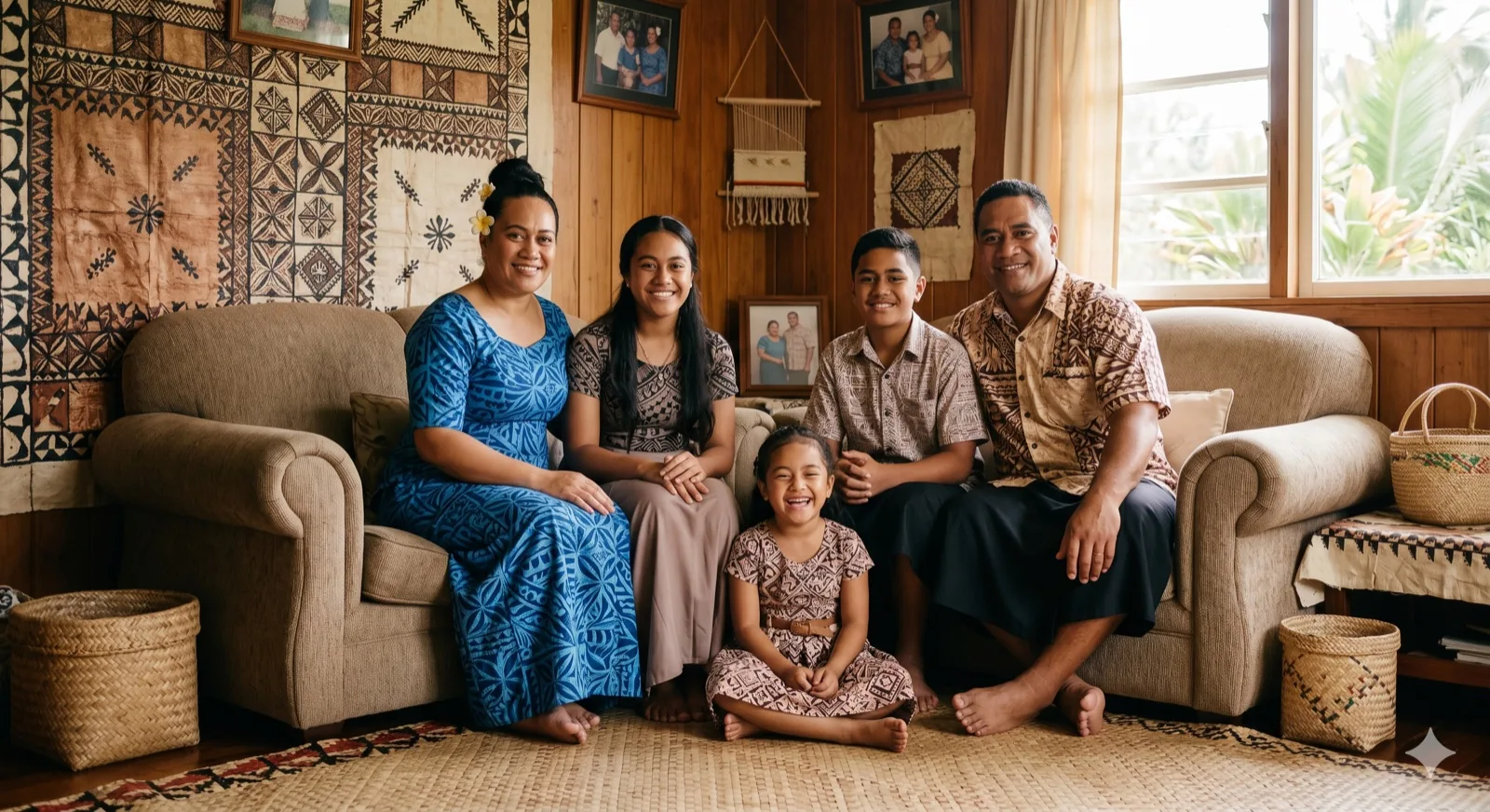 Add Missing Person Complete a family portrait when one family member was not there.
 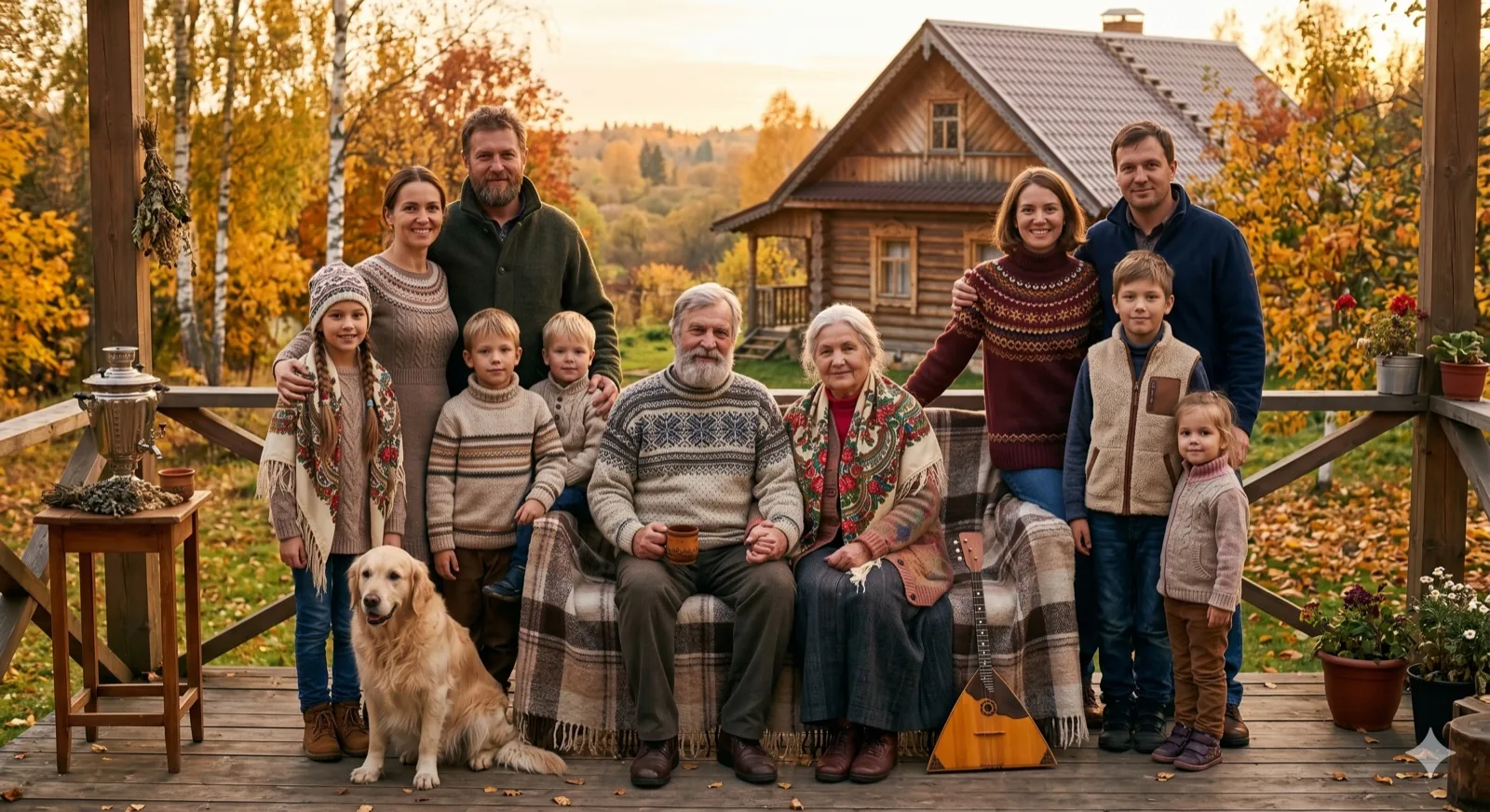 Family with Pets Make dogs or cats feel naturally part of the family portrait.
 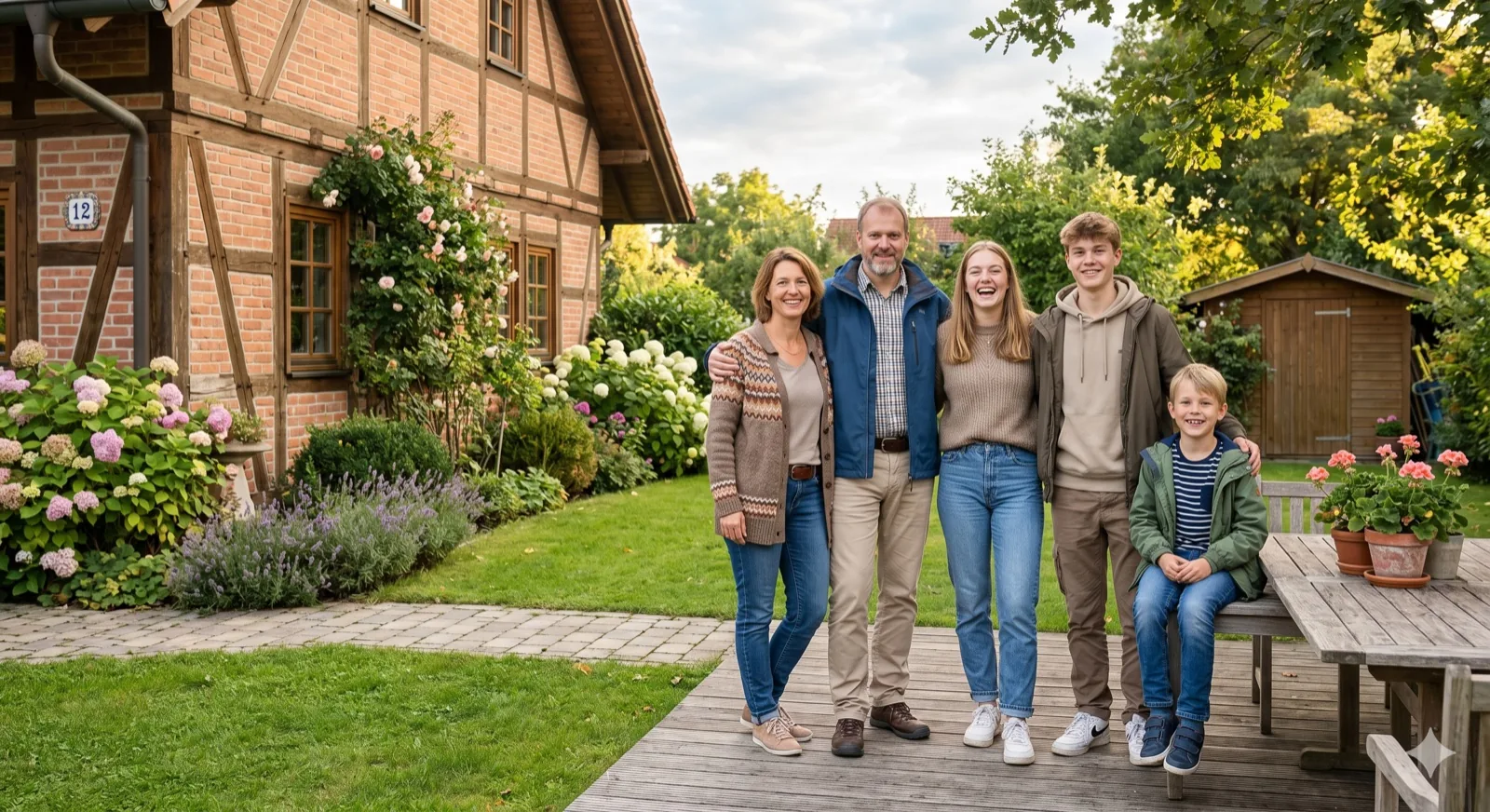 Christmas Family Create a cozy, holiday-themed family portrait for Christmas.
 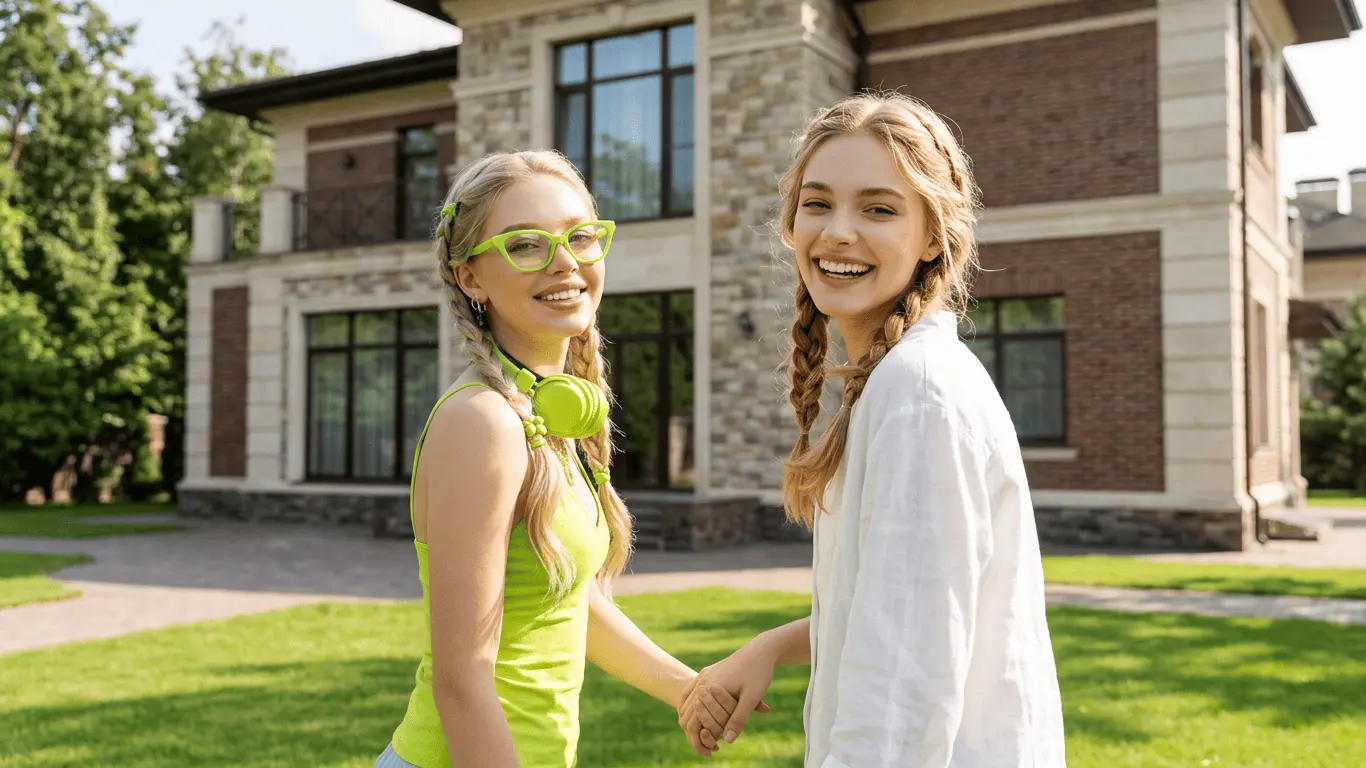 Family Portrait Generator Create formal studio family portraits online from individual photos.
 Result Preview
Natural family composition.. Upload photos, then generate one cohesive family photo.
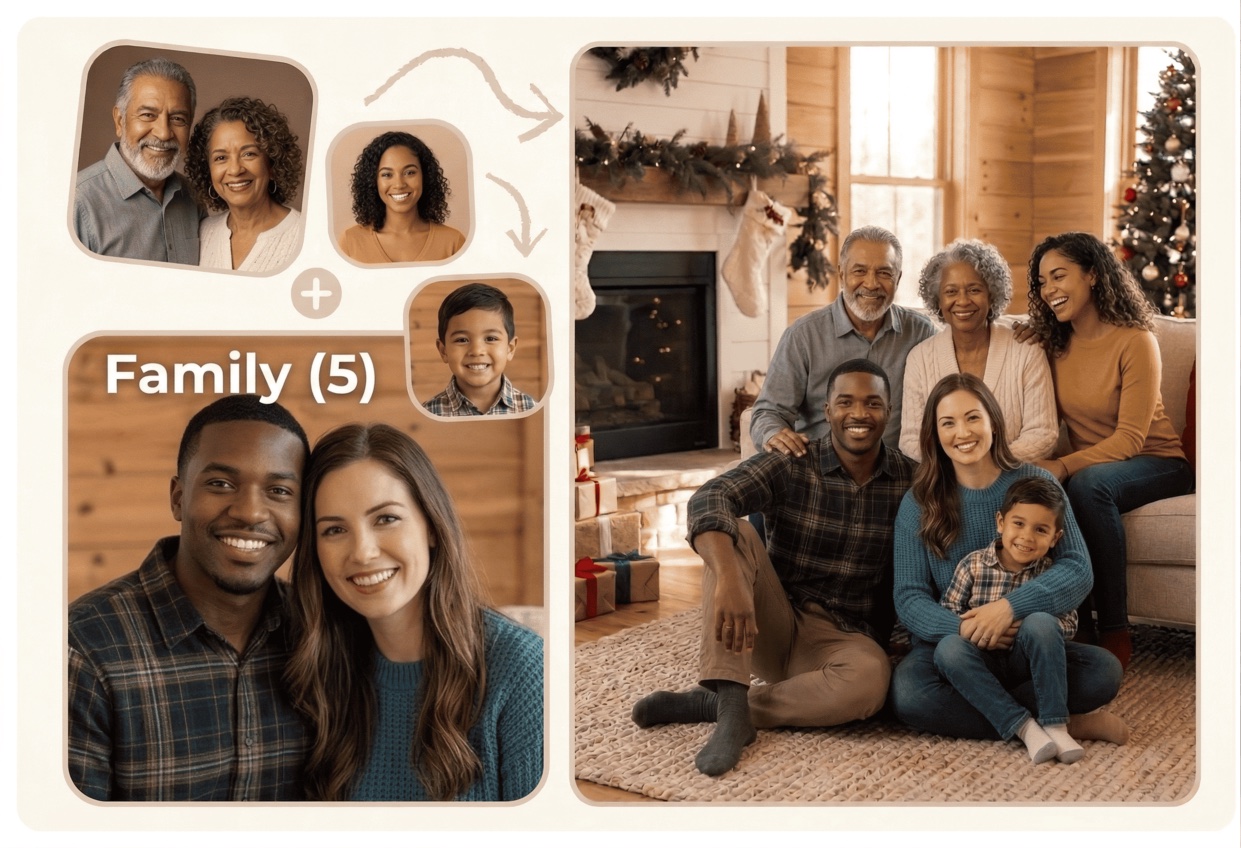
Reunion Group Configurations
Bring relatives together in a shared image when scheduling conflicts or distance keeps them apart. Complete your family reunion memories easily.
01 / Virtual Gathering
If your family lives in different states or countries, getting everyone together is a challenge. Kinpict merges individual photos into a single, believable reunion photo.
Create Reunion Photo 02 / Complete the memory
Did someone miss the planned group photo window because of a flight delay or schedule conflict? You can add them later and let AI arrange a balanced, natural composition.
Add Missing Relative 03 / Family Legacy
Combine grandparents, parents, children, and grandchildren in a clean, professional group photo. Perfect for preservation of family legacies.
Explore Legacy PortraitsOur AI Family Reunion Photo Generator is built to help families create cohesive reunion portraits when meeting in person is difficult. The tool combines individual portraits, group shots, and late arrivals into one unified, realistic group picture.
Instead of manually cutting out layers, you can upload separate photos and select a reunion backdrop (such as an outdoor yard or cozy living room). The AI automatically aligns person proportions, balances shadows, and coordinates lighting to deliver a high-resolution, print-ready keepsake.
Combine photos of family members taken at different times or locations into a single, cohesive reunion group photo.
Easily add grandparents, children, or cousins who couldn't attend the reunion event to complete the family photo.
Place family members in a warm living room, green outdoor backyard, or cozy dinner table background.
AI corrects lighting angles, colors, and perspective scale so everyone blends naturally into the group.
Download high-resolution reunion pictures ready for printing holiday cards, sharing in chat groups, or framing.
When merging relatives from different settings, choose photos where faces are not obscured. A clear, medium-range photo works best for arranging balanced group postures.
Select a background preset that fits the mood of your family. An outdoor garden background works beautifully for summer reunions, while a cozy living room is perfect for winter holidays.
Ensure source images have decent clarity. This allows the AI tool to scale individuals naturally and keep textures clear when compiling the final reunion group picture.
Create a unified group picture of your relatives in three easy steps, no advanced editing required.
Step 1
Upload individual selfies or separate smaller group pictures of the relatives you want to combine.
Step 2
Select a scenic group setting and aspect ratio for your final reunion portrait.
Step 3
Let AI composite the group naturally, review the balanced output, and download in high quality.
Reunions are rare. Travel distances, busy work schedules, and physical limitations mean families rarely get to stand in the same room. Even when you do manage to host a gathering, someone usually has to leave early, misses the group shot, or has to take the picture instead of being in it.
Our AI Family Reunion Photo Generator resolves these real-world challenges. By combining separate snapshots, you can create a complete group photo that reflects the entire family relationship. AI aligns lighting angles and shadows so the final result reads as one cohesive memory rather than separate, cut-out pictures.
It is a simple, stress-free keepsake. Generate a beautiful reunion picture, print it for grandparents, or share it in your family chat group to celebrate the connection.
These typical scenarios show how easily separate pictures can be merged into a single reunion group photo.
Combine photos of family members spread across different cities or countries into a single reunion picture.
Add a relative who arrived late or missed the photoshoot back into the main reunion group picture.
Prepare warm holiday cards with a unified reunion portrait, even if plans changed and you couldn't meet.
Generate clean, print-ready images optimized for printing on canvas or sharing in family albums.
Find answers to common questions about generating family reunion portraits with AI.
Upload individual photos of family members or separate smaller group pictures, select a reunion background setting, and let the AI combine them into a single, cohesive group portrait with consistent lighting and scaling.
Yes. This generator allows you to upload the main group photo taken at the reunion along with a separate picture of the missing relative, and places them naturally into the scene.
We offer outdoor setups (such as garden and mountain lake settings) and indoor setups (like cozy living rooms or porch structures) to fit the atmosphere of your family gathering.
Yes. Most users merge photos taken with various devices, resolutions, and lighting. The AI harmonizes colors and shadows to minimize visual differences.
Yes, you can upload multiple individual files to compile larger family groups. For the best result, ensure each uploaded photo has a clear view of the person's face.
We prioritize user privacy. Uploaded photos are only processed securely to synthesize your family reunion group photo and are not saved permanently or used for model training.
Merge separate pictures into one cohesive family reunion photo with the AI Family Reunion Photo Generator.
Create Reunion PortraitChoose a method to continue.
Enter your email to receive a 6-digit verification code.