Result Preview

Preview Your Family Photo

Natural family composition.. Upload photos, then generate one cohesive family photo.

Sources0
Frame3:4
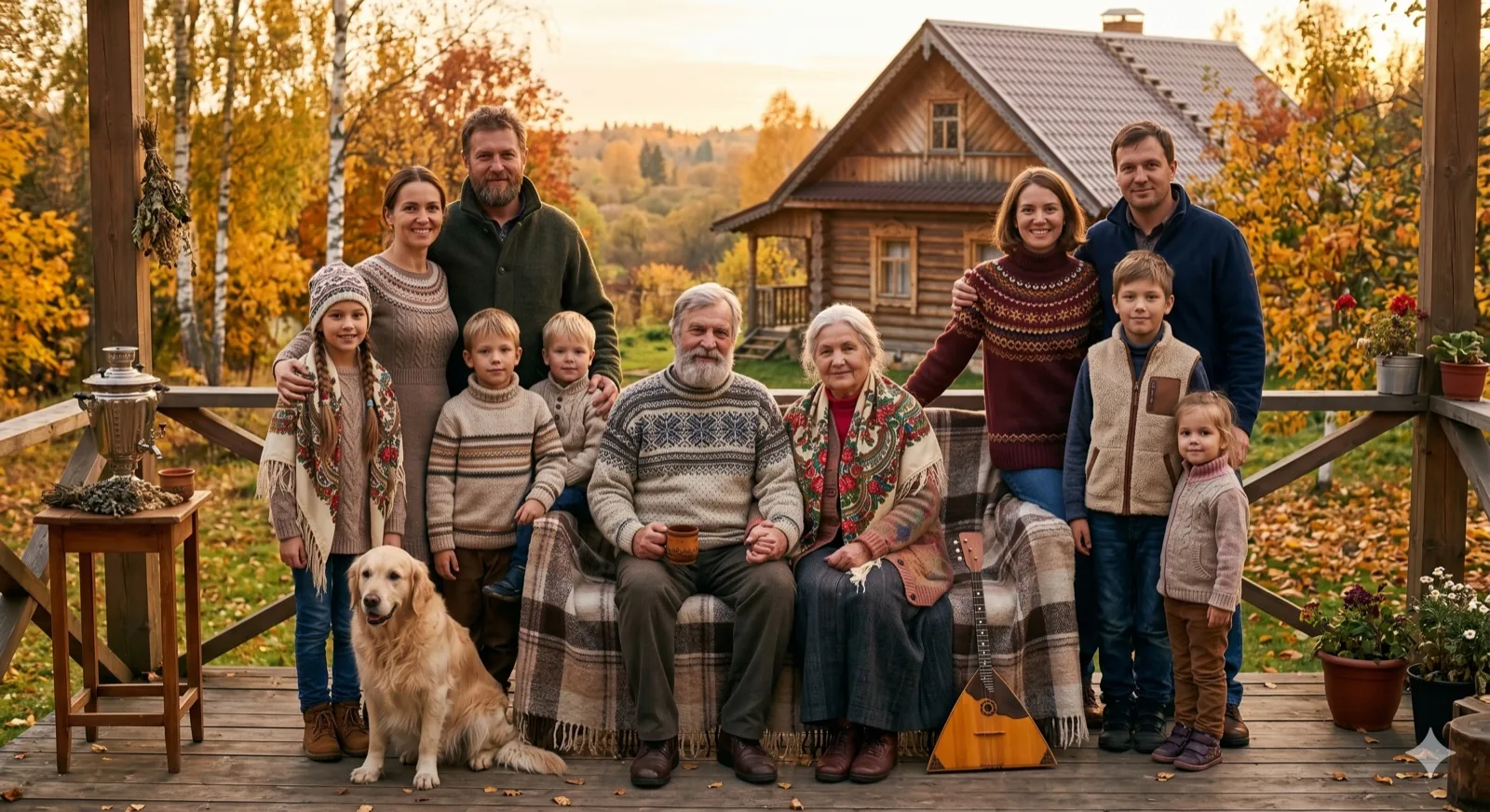
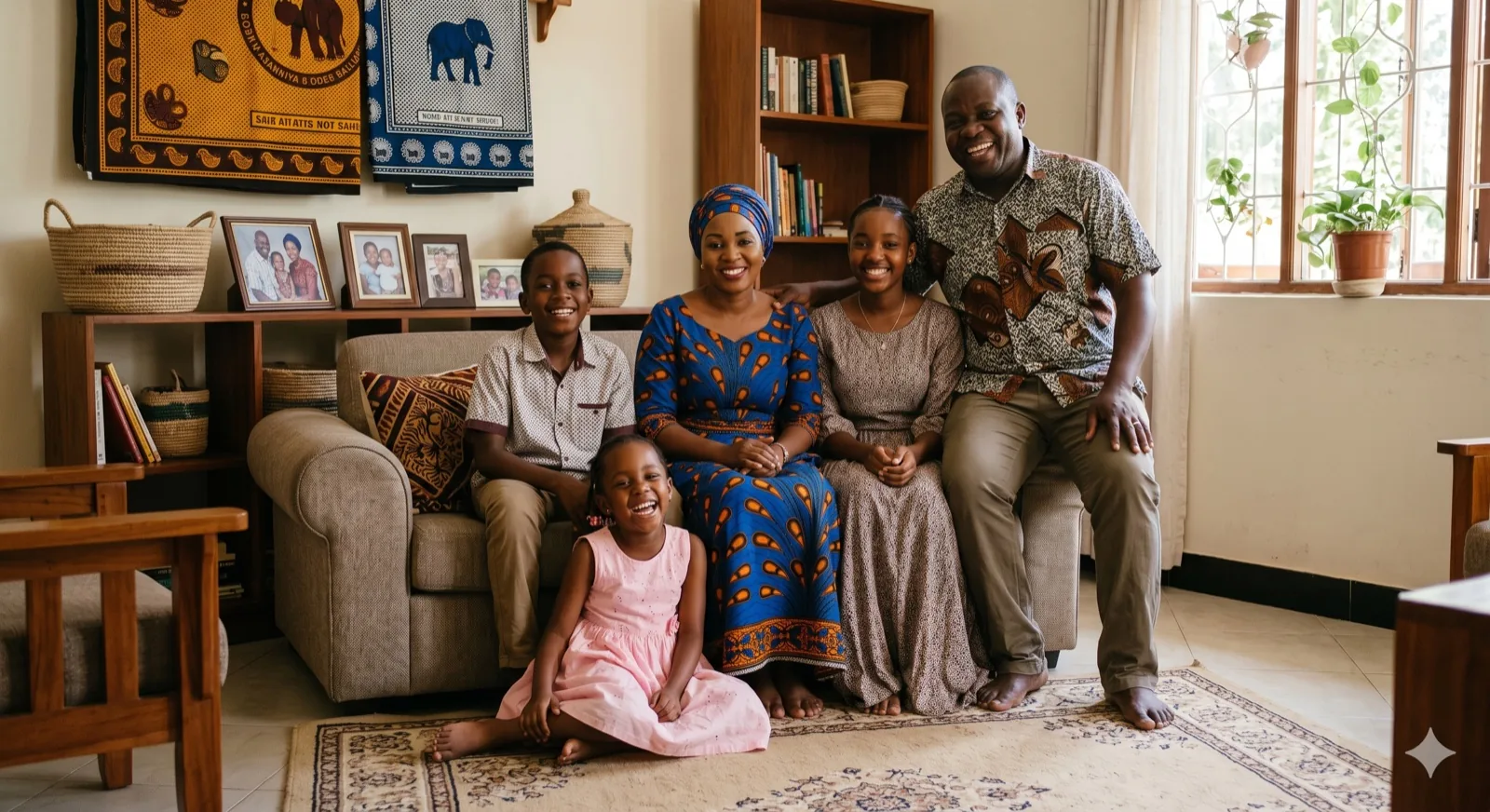
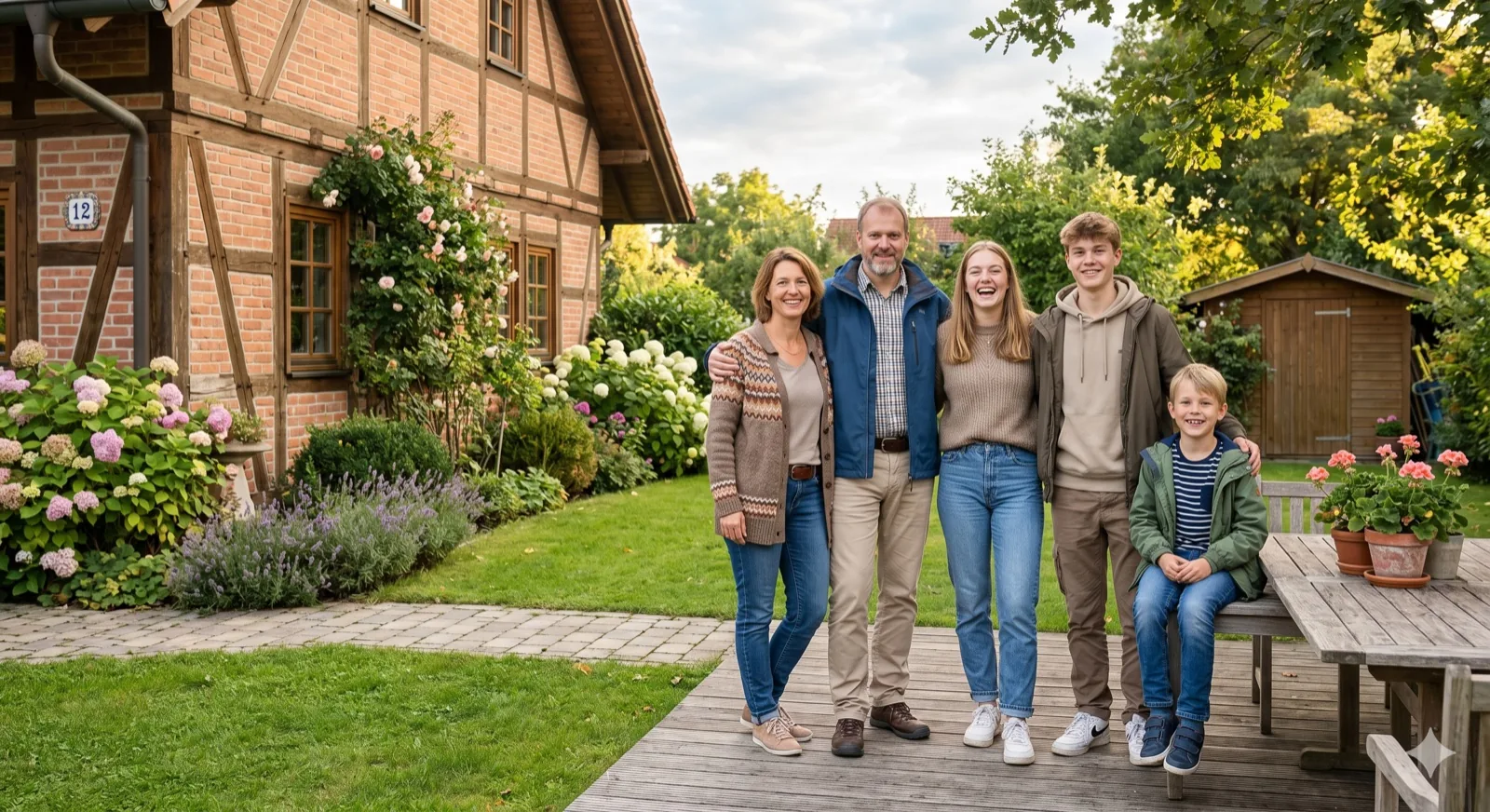
Example family photo generated by Kinpict
Example ResultUpload your photos on the left to create a portrait

Group Configurations

AI Group Photo Generator solves

Create high-end, cohesive group pictures online without coordinating calendar slots or scheduling local studio sessions.

Create corporate group photos from individual headshots online

01 / Remote Teams

Create corporate group photos easily

Coordinating a physical photoshoot for remote or distributed teams is expensive and slow. Kinpict merges individual headshots into a single, cohesive team picture ready for your website or directory.

Create Team Photo
Combine separate photos of friends into one group photo

02 / Friend Gatherings

Put your friends in one frame

Whether it is a group of gaming friends, college roommates, or childhood friends who live apart, you can merge separate snapshots into one fun, high-quality gathering photo.

Create Friend Photo
Create class group photo from individual portraits

03 / Class Portraits

Commemorate graduation and class years

Celebrate student groups, clubs, or entire classes by combining individual portraits into a clean class layout. Perfect for digital yearbooks and student newsletters.

Create Class Photo
AI FUSION TECHNOLOGY

AI Group Photo Maker: Combine Separate Pictures into One Cohesive Layout

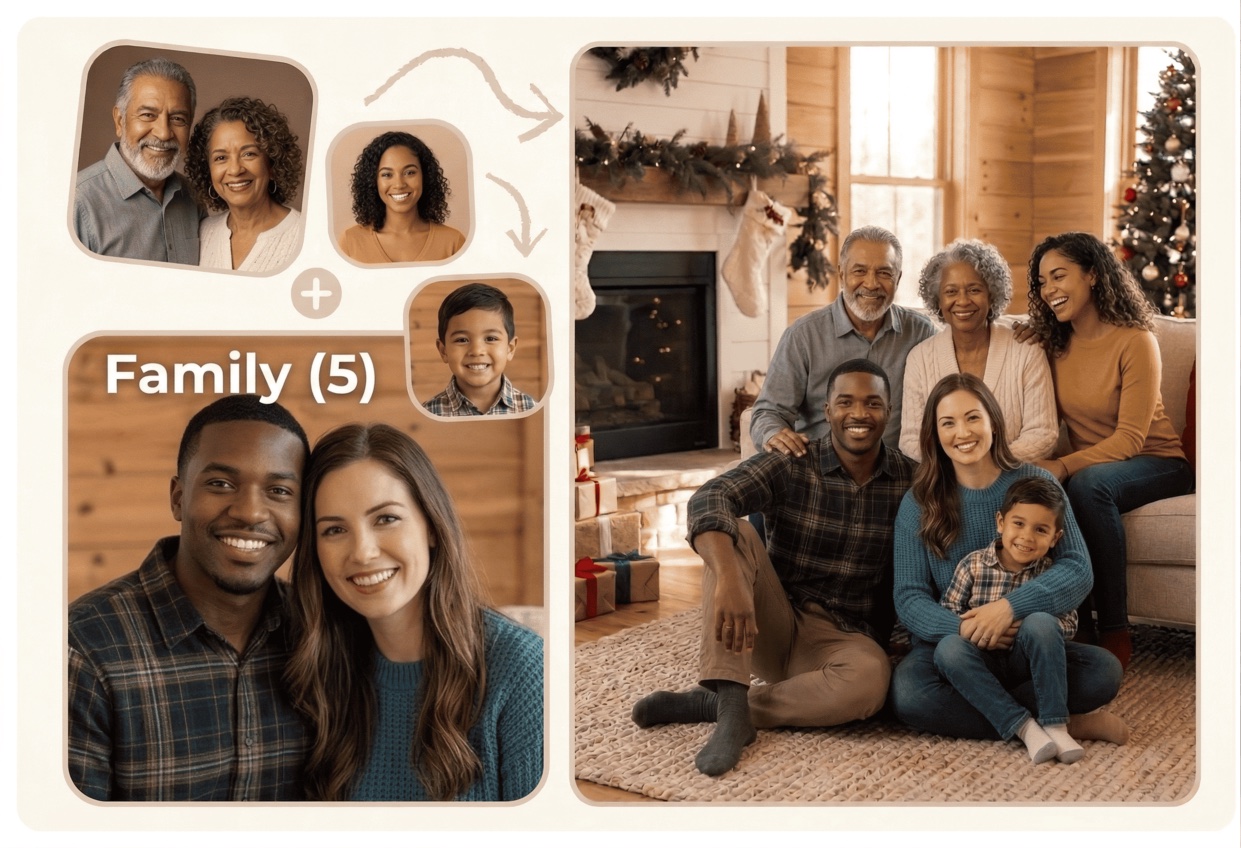
Our AI Group Photo Generator is built to compile remote teams, corporate departments, clubs, and friend groups into one cohesive picture. The tool aligns head postures, relative size, and spacing to place everyone together naturally.

Simply upload separate individual headshots, select your backdrop (such as a professional office lobby or a clean studio setup), and let the AI balance shadows, colors, and textures. You get a high-resolution, professional group image ready for digital directories, slide decks, or printed keepsakes.
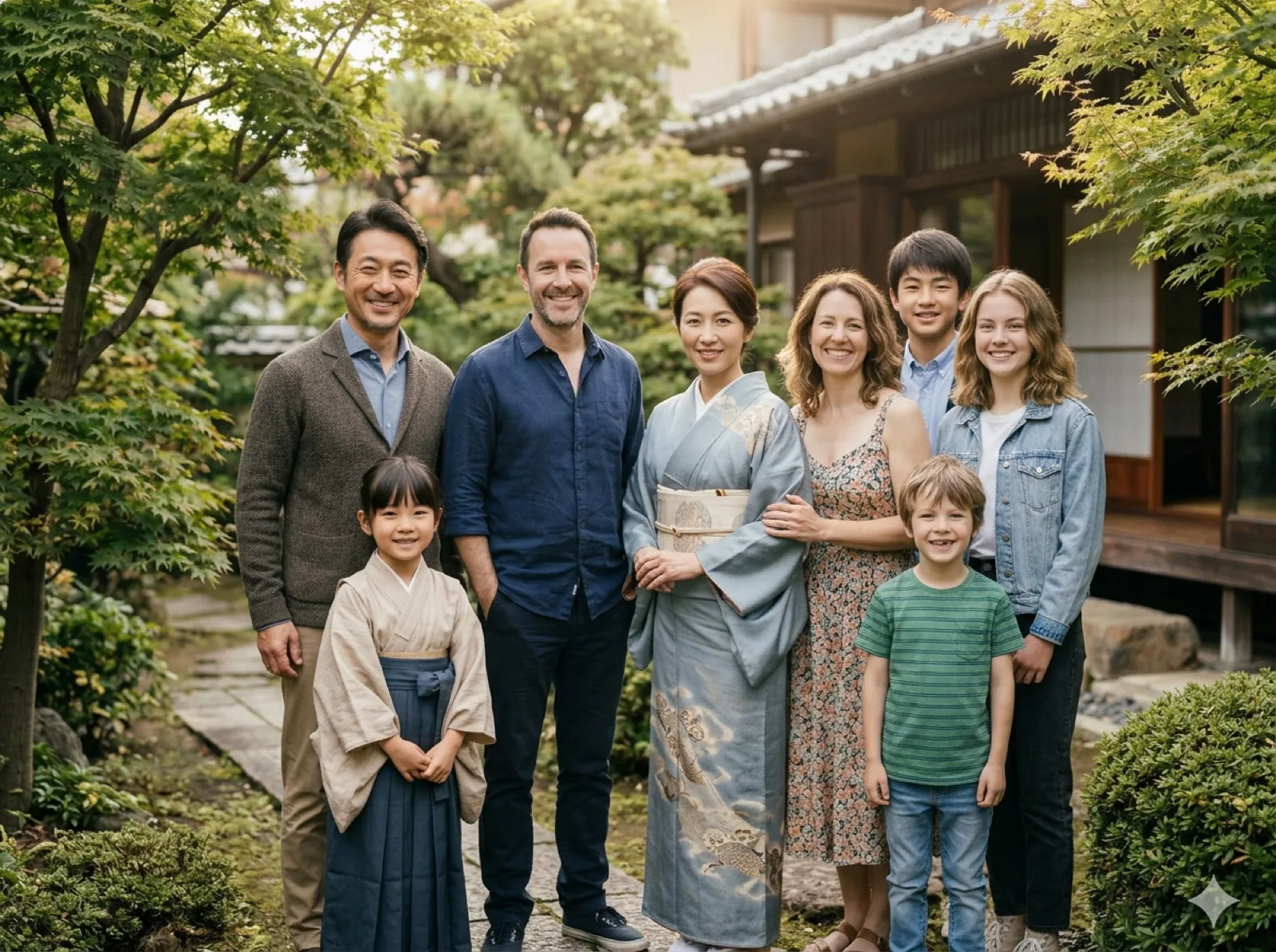
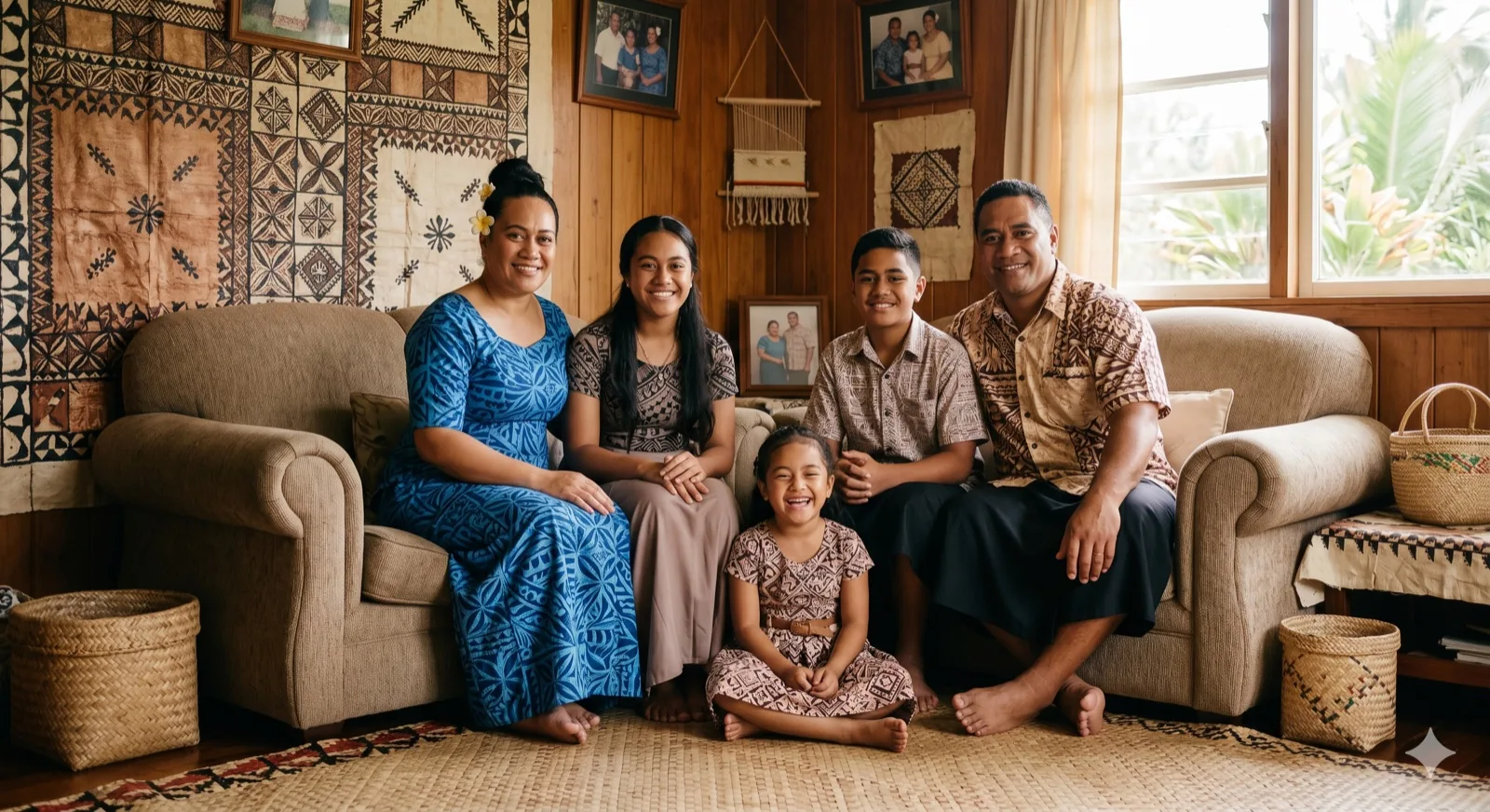
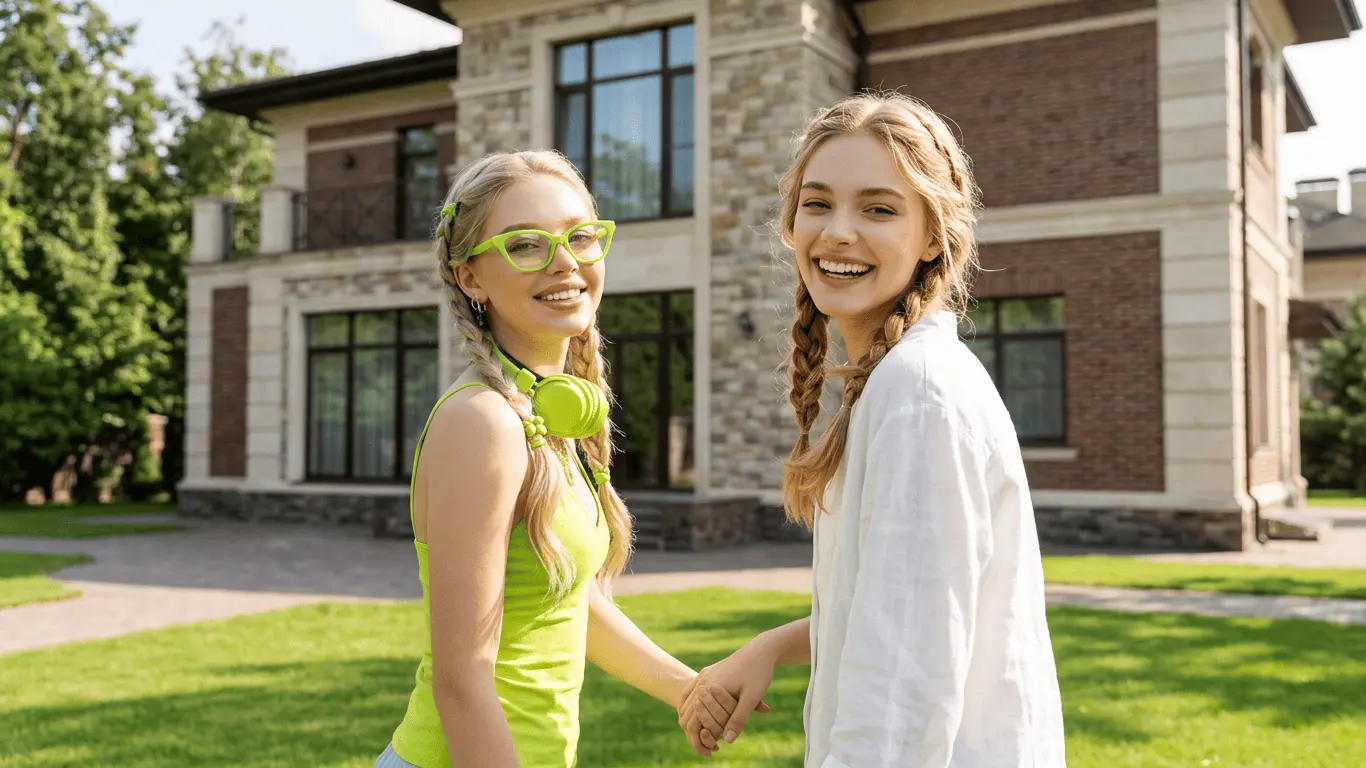
Separate Pictures
Member A
Member B
Member C
AI Group Fusion
Cohesive Portrait
Group Photo

Why Choose Our AI Group Photo Maker?

No scheduling required

Combine individual headshots or separate images into one group photo without organizing a physical photoshoot.

Sleek office & studio presets

Place your team or group in a modern office lobby, professional studio, or casual outdoor backdrop.

Balanced layout alignment

AI aligns head angles, body sizing, and spacing so everyone stands together naturally as a real team.

Consistent lighting & colors

The tool balances lighting angles, exposure, and color tones across all subjects automatically.

High-resolution team files

Download high-res final images suitable for websites, slide decks, newsletters, or print folders.

Pro Guidelines & Best Practices

Uniform Head Angles

When uploading employee or friend headshots, try to choose source pictures where subjects are facing forward or slightly angled in the same direction. This coordinates rows naturally.

Set background correctly

For corporate directories, choose clean solid studio colors or modern office lobby backdrops. For family or classmate groups, green yards or casual porch settings work beautifully.

High resolution sources

Clear face textures make outlines sharper and more believable. Ensure each person's file has enough resolution to avoid soft edges or blurry outlines when compiled.

How the AI Group Photo Generator Works

Our online tool compiles individual headshots into a cohesive group picture in three simple steps.

Step 1

Upload individual photos

Upload separate headshots or small group pictures of the team members you want to merge.

Step 2

Choose setting & framing

Select a professional or casual background environment and select your desired aspect ratio.

Step 3

Download group picture

Let AI composite, review the unified team layout, and download a clean high-res group photo.

Saves Time, Cost, and Logistics for Team Photos

Organizing a group picture is a logistical challenge. Remote coworkers live in different states, clients have packed calendars, and booking a local commercial photographer requires planning months in advance. Often, new hires remain excluded from the team directory page for a long time.

Our AI Group Photo Generator solves this business friction. By compiling separate individual headshots, the generator creates a professional, aligned group photo. The AI coordinates clothing outline details, adjusts lighting angles, and balances colors so the final layout reads as a cohesive unit.

It is a fast, digital-first solution. Compile remote teams, classmate groups, or sports rosters, download high-resolution files, and update your site or directory instantly.

CREATIVE SCENARIOS

How You Can Use Our AI Group Photo Generator

These tailored scenarios show how easily separate headshots can be merged into one group picture.

01

Virtual team & corporate photos

Assemble remote teams or newly hired employees into a clean group photo for corporate directories.

02

Friends reunion memories

Combine individual selfies of friends who live in different cities into a single group snapshot.

03

Class & school group pictures

Put classmates or graduates together in a single commemorative graduation group photo.

04

Sports rosters & clubs

Compile team members, players, and coaches into a cohesive squad photo for digital rosters.

QUESTIONS & ANSWERS

Frequently Asked Questions

Find answers to common questions about generating professional group photos online with AI.

Can I generate a group photo for a team of 10 or more people?

Yes. You can upload multiple individual portraits and headshots. The AI parses the headshots and arranges them into rows with a balanced, natural group layout.

What is the best way to format photos for a corporate group photo?

For the cleanest corporate layout, use high-resolution headshots with similar camera heights and clear, unobstructed facial angles. Neutral expressions work best.

Can we choose a professional office or studio background?

Yes. We offer several modern background presets, including clean solid studios and office settings, to ensure the group photo aligns with corporate branding.

Does the AI fix different lighting and resolutions?

Yes. The AI harmonizes exposure differences, corrects lighting direction, and adjusts details so the individual subjects blend together with visual consistency.

Is it possible to download transparent PNGs or raw cutouts?

Currently, the generator outputs fully composited group photos against our pre-configured backdrops to ensure natural lighting integration and shadows.

How secure are employee and team photo uploads?

We prioritize security and privacy. Uploaded photos are processed securely to generate your team group photo and are not saved permanently or used for model training.

START CREATING TODAY

Bring everyone together in one group photo online.

Combine separate employee headshots or friend selfies into a cohesive group picture with AI.

Create Group Photo