Kinpict Blog / Guide
Family Photo Generator Prompt: Copy & Paste Examples
A practical guide to copy-paste family photo generator prompts for separate photos, missing family members, pets, holiday cards, and anime-style portraits.
What this guide covers
- Copy & paste prompt packs for real family scenarios
- Separate photos, missing people, pets, and anime styles
- Short prompts work better than long descriptions
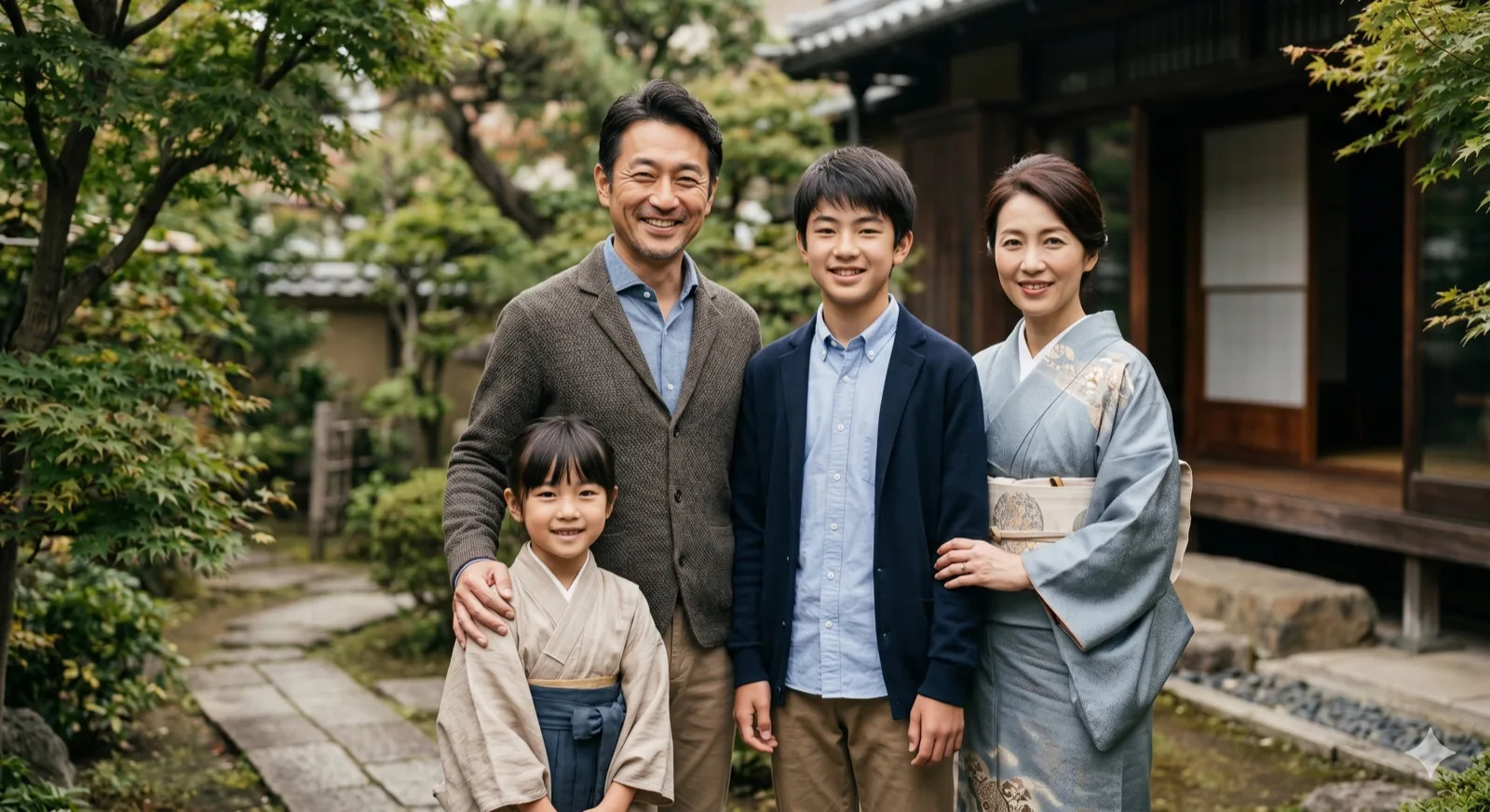
Use a structured family photo generator prompt to combine separate family pictures, add missing relatives, or create cozy holiday and anime-style family portraits. Copy and paste these realistic family photo prompt examples to get clean, natural-looking results in Midjourney, DALL-E, or Stable Diffusion.
What is a Family Photo Generator Prompt?
A family photo generator prompt is a text-based instruction used in AI models to synthesize a unified family portrait. When you want to combine family pictures from different settings or cameras, writing a clear, structured prompt prevents common AI anomalies like distorted facial expressions, plastic skin textures, and mismatched lighting.
Writing an ai family photo prompt is not about describing every detail; it is about defining the scene's layout, environment, lighting, and camera details. This helps the model align separate source photos into one believable group picture.
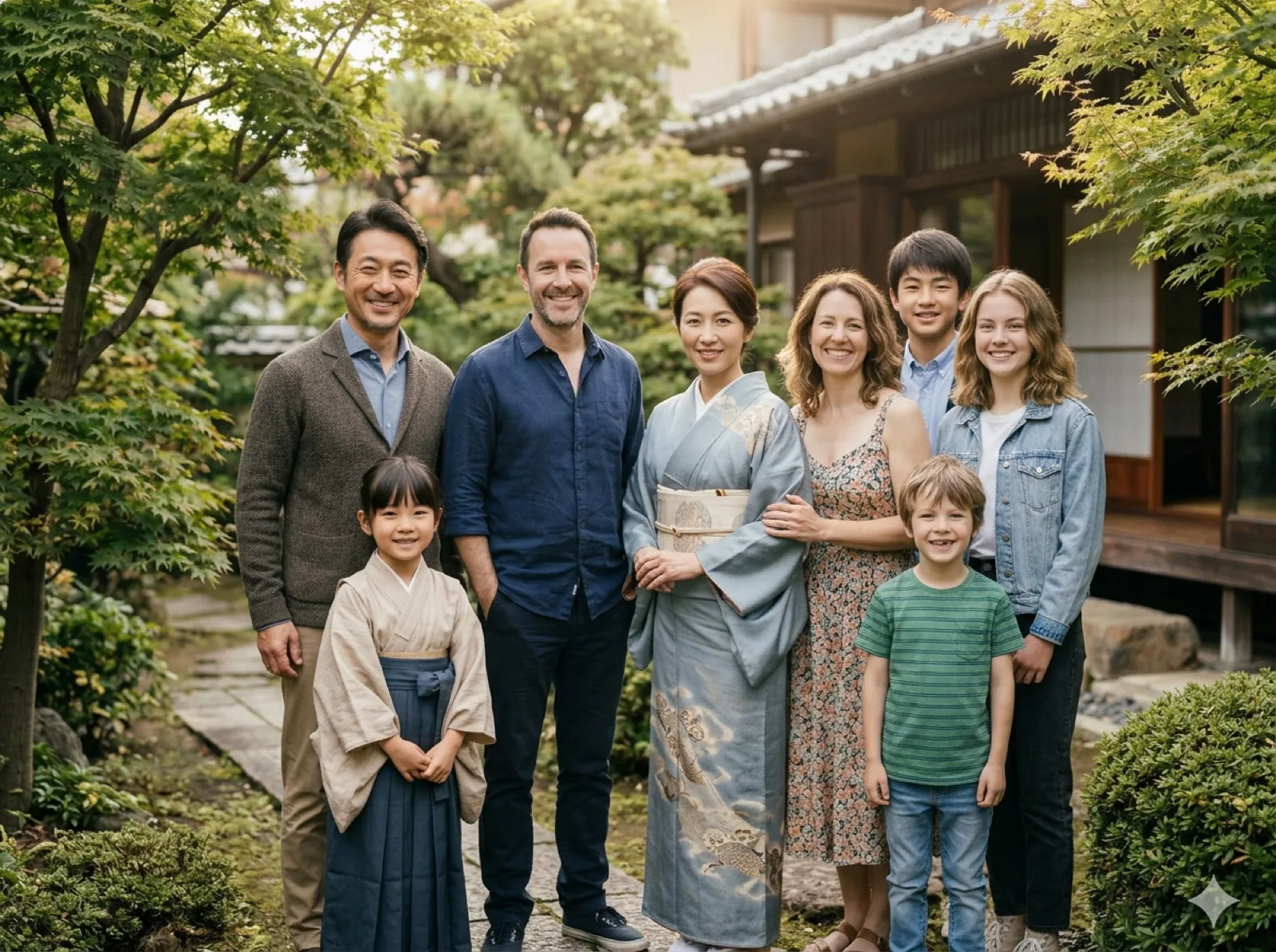
The Formula: How to Write Family Photo Prompts
If you want to know how to write family photo prompts that consistently look realistic, avoid vague descriptions like "make it beautiful" or "high quality." Instead, follow this simple structural formula:
[Subject Composition] + [Environment & Setting] + [Lighting & Color Temperature] + [Camera & Style Parameters]
- Subject Composition: Define who is in the photo and their arrangement (e.g., "a family of three standing close together, parent on the left, child in the middle").
- Environment & Setting: Specify a natural background (e.g., "cozy living room with a fireplace," "sunlit backyard garden").
- Lighting: Define the light source (e.g., "soft golden hour sunlight," "warm indoor ambient lighting").
- Style Parameters: Use keywords like "award-winning portrait photography," "natural skin textures," and "8k resolution, photorealistic" for a realistic family photo prompt.
Copy & Paste AI Family Portrait Prompt Examples
Use these pre-tested, copy-pasteable ai family portrait prompt examples for different AI platforms and use cases:
1. Midjourney Prompts for Family Photos
For Midjourney (v6+), use descriptive, natural language without keyword stuffing:
midjourney prompt family photo: A realistic family portrait photography of a mother, father, and young daughter sitting on a cozy couch in their living room. Warm ambient indoor lighting, natural smiles, soft clothing textures, shallow depth of field, captured on 35mm lens, photorealistic skin details, --ar 16:9 --style raw --v 6.0
2. Stable Diffusion Prompts for Family Portraits
Stable Diffusion works best with comma-separated tags and negative prompts to control quality:
stable diffusion family portrait prompt: A professional studio family portrait, father and mother standing, holding their baby child, smiling naturally. Warm grey studio backdrop, soft key light, realistic skin textures, sharp focus, 8k resolution, highly detailed faces, award-winning portraiture.
Negative Prompt: (deformed, distorted, extra limbs, bad anatomy, plastic skin, CGI, 3d render, cartoon, oversaturated, blurry, bad lighting)
3. Holiday / Christmas Family Photo Prompts
For festive holiday cards, add warm, seasonal elements:
Holiday prompt: A cozy Christmas family photo of a couple and their dog sitting in front of a decorated Christmas tree. Warm glowing fireplace light, festive holiday sweaters, soft smiles, cozy winter atmosphere, high-resolution photography, natural composition.
4. Illustrated / Anime Family Photo Prompts
To convert separate photos into an illustrated style:
Anime prompt: An anime family photo generator style portrait, a warm family of four standing together in a grassy meadow under a clear blue sky. Studio Ghibli style, clean linework, soft pastel colors, gentle expressions, detailed anime illustration.
5 Pro Tips for Getting Natural AI Family Photos
- Start with Consistent Source Photos: The prompt can only guide the synthesis. If one source photo is a dark indoor selfie and another is a bright outdoor headshot, matching them is difficult. Try to upload source photos with similar light angles.
- Specify Points of Contact: To avoid a "pasted-in" look, include actions like "shoulder-to-shoulder," "standing close together," or "gently leaning in."
- Control the Lighting: Always specify a unified light source (e.g., "soft diffused key light" or "natural afternoon daylight") so all faces share the same lighting model.
- Use Negative Prompts for Realism: Explicitly exclude artificial elements like "CGI," "smooth plastic skin," or "airbrushed" to keep the textures organic and natural.
- Experiment with Modes: On Kinpict, use Standard mode to quickly test composition and prompt layout, then switch to Enhanced mode for final high-resolution details.
Frequently Asked Questions (FAQ)
What is the most realistic family photo prompt?
The most realistic prompt specifies a camera lens (e.g., "captured on 85mm portrait lens"), lighting conditions ("soft key light"), and requests "natural skin textures" while avoiding buzzwords like "hyperrealistic."
Can I write a prompt to combine separate family pictures?
Yes. Upload separate pictures of each person, then write a prompt like: "Create a cohesive family portrait combining these subjects standing together in a warm garden setting, matching lighting and proportions."
How do I add a pet into a family photo prompt?
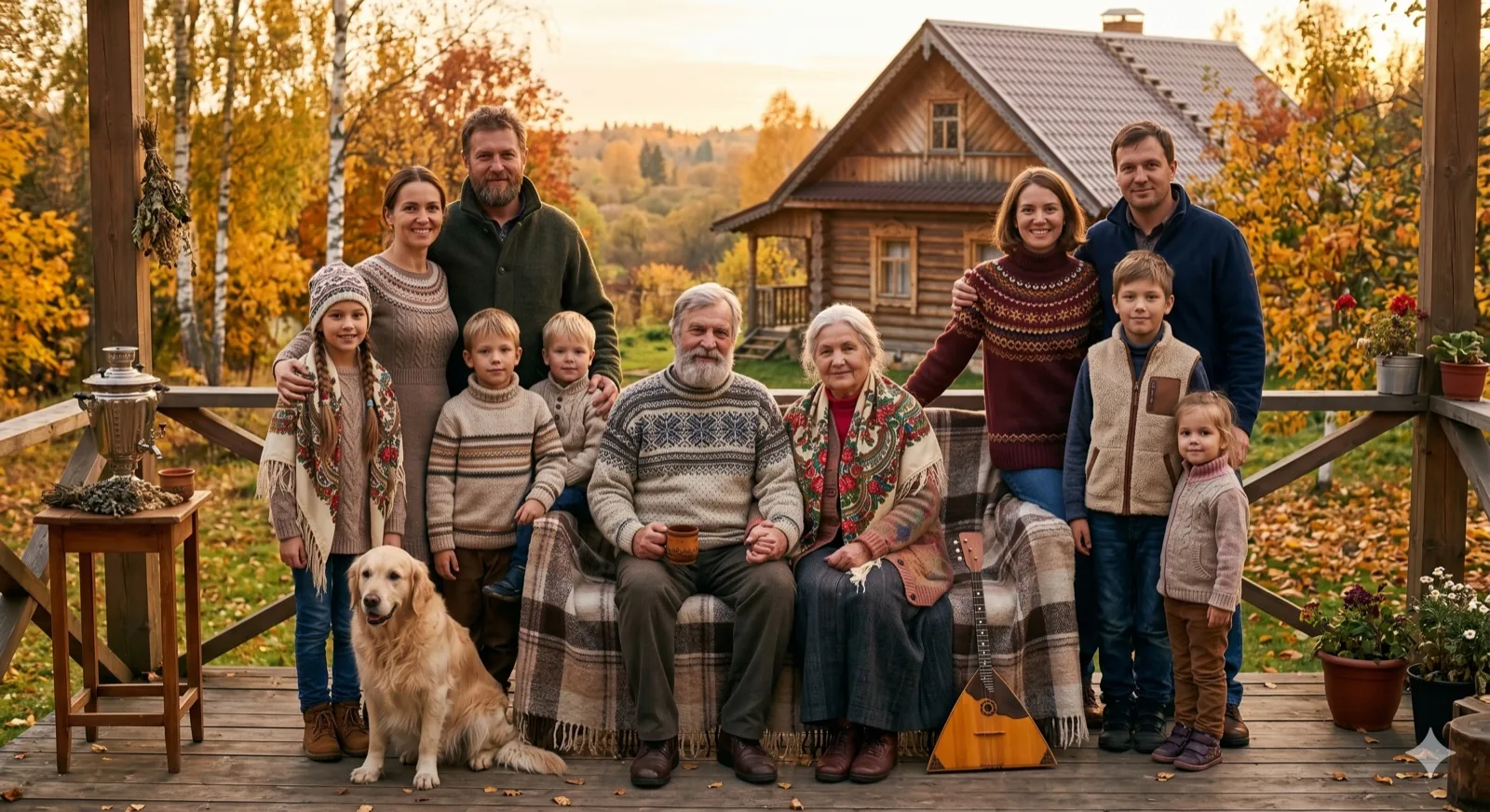
Describe the pet's position relative to the family, such as: "A family photo with parents and their golden retriever sitting obediently at their feet, realistic and warm."